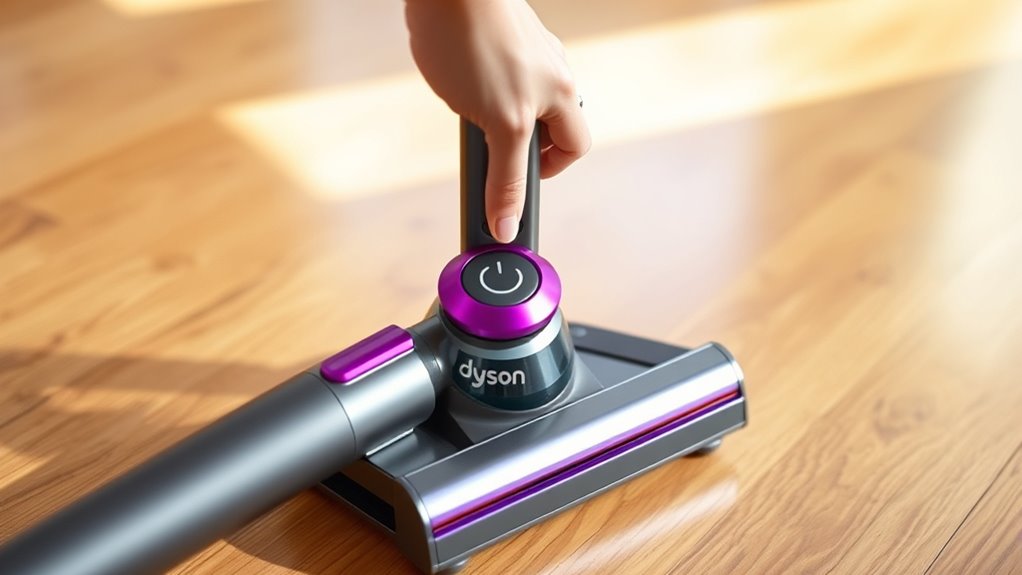
How to Turn On a Dyson Vacuum in 5 Easy Steps
To turn on your Dyson vacuum in 5 easy steps, start by assembling it carefully. Securely attach the cleaner head, tool holder, wand, and handle until you hear clicks. This ensures everything is locked in place for smooth operation.
Next, plug your Dyson vacuum into a power outlet. Once plugged in, pull and hold the trigger on the handle to power it on. Keep in mind, releasing the trigger will turn it off, giving you easy control as you clean.
After that, adjust the suction slider to match your cleaning needs.
Then, recline the handle to activate the brush and wheels for efficient, thorough cleaning.
Follow these simple steps, and you’ll be ready to keep your space spotless in no time!
Key Takeaways
- Plug the Dyson vacuum into a mains electrical outlet securely.
- Assemble the vacuum components, ensuring all connections click into place.
Make sure everything fits snugly so it works right.
- Firmly pull and hold the handle’s trigger to power on the vacuum.
- Maintain trigger pressure during cleaning; releasing it turns the vacuum off.
Just keep the trigger pressed while you clean, and it’ll switch off once you let go.
– Recline the handle to activate brush and wheels before starting to clean.
This gets the vacuum ready for smooth cleaning action.
Assemble Your Dyson Vacuum Correctly
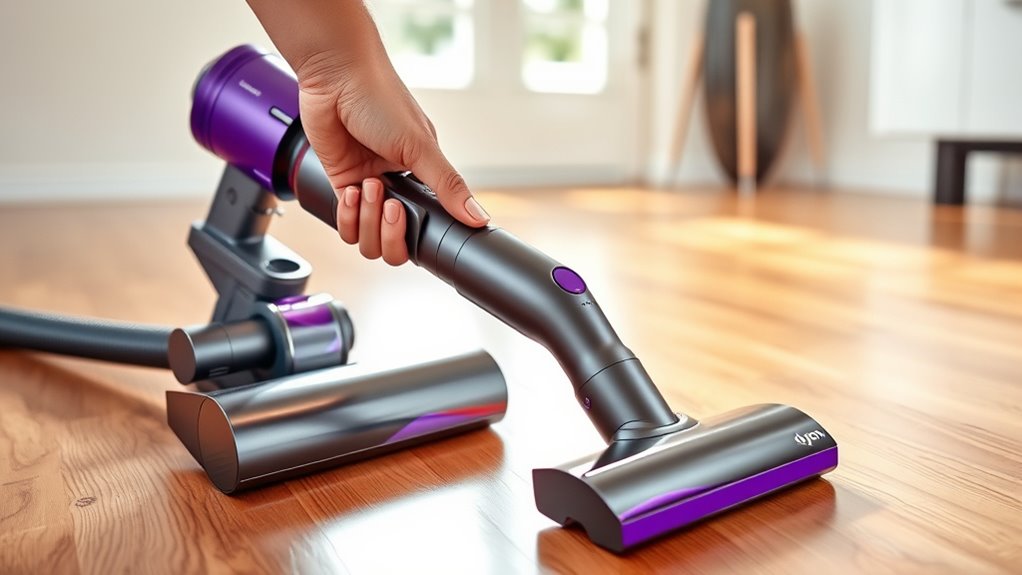
To assemble your Dyson vacuum correctly, start by attaching the cleaner head securely to the main body until you hear it click into place. Next, slide the tool holder onto the back of the vacuum, applying firm pressure to guarantee it fits tightly.
Begin assembly by clicking the cleaner head into the main body, then firmly attach the tool holder to the back.
Then, connect the wand to the hose by pushing both parts together until the red button clicks, confirming a proper attachment. After that, insert the handle into the wand or hose, pressing it firmly until you hear a click, securing the handle in place.
Following these steps will help you assemble your vacuum Dyson correctly, making sure all components are firmly connected. Taking the time to assemble your vacuum correctly not only promises peak performance but also helps avoid any loose parts during use.
Once you’ve completed these steps, your Dyson vacuum is ready for the next phase of setup and operation.
Plug In Your Dyson and Understand the Trigger Power
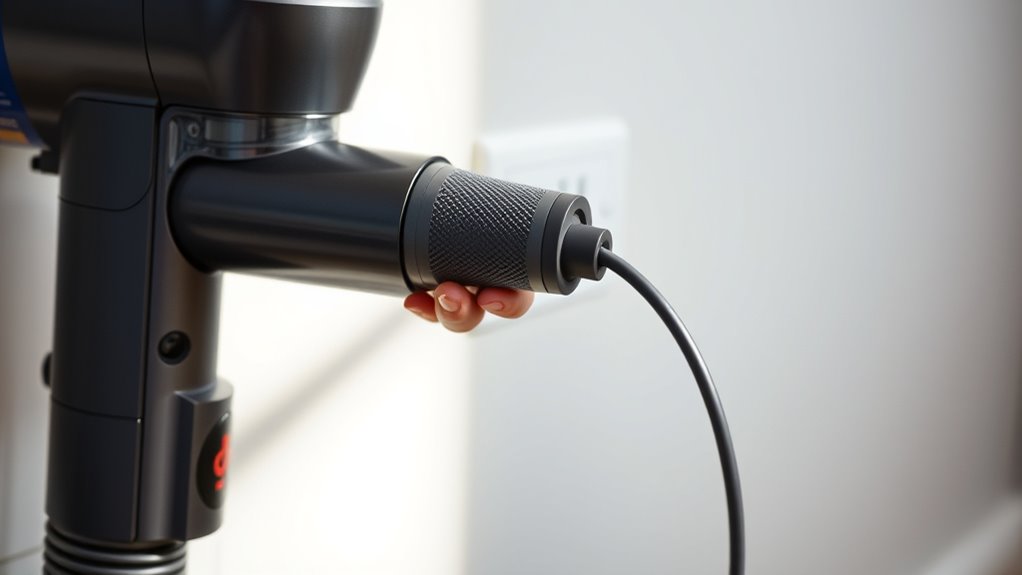
How do you power up your Dyson vacuum? First, plug it into a mains electrical outlet to supply power. Unlike many other vacuums, Dyson models don’t have a dedicated power button.
Instead, the vacuum’s operation depends entirely on the trigger located on the handle. When you pull the trigger, the vacuum starts running, and it stops as soon as you release it.
This trigger system is designed to conserve battery power by activating the vacuum only while you’re using it. You need to keep the trigger continuously pressed during cleaning to maintain suction.
Once you let go, the vacuum powers down immediately, preventing unnecessary battery drain. Understanding this trigger mechanism is key to using your Dyson efficiently and ensuring it stays ready for your next cleaning session.
Turn On Your Dyson by Using the Trigger
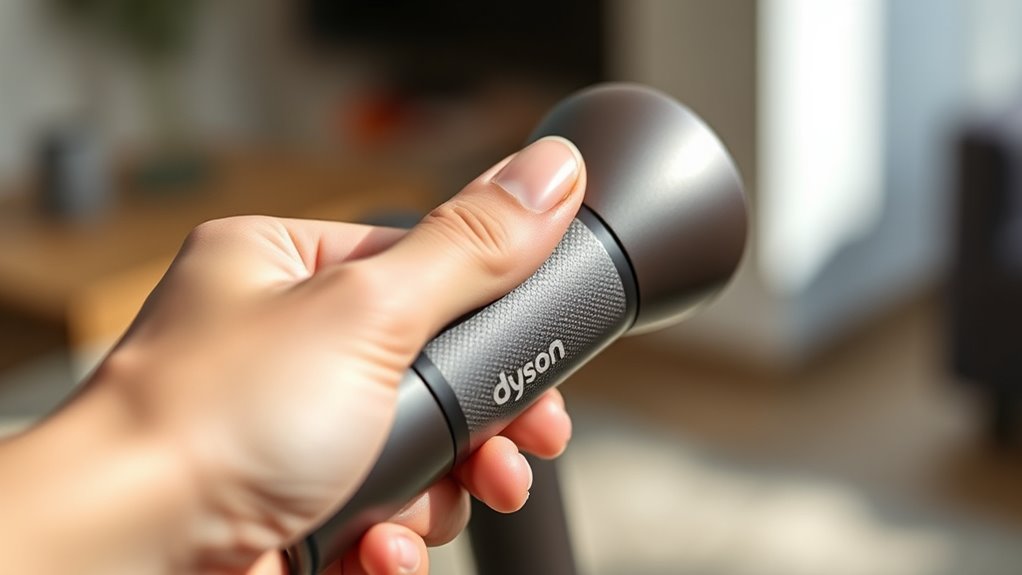
Although Dyson vacuums don’t have a traditional power button, you activate yours by firmly pulling and holding the trigger on the handle. The trigger is the only way to power on the vacuum, so you need to maintain continuous pressure on it to keep the vacuum running.
Once you release the trigger, the vacuum immediately powers off, making it essential to hold it throughout your cleaning session. This design guarantees that the vacuum only operates when you want it to.
But, it can also cause hand fatigue during extended use. Some users find the trigger uncomfortable and suggest adding a lock or alternative activation method for easier operation.
However, understanding how the trigger works helps you use your Dyson efficiently. Just remember: no trigger press means no vacuum power, so make sure your grip is firm and steady while cleaning.
Adjust Dyson Vacuum Suction Modes for Different Cleaning Needs
Since different surfaces and messes demand varying levels of suction, you can easily modify your Dyson vacuum’s power using the suction control slider. Located on the machine, this slider lets you switch between suction modes to match your cleaning needs.
Slide it towards the ‘Max’ setting for maximum power, which is ideal for heavily soiled carpets or stubborn dirt. For regular cleaning, keep it in the ‘Powerful suction mode,’ offering strong suction without overworking the vacuum.
Before changing suction modes, always turn off the vacuum and disable the recline to prevent damage and keep things safe. Once you finish deep cleaning in Max mode, just slide the suction control back to the standard setting. This helps protect delicate fabrics and extend battery life.
Adjusting suction modes lets you get the best cleaning performance while also preserving your vacuum’s efficiency and longevity. It’s a simple step that really makes a difference!
Recline the Handle to Activate Brush and Wheels
After adjusting the suction modes to fit your cleaning needs, the next step is to recline the handle to get the brush bar and wheels moving. The brush and stabilizer wheels on your Dyson vacuum only activate when you recline the handle; they remain off when it’s upright.
To do this, gently tilt the handle backward until the stabilizer wheels deploy. This simple action sets the brush bar spinning and the wheels rolling, enabling effective cleaning.
Recline the handle every time before you start vacuuming to ensure the brush and wheels engage properly. This mechanism not only saves energy by keeping the brush and wheels off when not in use but also protects the vacuum’s components from unnecessary wear.
Frequently Asked Questions
How Do I Turn My Dyson Vacuum On?
You turn your Dyson vacuum on by pressing the red power button or squeezing the trigger, depending on your model.
Make sure it’s properly assembled, plugged in, and positioned correctly to activate the brush bar.
If it doesn’t start right away, double-check those things. Sometimes it just needs a little adjustment before it kicks in.
Why Won’t My Dyson Vacuum Turn On?
Your Dyson vacuum won’t turn on if the trigger isn’t fully pulled, the battery’s dead, or parts aren’t properly connected.
Check these first, and if it still won’t start, the trigger or internal components might be faulty.
Sometimes it’s just a small connection issue, but other times you might need a repair.
Do You Have to Hold the Power Button on a Dyson?
You do have to hold the power button on a Dyson; 100% of models require you to press and hold the trigger to run.
Releasing it stops the vacuum instantly, saving battery by only running when you need it.
It’s pretty handy because you don’t waste power when you’re not actually vacuuming.
How Do I Get My Vacuum to Turn On?
You get your vacuum to turn on by pulling and holding the trigger. Keep pressing it to run the vacuum; releasing the trigger will turn it off.
Some models also need the handle reclined to activate the brush bar. So, if yours isn’t starting right away, try adjusting the handle and see if that helps.
Conclusion
Now that you know how to turn on your Dyson vacuum, getting started is a breeze. Just assemble it right, plug it in, pull the trigger, adjust the suction, and recline the handle to wake up the brush and wheels.
Like flipping a switch to light up a room, these simple steps will have your Dyson humming and ready to tackle any mess. Cleaning has never been easier or more efficient!
With your Dyson vacuum ready to go, you can enjoy powerful suction and effortless cleaning in every corner of your home. Whether it’s carpet, hardwood, or tile, turning on your Dyson is the first step to a spotless space. So, grab your vacuum and get ready to experience cleaning that’s quick, effective, and hassle-free!