
Why Won’t My Shark Vacuum Turn On and How to Fix It
If your Shark vacuum won’t turn on, the first thing to do is check that it’s firmly plugged into a working outlet and that the power switch is on. Sometimes the simplest things can be overlooked, right?
Also, take a look for blown fuses, tripped circuit breakers, or a damaged power cord that might be causing the problem.
Overheating is another common reason your Shark vacuum might not start. When it gets too hot, thermal protection kicks in to prevent damage. So, unplug your vacuum, wait a few minutes to let it cool down, then try turning it on again.
It’s also a good idea to inspect for blockages and clean the filters regularly. Clogged filters or debris can cause motor issues and stop your vacuum from working properly.
Keep reading to discover more handy tips and troubleshooting tricks to get your Shark vacuum running smoothly again.
Key Takeaways
- Ensure the vacuum is plugged into a working outlet and the power switch is turned on. Double-check that the outlet itself is functioning properly.
- Check for a blown fuse or tripped circuit breaker. If you find one, just reset it and see if that gets your vacuum going again.
- Take a look at the power cord and switch for any damage or wear. If you spot something wrong, replacing the faulty parts might be necessary.
- Give the motor thermostat some time to cool down. Sometimes, if it overheats, it will shut off automatically and needs a reset to start working again.
- Clear out any blockages and clean the filters or brushes. This helps prevent the motor from overheating and can get your vacuum back to normal.
Common Power and Mechanical Issues Causing Your Shark Vacuum Not to Turn On
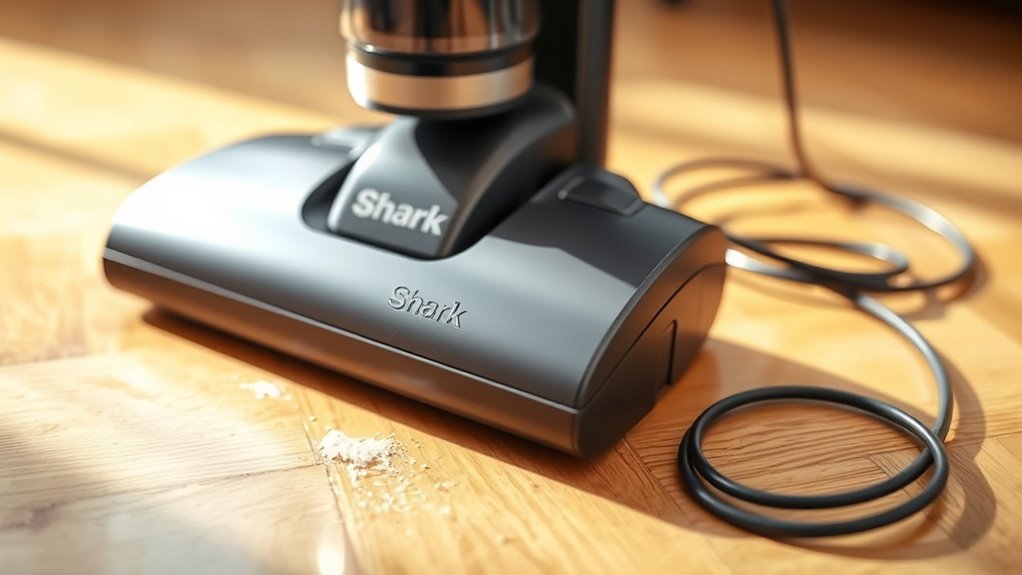
If your Shark vacuum won’t turn on, it’s often due to power or mechanical issues. First, check the power switch and power button for any signs of damage or malfunction.
A faulty power switch can stop your Shark Navigator Lift-Away Pro from responding. Electrical issues like a tripped circuit breaker or a blown fuse might be cutting the power supply, so verify your home’s circuit breaker panel.
Overheating triggers the motor thermostat’s thermal protection, requiring a thermostat reset to get your vacuum running again. Mechanical problems such as a broken power cord or a damaged motor thermostat can also cause your vacuum not turning on.
Sometimes, blinking or absent indicator lights signal deeper electrical issues or internal component failures. Identifying whether your vacuum’s problem stems from the power switch, circuit breaker, blown fuse, or motor thermostat helps you understand why your Shark vacuum won’t turn on and what might need attention next.
How to Fix Your Shark Vacuum Power Problems Step-by-Step
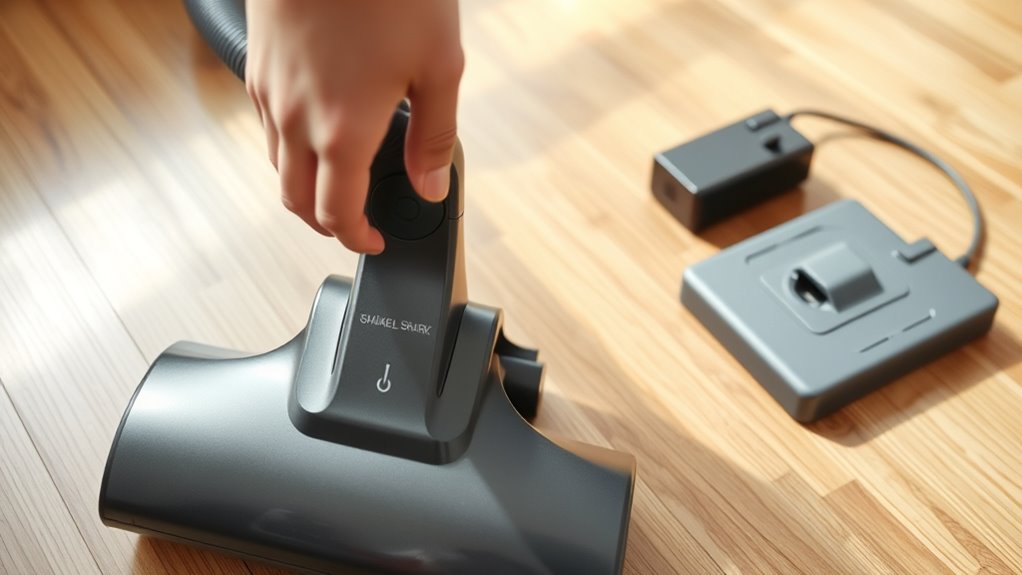
When your Shark vacuum won’t power on, start by ensuring it’s securely plugged into a working outlet and that the vacuum power switch is turned on. If your vacuum won’t start, unplug it and perform the circuit reset steps by resetting the circuit breaker or doing a motor thermostat reset—wait 2-3 minutes before plugging it back in.
Next, troubleshoot power issues by checking the power cord for damage or wear that might interrupt electricity flow. Overheating can cause your vacuum not turning on, so clean filters and brushes thoroughly to prevent blockages.
Also, inspect and clean the vacuum power switch if needed, and verify all internal connections are secure. By following these steps, you’ll address common electrical and mechanical faults causing your Shark vacuum’s power problems, ensuring it runs smoothly again without overheating or failing to start.
Frequently Asked Questions
Does a Shark Vacuum Have a Reset Button?
Most Shark vacuums don’t have a reset button. You’ll usually need to unplug it, wait a few minutes, then plug it back in to reset.
It’s a pretty simple process, really. But it’s always a good idea to check your model’s manual to be sure about your vacuum.
Why Is My Vacuum Suddenly Not Turning On?
Your vacuum’s decided to take an unplanned nap—probably a tripped breaker or overheated motor. Check power switches, cords, and let it cool.
If it’s blinking, it’s just throwing a little tantrum, not broken.
Why Did My Shark Suddenly Stop Working?
Your Shark likely stopped working because it overheated, tripped the thermal switch, or has a clog.
Check the hoses, reset it by unplugging, and inspect for any damage.
Usually, fixing these things gets it running again quickly. Just give it a quick look and you should be good to go!
What Is the Lifespan of a Shark Vacuum?
Your Shark vacuum can last a lifetime—well, almost! Typically, it runs strong for 5 to 7 years if you clean filters, replace belts, and follow maintenance.
Proper care keeps it humming like new for years. Just a little attention now and then goes a long way!
Conclusion
If your Shark vacuum won’t turn on, you’re not alone—over 30% of vacuum issues stem from simple power problems. Don’t worry, most fixes are quick and easy.
By checking the power source, inspecting the cord, and ensuring the filters and brush roll aren’t clogged, you can get your vacuum running again in no time.
Follow these steps, and you’ll save money and avoid frustration with just a little troubleshooting. Troubleshooting your Shark vacuum is often straightforward and can restore its power without needing professional help.
So, before you toss your vacuum or call for repairs, take a few minutes to check these common issues. Getting your Shark vacuum to turn on again is usually just a matter of simple maintenance and attention to detail.




2 Comments