How Do You Empty a Dyson Ball Vacuum in 10 Easy Steps?
To empty your Dyson Ball vacuum, first turn it off and unplug it. This step is super important for safety before you start cleaning.
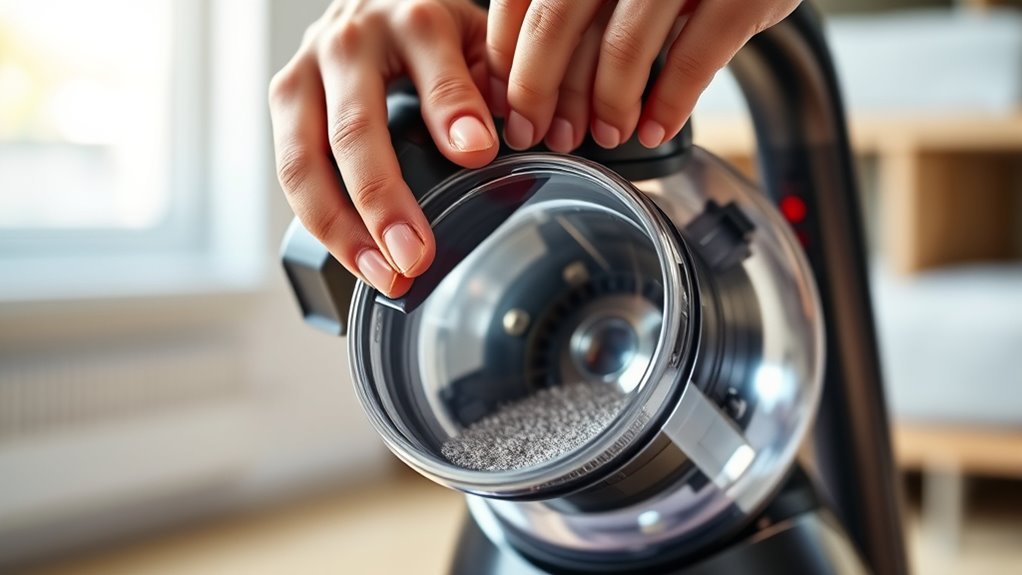
Next, press the canister release button and carefully detach the canister over a trash bin.
Now, open the bottom hatch by pressing the release to let debris fall out. If some dirt is stuck, tap the canister gently to loosen it.
Once the debris is out, close the hatch securely so nothing falls back inside.
Wipe the interior with a damp cloth to get rid of any leftover dust or dirt. Just make sure the inside is completely dry before you reattach the canister.
Finally, align and click the canister back in place for a proper seal.
Follow these simple steps, and you’ll keep your Dyson Ball vacuum working smoothly and efficiently every time. It’s a quick routine that makes a big difference!
Key Takeaways
- Turn off and unplug the vacuum before detaching the dust canister for safety.
- Press the release button to detach the canister and hold it over a trash bin.
- Open the bottom hatch by pressing or sliding the latch to empty debris into the bin.
- Use a damp cloth to wipe the interior, then let the canister dry completely.
- Reattach the canister by aligning and clicking it securely back onto the vacuum body.
It’s pretty simple once you get the hang of it! Just take your time and make sure everything is dry before putting it back on.
Prepare Your Dyson Ball Vacuum for Emptying
Before you begin emptying your Dyson Ball vacuum, make sure it’s turned off and unplugged to guarantee safety. This simple step prevents any accidental starts while you’re handling the vacuum.
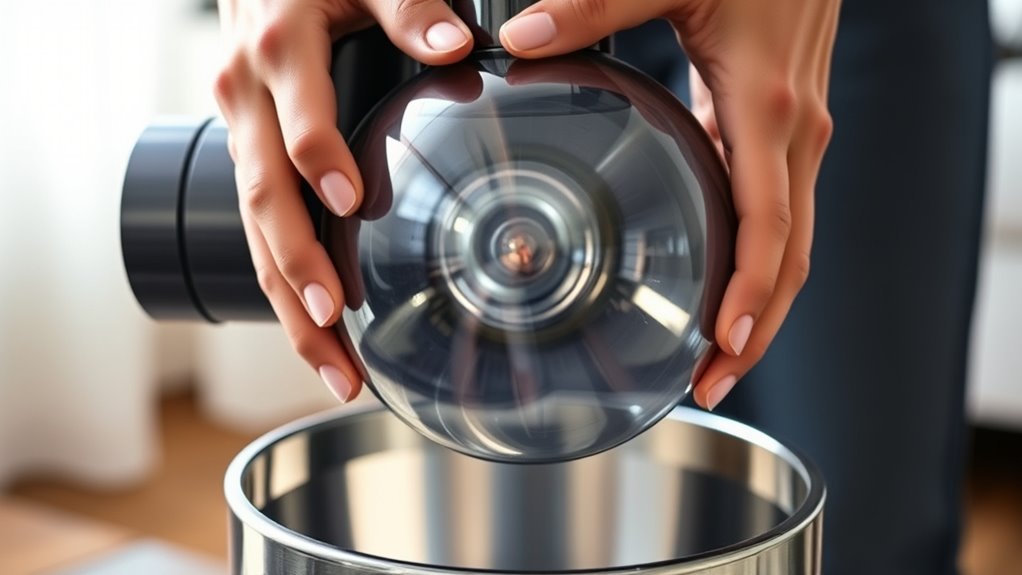
Next, position your vacuum over a trash bin to catch any dust or debris that might spill during the process. You’ll want to detach the dust canister from the main body of the vacuum by pressing the release button or lever designed for this purpose.
Make sure the dust canister is fully detached and accessible before you proceed to empty it. If you’re unsure about the exact location of the release button or how to detach the canister properly, consult your user manual for your specific model.
Taking these precautions assures you prepare your Dyson Ball vacuum correctly, making the emptying process smooth and mess-free.
Find and Use the Canister Release Buttons
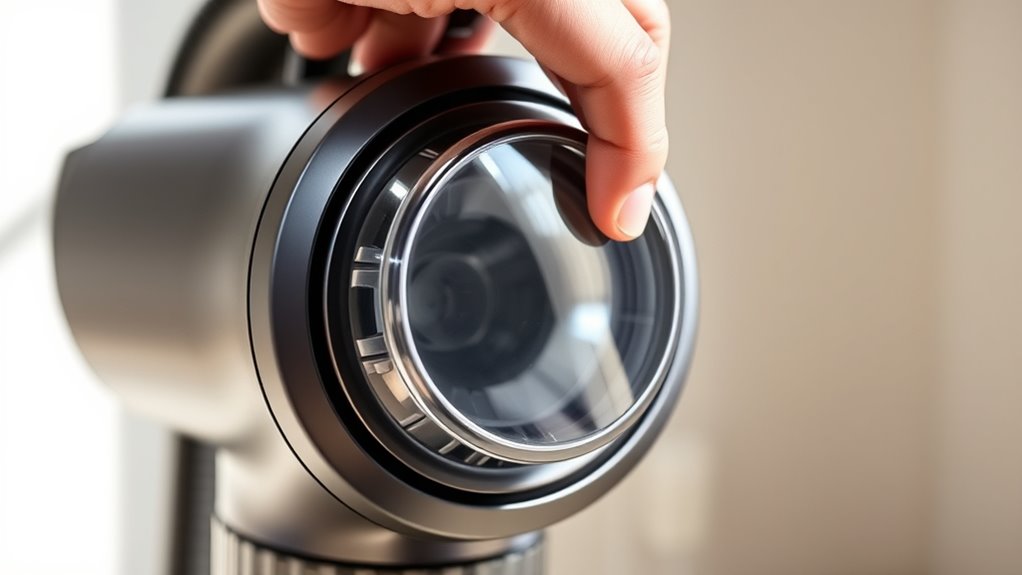
Once you locate the canister release button—usually a small, round, white button on top of the vacuum or near the handle—you’ll need to press it firmly to disengage the canister from the vacuum body. Make certain you press the canister release button all the way down until the canister releases completely.
Some Dyson Ball models might require you to slide or push a secondary hatch or lever right after pressing the button to fully disengage the canister. Don’t rush this step, as a secure release guarantees you can safely handle the canister without spills.
After the canister releases, use its handle to lift it away from the vacuum carefully. This makes it easier to empty the canister without making a mess.
Detach the Dyson Ball Canister Safely
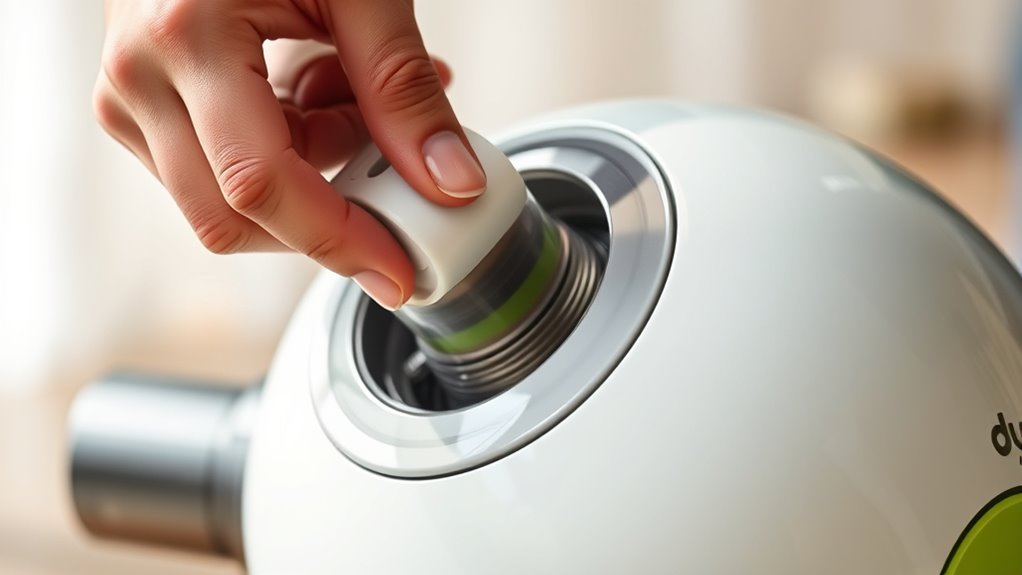
To detach the Dyson Ball canister safely, make sure the vacuum is powered off and your hands are dry. Locate the release button on the top or side of the canister.
Press or slide this button to unlock the canister from the vacuum body. For safety, confirm all locking mechanisms are fully disengaged before you proceed.
Gently lift the canister away, holding it securely to avoid dropping it.
Here’s a quick overview to help you detach the canister safely:
| Step | Action |
|---|---|
| 1 | Power off the vacuum |
| 2 | Locate the release button on canister |
| 3 | Press or slide the release button |
| 4 | Confirm locking mechanisms are disengaged |
| 5 | Gently lift and detach the canister |
Following these steps ensures you detach the canister safely and efficiently every time.
Position the Canister Over Your Trash Bin
After safely detaching the canister, position it directly over your trash bin to make emptying simple and clean. Hold the vacuum steady with one hand while supporting the canister with the other to avoid accidental drops.
Make sure the canister is fully detached from the vacuum body before moving it over the trash bin. Tilt the canister slightly so its bottom hatch aligns with the trash bin opening. Keeping the canister close to the trash bin helps minimize dust spillage, making the emptying process neater.
To position the canister correctly:
- Ensure the canister is completely detached from the vacuum.
- Face the canister directly over the trash bin.
- Support the canister firmly to prevent dropping.
- Tilt it gently to align the hatch with the trash bin opening.
Following these steps will make emptying your Dyson Ball vacuum easier and cleaner.
Open the Dyson Ball Canister Hatch
Two simple actions open the Dyson Ball canister hatch: locating the release button and pressing or sliding it. First, find the release button or latch on the top or side of the canister hatch. This button disengages the mechanism that keeps the canister sealed during use.
Once you’ve found it, press or slide the release button to disengage the canister hatch. Be gentle as you open the hatch, lifting it carefully to expose the dirt and debris inside.
Before handling the canister hatch, make sure your hands are clean and dry to avoid transferring dirt or grime. Opening the hatch gives you easy access to empty vacuum contents without mess.
After you finish emptying the vacuum, remember to close the canister hatch securely to maintain a proper seal and guarantee your Dyson Ball keeps working efficiently. Mastering this step makes vacuum maintenance quick and straightforward.
Shake and Tap Out Dirt and Debris
Hold your Dyson Ball vacuum firmly over a trash bin and gently shake or tap the canister to release trapped dirt and debris.
This simple step helps prevent blockages that can reduce suction power. By keeping the canister clear, you’ll maintain your vacuum’s performance with ease.
It’s easy to do and makes a big difference in how well your vacuum works. Just a quick shake or tap, and you’re good to go!
Effective Dirt Removal
To effectively remove dirt and debris from your Dyson Ball vacuum canister, start by shaking it gently to loosen any dust clinging to the sides. This simple action helps dislodge debris, making it easier to empty the bin without mess.
Before opening the canister, give it a firm shake over a trash bin to release the dirt trapped inside. Lightly tap the sides and bottom hatch to loosen compacted grime, ensuring thorough cleaning.
- Shake the canister gently to avoid damage
- Tap the sides to dislodge stubborn debris
- Hold over a trash bin to release the dirt
- Use a quick tap on the bottom hatch for easier emptying
Preventing Blockages
Although it may seem simple, regularly shaking and tapping out dirt and debris from your Dyson Ball vacuum’s dustbin is essential for preventing blockages that can reduce suction. After emptying the dustbin, give it a gentle shake and tap to dislodge any trapped dirt that might cling to the sides or filters.
This helps keep airflow clear and avoids clogs that impair cleaning. Don’t forget to check and clean the filters and the inside of the dirt container, removing hair and fibers that accumulate over time.
Maintaining Suction Power
Since trapped dirt and debris can quickly reduce your Dyson Ball vacuum’s suction, you should regularly shake and tap the dust canister to clear them out. This simple action helps maintain ideal airflow and keeps suction strong.
When emptying, make sure to check the filter and remove any loose debris that might cause blockages. Also, avoid overfilling the dust canister beyond the MAX line, as this restricts airflow and lowers performance.
Finally, properly sealing the dust cup after emptying prevents air leaks that weaken suction power.
- Shake and tap the dust canister to dislodge trapped dirt
- Remove debris from the filter during emptying
- Keep the dust canister below the MAX line
- Ensure the dust cup is sealed tightly after emptying
Close and Secure the Canister Hatch
How do you make sure the canister hatch stays tightly closed after emptying your Dyson Ball vacuum? First, check that the canister hatch is properly aligned with the canister. Misalignment can prevent it from closing correctly, leading to dust leakage and reduced vacuum efficiency.
Once aligned, press around the edges of the hatch firmly until you hear a clear locking sound. This click confirms the hatch is securely closed and locked in place.
Before sealing the hatch, inspect it for any damage or warping that could affect the seal. A damaged hatch won’t lock properly, risking debris escape during use.
Ensuring the canister hatch is securely closed maintains hygienic operation and keeps your vacuum working at its best. Taking these simple steps guarantees the hatch stays locked tight, preventing messes and maintaining suction power until you’re ready for your next cleaning session.
Reattach the Canister Firmly to the Vacuum
After securely closing the canister hatch, the next step is to reattach the canister firmly to your Dyson Ball vacuum. Before you do that, make sure the canister is completely dry to avoid any mold buildup or motor damage.
Securely close the hatch and ensure the canister is dry before firmly reattaching to prevent damage.
Align the canister’s locking tabs with the slots on the vacuum body carefully. Then, push the canister firmly until you hear a click, confirming it’s securely locked in place.
To guarantee your canister is properly reattached, here’s what you want to do:
- Confirm the canister is flush with the vacuum housing for an airtight seal
- Double-check the release latch or button is fully engaged
If the canister doesn’t align easily, don’t force it. Just take a moment to realign and try again.
And of course, listen for that click sound—that’s your sign it’s securely attached.
Taking these steps ensures your canister stays secure during use and keeps your vacuum working at its best.
Clean the Canister Interior With a Damp Cloth
Before you reattach the canister, take a moment to clean its interior with a damp cloth. First, remove the canister from your Dyson Ball vacuum and open the bottom hatch to access the inside.
Using a clean, damp cloth, carefully wipe the interior to remove any dust and debris. Make sure to reach all corners for a thorough clean, but avoid soaking the cloth or using excessive water.
Submerging the canister or letting water seep inside can damage electrical components. After wiping, let the canister dry completely before reattaching it to your vacuum.
This step is crucial to prevent mold growth and maintain peak performance. By regularly cleaning the canister interior with a damp cloth, you’ll keep your Dyson running efficiently and extend its lifespan.
Taking this simple action after emptying ensures your vacuum stays in great shape for every cleaning session.
Troubleshoot Common Canister Issues
If your Dyson Ball vacuum’s canister won’t open or close smoothly, it’s often due to a stuck release button or debris blocking the mechanism. To troubleshoot common canister issues, start by ensuring the canister release button is fully pressed and clicks into place.
Sometimes, an obstruction near the release mechanism can prevent proper function. Gently wiggle or tap the canister sides if it feels stuck, but avoid using excessive force. Also, double-check that the canister is properly aligned before closing it again.
Keep these tips in mind:
- Inspect the canister release for dirt or debris causing an obstruction
- Press the release button firmly until you hear it click into place
- Gently loosen a stuck canister by tapping or wiggling it
- Verify the canister is correctly aligned with the release mechanism
Following these steps will help you resolve canister issues quickly and keep your Dyson Ball vacuum running smoothly.
Frequently Asked Questions
How to Open Dyson for Emptying?
You press the red release button or latch on the canister, then lift or slide the dirt cup away from the vacuum.
For Dyson Ball models, the release button is usually on top or the side of the canister.
It’s pretty straightforward once you get the hang of it! Just make sure to do it gently so nothing gets stuck.
How Do I Empty the Dyson Vacuum 10?
You don’t need a PhD to empty your Dyson V10. Just detach the canister and hold it over the trash.
Then, slide the red lever and release the debris. It’s super simple!
Click it back into place, and you’re ready to conquer dust again!
How to Empty a Full Size Dyson Vacuum?
You detach the canister by pressing the release button, then hold it over the trash and press the red hatch to release debris. Shake it gently, wipe inside if needed, and securely reattach for the best vacuum performance.
It’s pretty straightforward! Just make sure the canister is firmly clicked back in place before you start vacuuming again. That way, you get the best suction and avoid any mess.
How Do You Empty the Dyson Ball Multi Floor 2?
Imagine your Dyson Ball Multi Floor 2 as a treasure chest. You press the red button to unseal it.
Then, tip out the collected jewels (dirt) and snap it shut.
Now, it’s ready for the next adventure in cleaning. Easy, right?
Conclusion
Emptying your Dyson Ball vacuum regularly keeps it running efficiently, which can improve suction power by up to 30%. By following these simple steps, you’ll avoid clogs and maintain strong cleaning performance.
Remember, a clean canister means a cleaner home and a longer-lasting vacuum. Taking just a few minutes to empty and wipe down the canister helps prevent dust buildup and keeps your Dyson working like new every time you use it.
So, make it a habit to empty your Dyson Ball vacuum after every use or when the canister is near full. This small task can make a big difference in maintaining powerful suction and extending the life of your vacuum cleaner. Keeping your Dyson Ball vacuum clean ensures it continues to deliver top-notch cleaning performance for your home.