
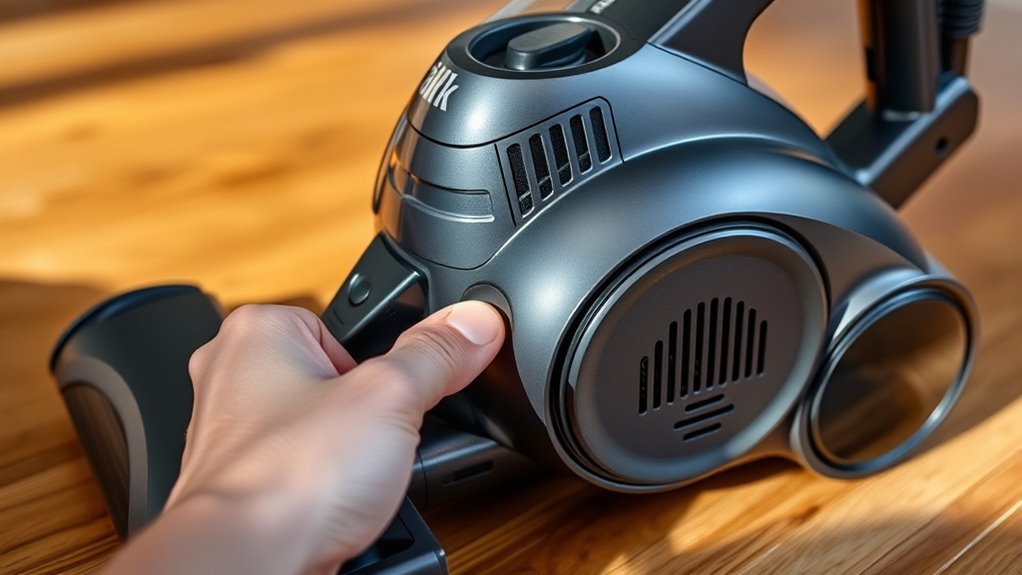
How to Find the Reset Button on My Shark Vacuum
You won’t find a reset button on most Shark upright or cordless vacuums because these models don’t include one. Instead, troubleshooting your Shark vacuum involves a few simple steps.
Start by checking for blockages that might be clogging the system.
Make sure all parts are connected properly, too.
If your vacuum overheats, give it some time to cool down before trying again.
Reset buttons are mainly found on Shark robot vacuums, which might offer Wi-Fi or factory reset options.
So, keep going—you’ll uncover the best ways to troubleshoot your Shark vacuum effectively without a reset button.
It’s all about knowing where to look and what to do!
Key Takeaways
- Most Shark upright and cordless vacuums don’t have a reset button.
- Reset buttons are mainly found on Shark robot vacuum models.
- It’s a good idea to check your vacuum’s user manual to see if a reset button exists.
- For non-robot models, try troubleshooting by clearing blockages and checking connections.
- And remember, factory reset options are only for Shark robot vacuums with Wi-Fi features.
Troubleshooting Shark Vacuums Without Reset Buttons
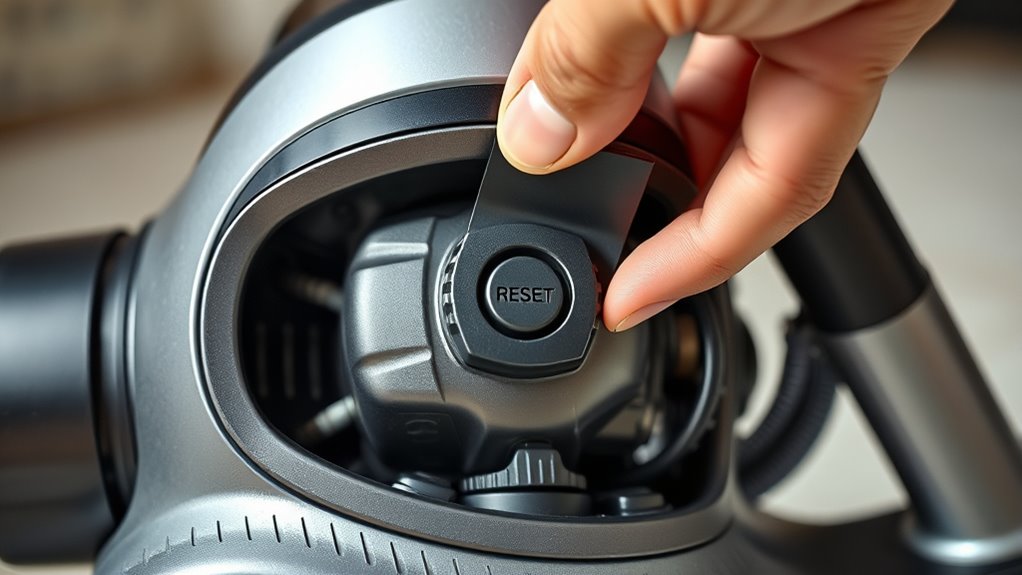
Although it may seem frustrating, most Shark upright and cordless vacuums don’t have a reset button. When your vacuum stops working or the floor tool won’t spin, you won’t find a simple button to fix it.
Instead, effective troubleshooting means checking for blockages in the hose or brush roll, inspecting cables and connections, and making sure the vacuum hasn’t overheated.
A lot of people think their Shark vacuum has a reset button, but that’s not the case for these models. If your vacuum loses power, start by unplugging it and clearing any debris that might be clogging the system.
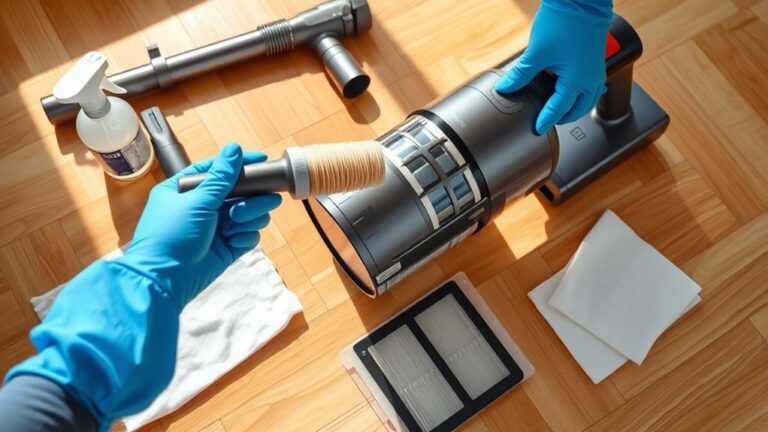
Also, make sure all parts are properly connected and the filters are clean. By focusing on these basic troubleshooting steps, you can often solve common issues without needing a reset button.
This approach keeps your vacuum running smoothly and helps you avoid unnecessary frustration. It’s all about staying patient and checking the simple stuff first!
Reset Button Availability in Shark Vacuums
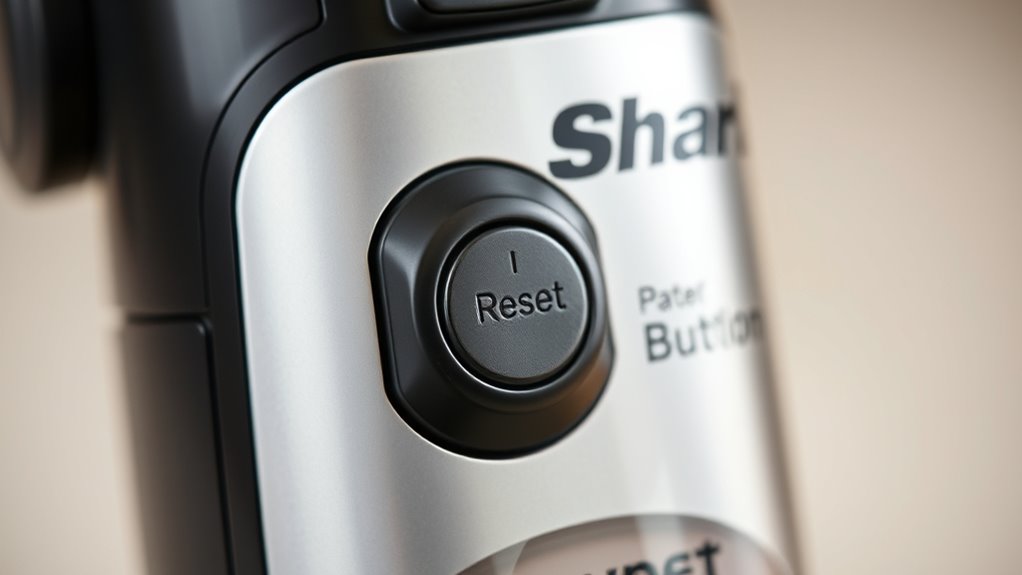
When you’re dealing with a malfunctioning Shark vacuum, you might expect to find a reset button to quickly fix the issue, but most models don’t include one. If you own an upright or cordless vacuum cleaner from Shark, you likely won’t find a reset button anywhere on the device.
Reset functions are mostly reserved for Shark robot vacuums, where you can perform Wi-Fi resets or factory resets through specific commands. This difference often leads to confusion, as many users mistakenly search for a reset button on standard vacuum cleaners.
Since the reset button isn’t available, you should instead focus on troubleshooting common issues like checking the power source, cleaning the hose, and inspecting filters. Understanding this will save you time and frustration, allowing you to address the root of the problem effectively without hunting for a reset button that doesn’t exist on most Shark vacuum models.
Frequently Asked Questions
Does My Shark Vacuum Have a Reset Button?
Your Shark vacuum likely doesn’t have a reset button unless it’s a robot model.
Instead, you should check for blockages, clean filters, and inspect power connections to troubleshoot common issues effectively.
These simple steps usually do the trick! Give them a try before looking for a reset option.
Why Is My Shark Vacuum Suddenly Not Working?
Like a flashlight losing power, your Shark vacuum likely stopped because of a blockage, overheating, or a loose connection.
Check hoses, filters, and cables to restore its strength instead of hunting for a reset button.
How Do I Factory Reset My Shark?
To factory reset your Shark robot vacuum, press and hold the Wi-Fi and power buttons together until it resets.
For upright or cordless models, there’s usually no factory reset available.
You might want to check your manual for troubleshooting instead.
Is There a Reset Button on Vacuums?
You won’t find a reset button on most Shark vacuums; they don’t have one under the hood.
Instead, you’ll need to troubleshoot by checking for blockages or power issues to get things back on track.
It’s a bit of a process, but usually a quick look inside can fix the problem.
Conclusion
If you can’t find a reset button on your Shark vacuum, don’t let frustration cloud your day like a stubborn dust storm. Instead, think of your vacuum as a puzzle waiting to be solved—check the manual, inspect the filters, and clear any blockages.
Sometimes, the reset you need is a simple fix, not a button. With a little patience, you’ll have your vacuum humming smoothly again in no time.
Remember, finding the reset button on your Shark vacuum isn’t always about spotting a physical button. Often, it’s about understanding how your vacuum works and performing basic maintenance like cleaning filters or removing clogs. These small steps can act as a reset and get your Shark vacuum running efficiently again. So, before you give up, try these troubleshooting tips and enjoy a smoothly operating Shark vacuum in no time!



2 Comments