
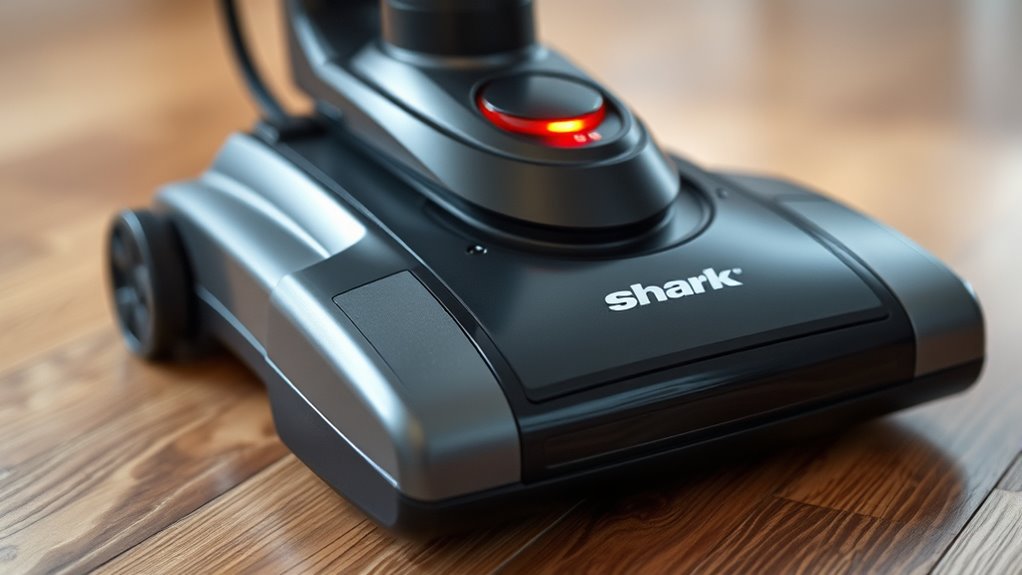
What Does the Red Light Mean on a Shark Vacuum?
When your Shark vacuum shows a solid red light, it means the main brush roll is jammed or blocked by debris. This is a common issue that can stop your vacuum from cleaning effectively. Don’t worry though, it’s usually easy to fix.
A flashing red light signals the vacuum is overheating. This usually happens because of clogged filters, a blocked hose, or a full dust container.
When you see this, you should turn the vacuum off right away. Next, clear any obstructions you can find and let the vacuum cool down.
Taking quick care of these issues helps prevent damage and keeps your vacuum running smoothly. Keep going to find simple steps to solve these problems fast.
Key Takeaways
- A solid red light means there’s a jam or malfunction in the main brush roll of your Shark vacuum. It’s basically trying to tell you something’s stuck or not working right.
- When you see a flashing red light, that’s a sign the vacuum is overheating. This usually happens because of blockages or clogged parts.
- The red light is like a warning signal to help you spot problems quickly and avoid damaging the motor.
- Often, the issue comes from debris caught in the brush roll or blockages in the hose, filters, or dust container.
- To fix it, start by turning off the vacuum. Then clear out any debris, empty the dust container, and if it’s overheated, give it some time to cool down before using it again.
What Your Shark Vacuum’s Solid and Flashing Red Lights Mean
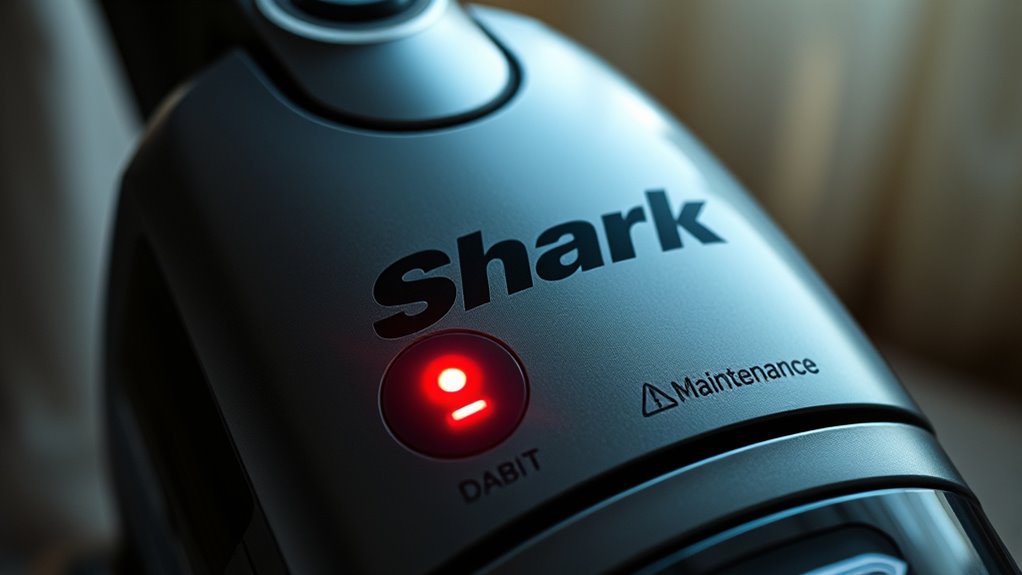
While a solid red light on your Shark vacuum usually means the main brush roll is jammed or malfunctioning, a flashing red light often indicates the vacuum is overheating due to a blockage in the brush, hose, or filters. The red indicator light serves as a diagnostic signal, helping you quickly identify what’s wrong.
If you see a solid red light, check the brush roll for any debris or tangles that might be stopping it from spinning properly. A flashing red light, meanwhile, warns that your vacuum is overheating, often because dust or dirt has clogged the brush roll, hose, or filters.
Before anything else, empty the dust container to confirm it isn’t full, as this can cause blockages and trigger overheating. Paying attention to these indicator lights can save you from motor damage and keep your vacuum working efficiently.
Easy Fixes for Brush Roll and Overheating Problems on Your Shark Vacuum
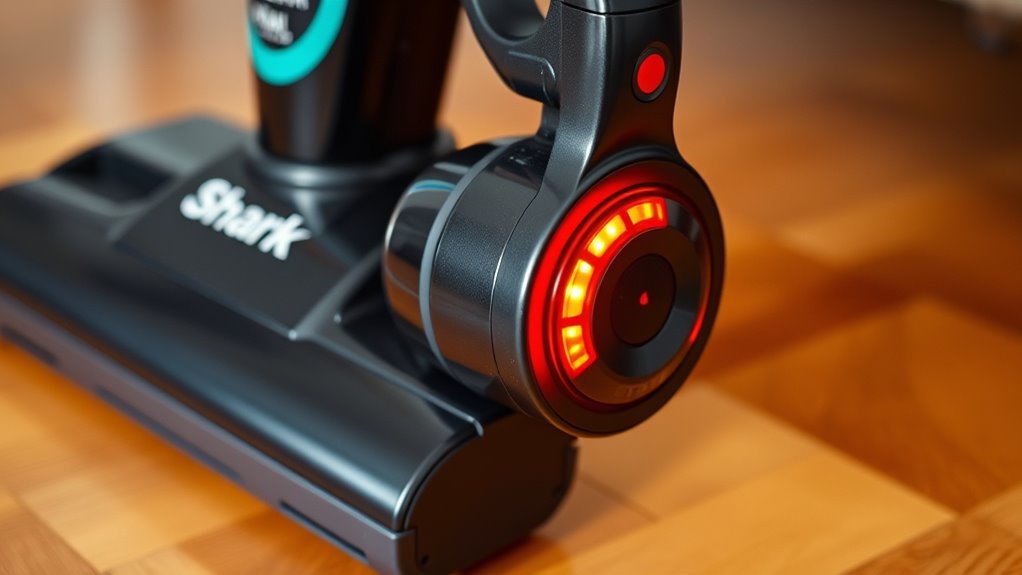
If your Shark vacuum’s brush roll stops spinning or the unit overheats, you can often fix the problem quickly by removing debris and allowing it to cool. First, turn off and unplug your vacuum cleaner to make sure you’re safe before inspecting the brush roll. Hair, string, or other debris can wrap around it, stopping it from spinning properly.
To address overheating, follow these steps:
- Remove blockages and clean the air filter to improve airflow and prevent heat buildup.
- Empty the dust cup regularly to avoid clogs that cause the motor to overheat.
- Let the vacuum cool down for at least 30 minutes if the red light indicates overheating before turning it back on.
Also, make sure the vacuum is set to the correct floor type, as improper settings can affect brush roll performance. These quick fixes keep your Shark vacuum running efficiently and prevent damage.
Frequently Asked Questions
How Do I Fix the Red Light on My Shark Vacuum?
You fix the red light by unplugging your Shark vacuum, checking for blockages in the brush roll, cleaning filters and hoses, and letting it cool if it’s overheating.
If it stays on, contact Shark support.
How Do I Reset My Shark Vacuum?
To reset your Shark vacuum, first turn it off and unplug it. Then, remove the dust cup and filters.
Next, press and hold the reset button for 3-5 seconds. After that, reassemble everything and plug it back in.
Finally, turn your vacuum on again. Easy, right? Just follow these simple steps!
Why Is My Vacuum Light Red?
Your vacuum light is red because it’s warning you about an issue like a clogged brush roll, a blockage in the hose, or overheating.
You’ll need to check for debris, clean filters, or let it cool down. It’s usually a quick fix once you know what’s going on.
What Do the Lights on My Shark Vacuum Mean?
Lights on your Shark vacuum act like a secret code, telling you its status. Green means go—everything’s fine.
Red warns of trouble like jams or overheating. Recognizing these signals helps you fix problems quickly and keep cleaning.
It’s like your vacuum is talking to you, so you know exactly what’s up without any guesswork. Just keep an eye on those lights, and your cleaning routine will stay smooth.
Conclusion
When your Shark vacuum flashes a red light, it’s like a little warning drum beating—telling you to check the brush roll or cool down the motor. Don’t ignore it; the red light means your vacuum needs some attention.
Clear those clogs and give your vacuum a breather. With a quick fix, you’ll have it humming smoothly again, ready to sweep through your home like a well-tuned symphony.
Keep an eye on those lights to avoid bigger issues. The red light on your Shark vacuum is your cue to act fast, so it keeps dancing through dirt with ease. Taking care of the brush roll and motor will ensure your vacuum performs its best every time.



One Comment