How to Know Which Dyson Vacuum You Have
You can easily identify your Dyson vacuum by finding its model number, which is usually located behind the dust cup, under the battery, or behind the filter on handheld and stick models. Check for labels or stickers in these areas—they often hold the key to knowing exactly which model you have.
Besides the label, you can also spot key features like dust bin size, digital displays, and unique color finishes to help confirm your model. These details make it easier to figure out which Dyson vacuum is yours without any hassle.
Keep exploring to uncover more details that make identifying your Dyson vacuum even simpler. With a little bit of checking, you’ll be able to pinpoint your model in no time!
Key Takeaways
- Locate the model number behind the dust cup, under the battery, or behind the filter depending on the vacuum type.
- Identify unique design features like dust bin size, color, or presence of an LCD screen.
- Check for specialized tools or attachments that are model-specific, such as the Hair Screw Tool.
- Examine labels or stickers in accessible areas like the underside or behind removable parts.
- Use the combination of model number and key features for accurate vacuum identification.
Locate Your Dyson Vacuum Model Number on Your Machine
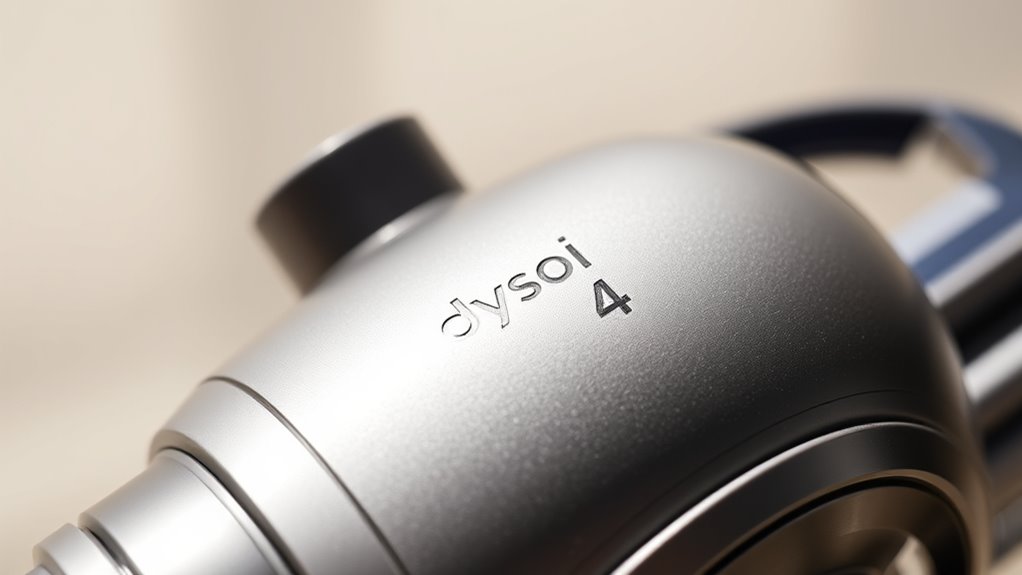
Although Dyson vacuums come in various styles, you can usually find the model number behind the dust cup or bin. To locate your Dyson vacuum’s model number, start by checking behind the dust cup, especially if you have an upright, canister, or robot model.
Dyson vacuum model numbers are typically found behind the dust cup or bin for easy identification.
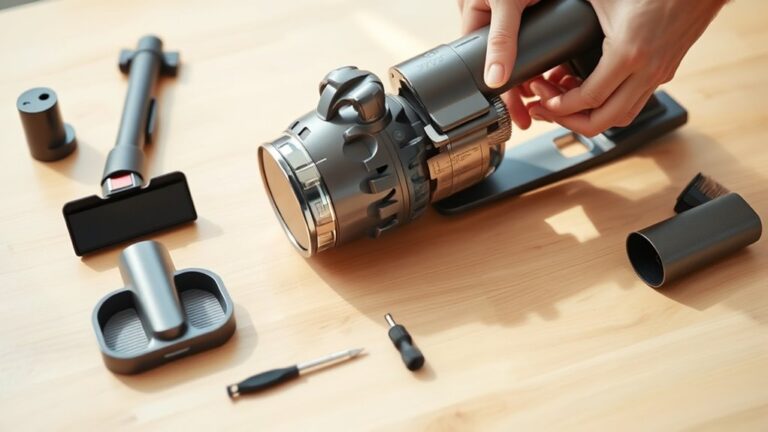
For stick vacuums, look behind the dust cup or under the battery for a sticker with the model number. If you have a handheld Dyson, check behind the filter or on the underside of the machine.
The model number is often printed on a label or sticker in these areas. Knowing exactly where to look helps you quickly identify your machine without hassle.
Whether it’s the underside of the machine or behind the dust cup, every Dyson vacuum displays its model number somewhere accessible. So, you won’t have to guess or search endlessly.
Following these tips guarantees you locate your Dyson vacuum’s model number with ease. It’s really straightforward once you know where to look!
Spot Key Features to Identify Your Dyson Vacuum Model
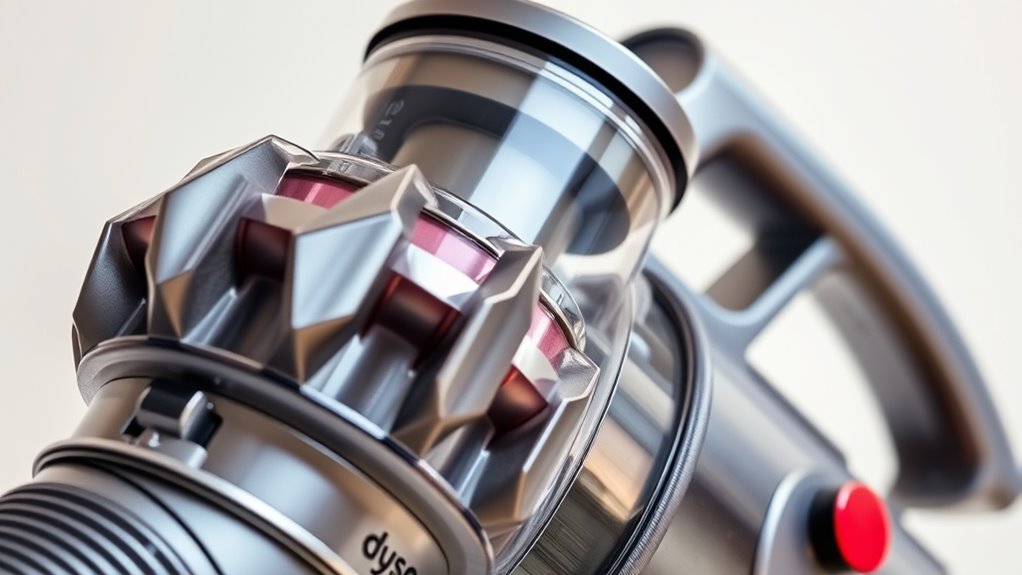
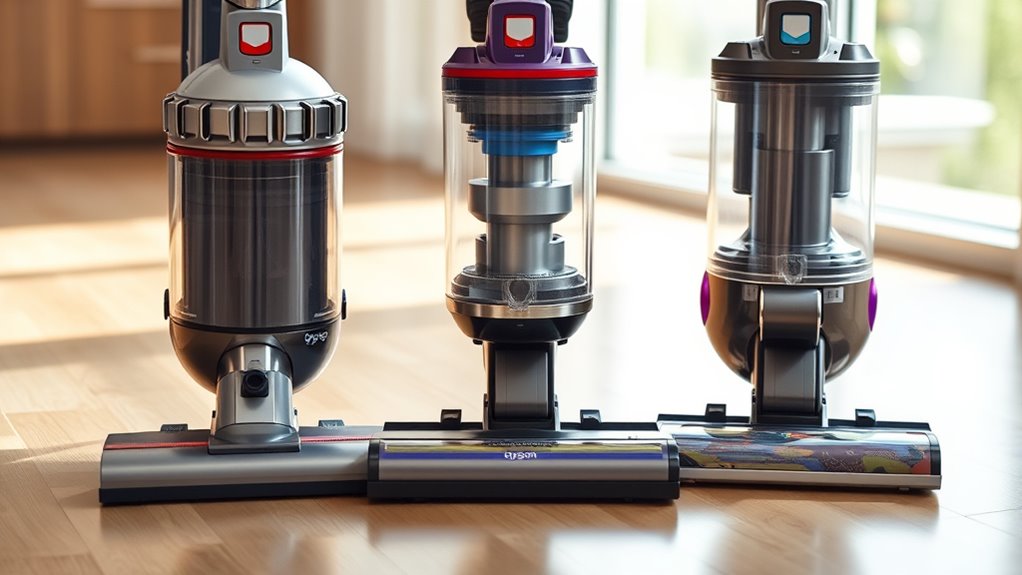
When you want to quickly identify your Dyson vacuum model, start by spotting its key features like the size and type of dust bin, distinctive design elements such as LCD or LED screens, and unique color finishes. For example, the V15s Detect Submarine features an LCD screen that displays real-time performance data, setting it apart from models without digital displays.
You can also check the dust bin size—some have larger bins, while others are compact. Color options often help too, with finishes like White and Iron or Nickel and Blue unique to certain models. Don’t forget to note any specialized tools attached, like a Hair Screw Tool or dust illumination heads, which can pinpoint your vacuum’s identity.
Look out for these details:
- LCD screen and digital readouts (like on the V15s Detect Submarine)
- Dust bin size and type
- Exclusive color options and specialized tools
These clues, combined with your vacuum’s model number, make identification straightforward.
Frequently Asked Questions
How Can I Tell Which Version of Dyson I Have?
You can tell which Dyson version you have by checking the model number on the vacuum or serial number label. Then, use Dyson’s website or contact support to confirm your exact version quickly and easily.
It’s pretty straightforward once you know where to look. Just find that label, and you’re halfway there! If you’re unsure, Dyson’s customer service is always ready to help.
How Do I Know if I Have a Dyson V10 or V11?
You can tell if you have a Dyson V10 or V11 by checking for an LCD screen—only the V11 has one.
Also, look behind the dust cup or wand for the model number and notice if it feels heavier. It’s a simple way to figure out which model you’ve got.
How Do I Know if I Have a Dyson V7 or V8?
Check behind the filter or at the bottom for a model number—if it says V8, you’ve got that model.
Also, the V8 runs longer and has two power modes. It even comes with a bigger dustbin compared to the V7’s single mode and smaller bin.
How Do I Know if My Dyson Is V6 or V7?
Check your Dyson’s serial number—it starts with EV6 for V6 and EV7 for V7. You’ll also notice the V7 has higher voltage (21.6V) and more accessories compared to the simpler V6.
It’s pretty easy to spot the difference once you know what to look for. Just keep an eye on those details, and you’ll figure out which model you have in no time!
Conclusion
Now that you know how to find your Dyson model number and spot its key features, identifying your vacuum is a breeze. Did you know Dyson has sold over 100 million vacuum cleaners worldwide? That’s proof of their innovation and reliability.
By recognizing your model, you can easily find the right accessories and support. This makes sure your vacuum keeps performing at its best for years to come. Knowing your Dyson vacuum model helps you maintain it better and get the most out of your investment.
So, whether you need replacement parts or expert advice, identifying your Dyson vacuum model is the first step. It’s all about keeping your vacuum efficient and powerful long-term.