
Where to Find the Model Number on Your Dyson Vacuum
You can find your Dyson vacuum’s model number in a few key spots depending on the type you have. For upright and stick vacuums, check behind the dust cup, underneath the handle, or on the battery pack’s bottom.
Handheld models often hide it behind the filter or under the machine. Canister and robot vacuums usually place it on the bottom or behind the dust bin.
Knowing the model helps you order parts and get support, and there’s more to explore about it. It’s always handy to know exactly where to look so you can quickly find the information when you need it.
Key Takeaways
- Check behind the dust cup for the model number on upright and stick Dyson vacuums.
- Look underneath the handle or turn the vacuum over for a visible label.
Sometimes it’s a bit hidden, but a quick flip usually does the trick.
- On stick vacuums, the model number may be on the bottom of the battery pack.
- Handheld Dyson vacuums often have the model number behind the filter or on the underside.
So, if you’ve got a handheld, don’t forget to peek around the filter area.
– For canister and robot models, find the model number on the bottom or behind the dust bin.
These spots are usually easy to spot once you know where to look!
Find Your Dyson Vacuum’s Model Number by Type
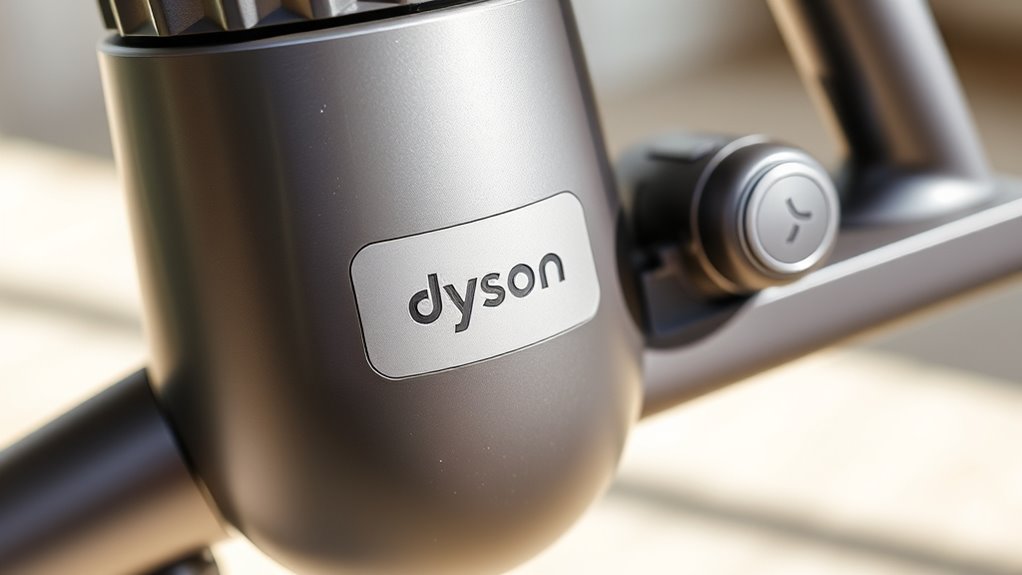
Because Dyson vacuums come in various styles, the location of the model number depends on the type you own. If you have an upright vacuum, you’ll usually find the model number behind the dust cup or underneath the handle. You might need to turn the vacuum over to spot it.
For stick vacuums, check behind the dust cup or on the bottom of the battery pack. Handheld models often hide their model number behind the filter or on the underside of the machine.
Canister and robot vacuums typically place the model number on the bottom or behind the dust bin, depending on the design. Knowing exactly where to look makes identifying your Dyson model number quick and easy.
This way, you won’t waste time searching all over your Dyson vacuum. It’s all about making sure you can get the right info about your vacuum without any hassle.
Use Your Dyson Vacuum Model Number to Order Parts and Get Support
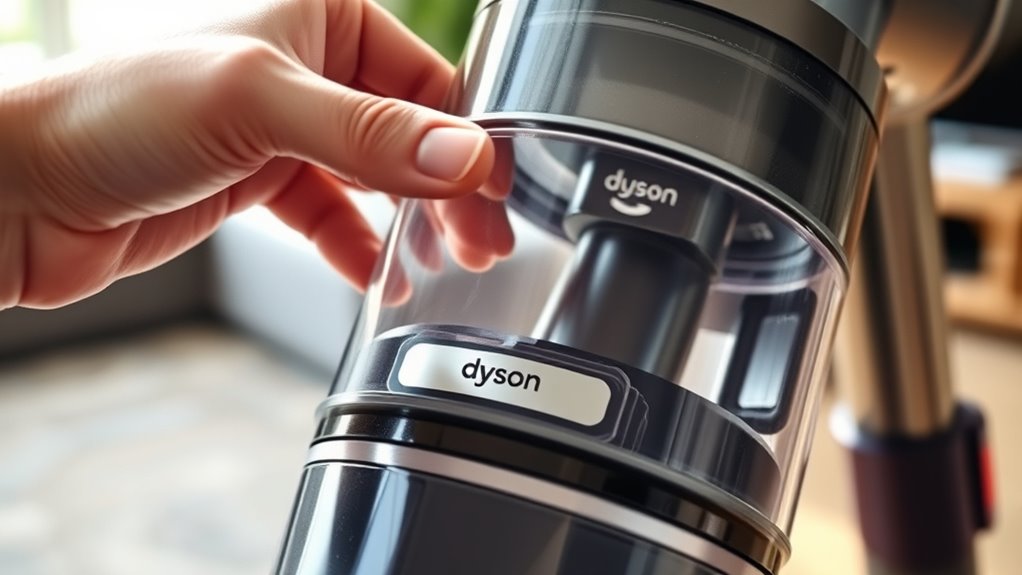
When you need replacement parts or assistance, having your Dyson vacuum’s model number on hand saves you time and hassle. It guarantees you order compatible parts and helps customer support identify your device quickly for troubleshooting.
Here’s how using your model number benefits you:
- Find the exact filters, batteries, and parts designed for your vacuum.
- Avoid buying incorrect items that won’t fit or work properly.
- Speed up the support process by giving representatives precise information.
- Get accurate troubleshooting advice tailored to your specific model.
Frequently Asked Questions
How Do I Find Out What Model My Dyson Is?
You can find your Dyson model by checking labels behind the dust bin, on the battery pack, or underneath the vacuum.
If you don’t see it there, take a look at your user manual or the manufacturer’s guide. They usually have helpful info to identify your model.
How Do I Know if I Have a Dyson V10 or V11?
You’ll know you have a Dyson V11 if it has an LCD screen showing battery life and modes.
The V10 lacks this display and usually has a removable battery at the handle base instead.
How Do I Know if My Dyson Is V8 or v7?
Wondering which Dyson you’ve got? If your serial starts with EV8, it’s a V8; EV7 means V7.
Check behind the dust cup or battery for V8, and behind the filter or underside for V7.
It’s pretty simple once you know where to look! Just take a quick peek, and you’ll have your answer.
Is the Serial Number the Same as Model Number?
No, the serial number isn’t the same as the model number. You’ll find the model number shows the vacuum type, while the serial number uniquely identifies your specific unit for warranty and support purposes.
Think of it like this: the model number tells you what kind of vacuum it is. The serial number, on the other hand, is like your vacuum’s personal ID. It helps with things like warranty claims and customer support.
Conclusion
Now that you know where to find your Dyson vacuum’s model number, you’re one step closer to easily ordering parts or getting support.
Funny enough, that tiny label you might’ve overlooked holds the key to keeping your vacuum running like new. So next time your vacuum acts up, don’t stress—you’ve got the info right at your fingertips.
It’s like having a secret shortcut to hassle-free cleaning! Having your Dyson vacuum model number handy makes troubleshooting a breeze and ensures you get the right replacement parts fast. This simple step saves time and keeps your vacuum working efficiently, so you can enjoy a cleaner home without the headaches.





One Comment