How to Do I Know Which Dyson Vacuum I Have in 7 Easy Steps
To identify your Dyson vacuum model, start by locating the hidden serial number under the top cowl and lower bin. You’ll need to remove the battery first, which requires a Phillips screwdriver.
This unique number reveals your vacuum’s exact model, production date, and batch.
Using gentle tools and a bit of caution, you can safely access the motor unit sticker.
Once you have the serial number, you can quickly verify your model online or through Dyson support.
Keep going to uncover helpful tips and detailed steps for this process.
Key Takeaways
– Check the vacuum’s exterior for model labels or markings before disassembly.
If you don’t see anything on the outside, don’t worry. You can dig a little deeper.
– Remove the top cowl and lower bin to access internal components if no external label is found.
Next, unscrew and detach the battery. This will reveal the serial number sticker on the motor unit.
– Use the serial number to decode the model type, manufacturing date, and batch via Dyson’s official website.
It’s pretty straightforward. Just enter the number online, and you’ll get all the details you need.
– Confirm your vacuum model by matching the serial number with Dyson’s support or online resources.
This way, you can be sure which model you actually have. Easy, right?
Why the Serial Number Matters for Identifying Your Dyson V7
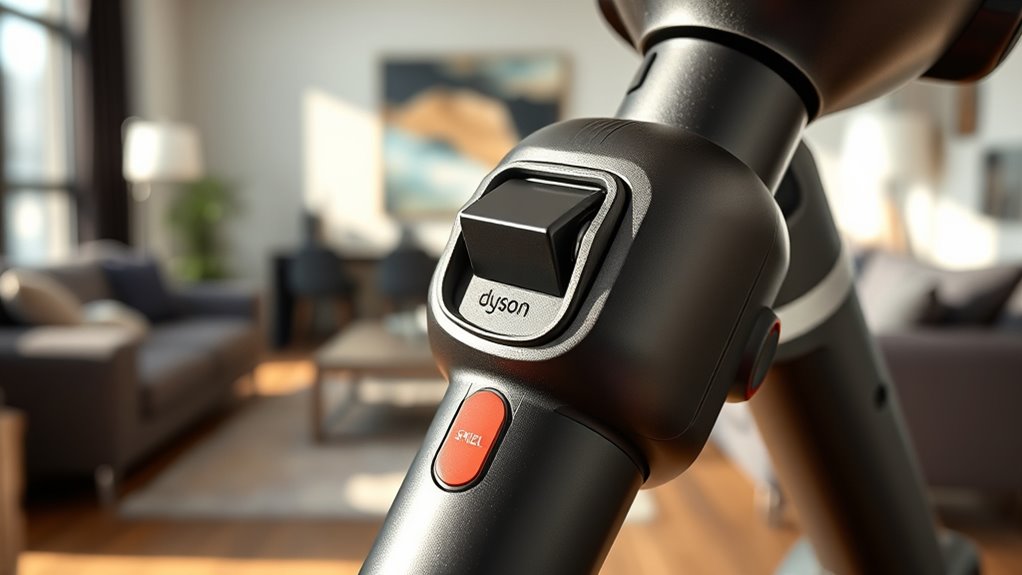
Why does the serial number matter when identifying your Dyson V7? It uniquely pinpoints your vacuum’s exact model and production details, so you know precisely which version you own.
This identification is essential when you need warranty service or genuine replacement parts. It ensures compatibility and helps you avoid headaches from incorrect components.
The serial number also reveals manufacturing date and batch information. This helps you and technicians troubleshoot issues more effectively.
When you contact Dyson customer support, having this number ready speeds up service. It guarantees you get accurate advice tailored to your vacuum.
Plus, the serial number guides you to the right accessories, filters, or software updates designed specifically for your Dyson V7. Without it, you risk using incompatible parts or missing out on important repairs and updates.
Where to Locate the Serial Number on Your Dyson V7 Vacuum
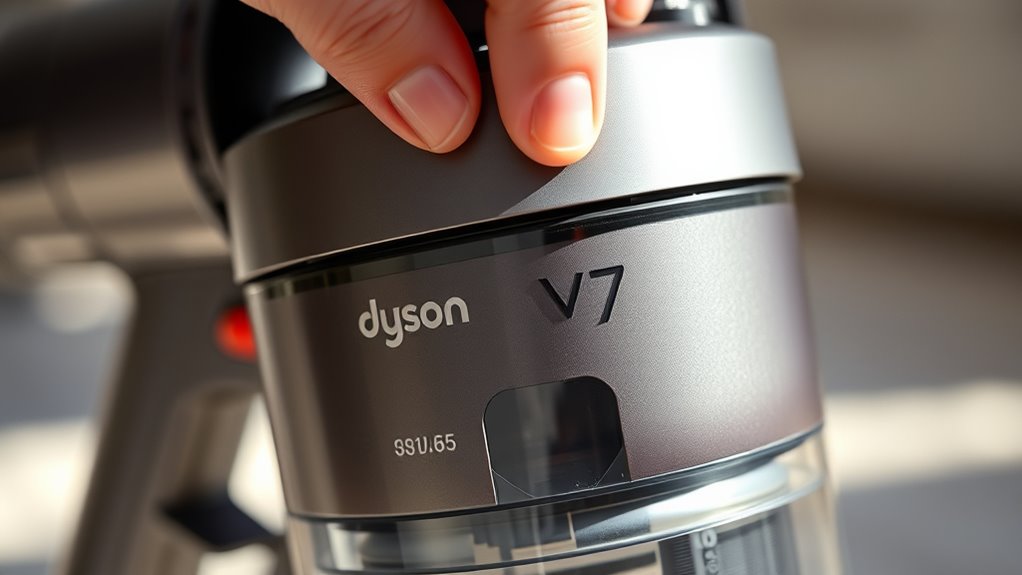
Knowing the importance of your Dyson V7’s serial number, the next step is figuring out exactly where to find it. Unlike some models, the serial number on your V7 isn’t visible on the exterior. You’ll need to disassemble parts of the vacuum to access it.
Here’s where to look:
- Remove the top cowl and lower bin by opening the vacuum like you’re emptying it.
- Carefully loosen and remove the three screws holding the battery in place.
- Separate the battery from the motor unit to reveal the serial number sticker on the bottom of the motor unit.
Dyson doesn’t provide specific instructions for this process, so take your time to avoid damaging any components. Once you’ve located the serial number, you’ll have the key information needed to identify your Dyson V7 model accurately.
Tools Needed to Safely Disassemble Your Dyson V7
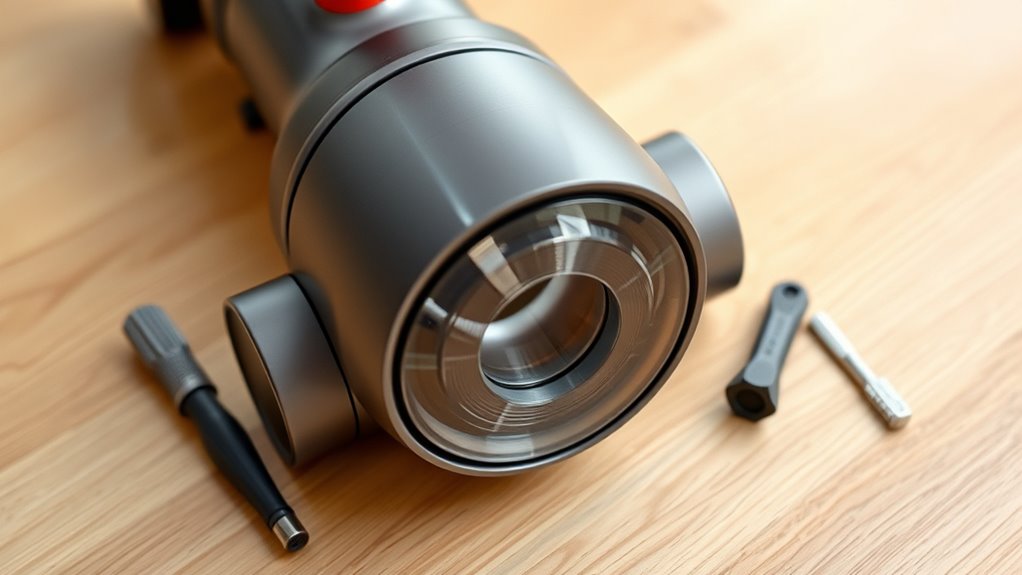
Before you start taking apart your Dyson V7, gather the right tools to avoid damaging any components during disassembly. A Phillips head screwdriver with squared ends is essential for removing screws without stripping them or harming plastic parts. Make sure you use the correct size to maintain screw integrity.
A plastic pry tool will help you gently open the top cowl without scratching or breaking any sections. Additionally, having a small flat-head screwdriver on hand can be useful for loosening tight screws or clips that might resist the Phillips screwdriver.
Set up a clean, organized workspace before you begin. This helps keep track of small screws and parts, preventing loss or damage.
With these tools ready, you’ll be prepared to carefully and safely take apart your Dyson V7. This way, you minimize the risk of accidental harm and ensure a smooth disassembly process.
How to Disassemble Your Dyson V7 to Access the Serial Number
Although it might seem intimidating at first, disassembling your Dyson V7 to access the serial number is straightforward if you follow the right steps. You’ll need a Phillips head screwdriver with squared ends and a bit of patience since some screws can be tight.
Disassembling your Dyson V7 to find the serial number is simple with the right tools and a little patience.
Here’s how to do it:
- Remove the top cowl and lower bin carefully to expose the motor unit.
- Detach the battery by unscrewing the three screws securing it with your Phillips head screwdriver.
- Once the battery is off, locate the serial number sticker on the bottom of the motor unit.
This process typically takes about five minutes. Take your time to avoid damaging any components.
Tips to Avoid Damage When Disassembling and Reassembling
When you disassemble and reassemble your Dyson vacuum, taking care with each step helps prevent damage and guarantees everything fits properly. Always use a Phillips head screwdriver with squared ends to avoid stripping screws.
Loosen screws gradually instead of forcing them to protect the plastic parts from cracking. When reassembling, tighten screws just enough to hold parts securely—over-tightening can cause breakage.
Handle small components like the battery and motor unit with care, supporting them properly to prevent accidental damage. Follow each step patiently, making sure every piece aligns correctly before moving on.
Rushing or forcing parts can lead to misalignment and affect your vacuum’s performance. By maintaining a steady, careful approach, you’ll keep your Dyson intact and functioning well, whether you’re accessing the serial number or performing routine maintenance.
How to Identify Your Dyson Model Using the Serial Number
Wondering how to pinpoint your Dyson vacuum model quickly? The best way is by using the serial number, a unique code that reveals your vacuum’s identity.
Here’s how to do it:
1. Locate the Serial Number
Find the serial number on a sticker attached to the motor unit. It’s usually at the bottom after you carefully disassemble the vacuum.
2. Decode the Information
The serial number includes details about the model type, manufacturing date, and batch. Recognizing these patterns can give you clues about your vacuum’s specifics.
3. Verify with Dyson
Use Dyson’s official website or contact customer support. They can help you match your serial number with the exact model and features your vacuum has.
Online Resources for Dyson Model Identification and Support
You can use Dyson’s official website to identify your vacuum by entering the serial number into their model lookup tool. Their customer support pages also offer helpful guides and FAQs to assist with identification.
These resources make it easy for you to confirm your model and find the right support. It’s pretty straightforward once you get to their site!
Official Dyson Support
Dyson’s official website provides several online tools that make identifying your vacuum model quick and easy. You can find detailed support designed to help you locate your vacuum’s serial number, usually found on a label attached to the vacuum or its parts.
Once you have it, the site offers resources to assist you further.
Here’s how Dyson’s support can help you:
- Access user manuals and product registration pages tailored to your model.
- Use troubleshooting guides and FAQs specific to different Dyson vacuums.
- Contact customer service via live chat or email for personalized help identifying your model.
These tools guarantee you get accurate information and support exactly suited to your Dyson vacuum.
Model Lookup Tools
Although identifying your Dyson vacuum can sometimes feel tricky, several online model lookup tools make the process straightforward. Dyson’s official website lets you enter your vacuum’s serial number to pinpoint the exact model.
You can usually find this serial number on the vacuum itself or within its settings. Many Dyson models have unique serial number formats, making identification easier.
Besides Dyson’s site, user manuals and support pages often include charts that match serial numbers or design features to specific models. You’ll also find third-party websites and forums offering databases and comparison tools where you can identify your vacuum based on photos or descriptions.
While design features help, using the serial number with these online resources is the most accurate method to know which Dyson vacuum you have.
Frequently Asked Questions
How to Determine Which Dyson Model You Have?
You can determine your Dyson model by checking the label on the vacuum. Another way is to look inside the battery compartment.
You could also use the Dyson app with your serial number. Comparing design features can help you identify the exact model quickly, too.
It’s pretty straightforward once you know where to look!
How Do I Know if I Have a Dyson V7 or V8?
You might think it’s tricky, but just check the model number on the label.
If it’s missing, compare the battery size or look for extra cleaning modes—V8 has a bigger battery and more advanced features than V7.
How Do I Know if I Have a Dyson V10 or V11?
Check your Dyson vacuum for an LCD screen—if it has one showing battery life and stats, it’s a V11. If not, it’s likely a V10.
You can also verify the model number on the vacuum or packaging. That’ll give you a clear answer too.
How Do I Know if My Dyson Is V6 or V7?
Wondering if your Dyson is a V6 or V7? Check the model number sticker inside the cyclone or on the vacuum.
The V7 has a detachable battery and a slightly bigger motor compared to the V6’s integrated design.
Conclusion
Now that you know how to find and use your Dyson V7’s serial number, isn’t it easier to identify your exact model? With the right tools and careful steps, you can confidently access this important detail without damage.
Remember, knowing your model helps with troubleshooting, warranty claims, and finding the right accessories. It really makes a difference when you need support or want to upgrade parts.
So, why wait? Take these simple steps today and get the most out of your Dyson vacuum experience! Identifying your Dyson vacuum model quickly allows you to solve problems faster and ensures you get the perfect fit for replacement parts and accessories. Getting familiar with your model means you can maintain your vacuum better and enjoy its full performance. Trust me, once you know your Dyson vacuum model, everything becomes easier—from repairs to upgrades.