
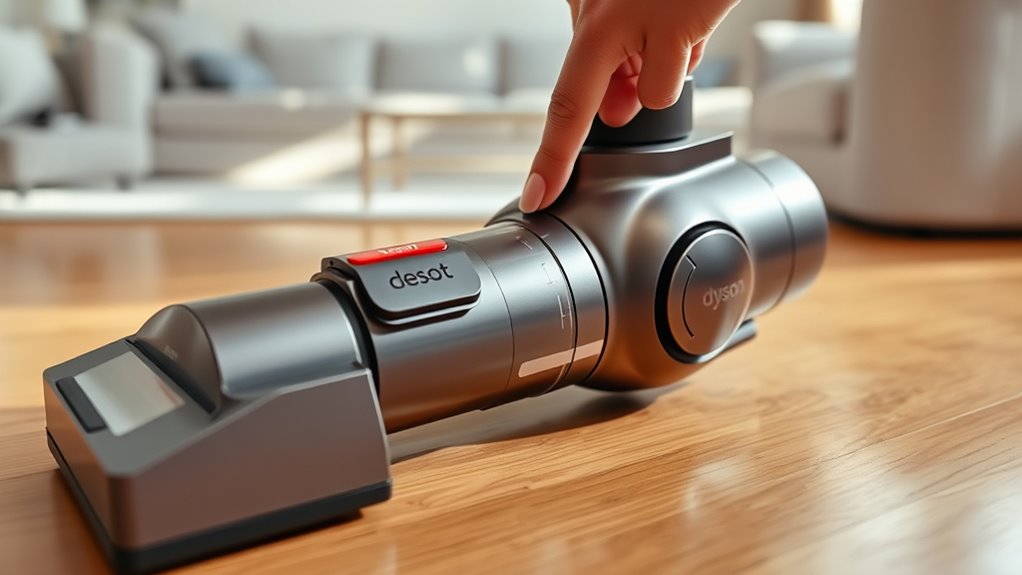
How Do I Reset a Dyson Vacuum in 7 Easy Steps?
To reset your Dyson vacuum, first unplug it from the power source.
Then, check carefully for any blockages in the brush bar, hoses, and filters.
Removing debris is key to getting your vacuum back to working order.
Next, clean or replace the filters as needed to keep your vacuum running smoothly.
Once that’s done, locate your model-specific reset button—it’s often near the motor or brush housing.
Make sure the vacuum has cooled down before pressing the reset button.
After that, reassemble everything securely so all parts fit just right.
Plug your Dyson vacuum back in and test its function.
If you’re still having issues, don’t worry! You can try some troubleshooting tips or reach out for support.
Keep reading to discover detailed tips for each step and get your vacuum working like new again.
Key Takeaways
– Unplug the vacuum and remove any blockages from hoses, brush bar, and filters to ensure proper airflow.
This step is really important to keep your vacuum running smoothly.
– Allow the vacuum to cool for at least 60 minutes before attempting a reset.
Give it some time to cool down so it doesn’t overheat when you try to reset it.
– Locate the reset button, usually near the motor or brush housing, and press it according to your model’s instructions.
Every Dyson model is a bit different, so make sure you check where the reset button is on yours.
– Clean or replace clogged filters and reassemble all parts securely before powering on.
A clean filter means better suction, so don’t skip this part!
– Plug in the vacuum, turn it on, and test for normal operation and suction performance.
If everything’s good, your vacuum should be back to normal now.
Unplug Your Dyson Vacuum and Check for Blockages
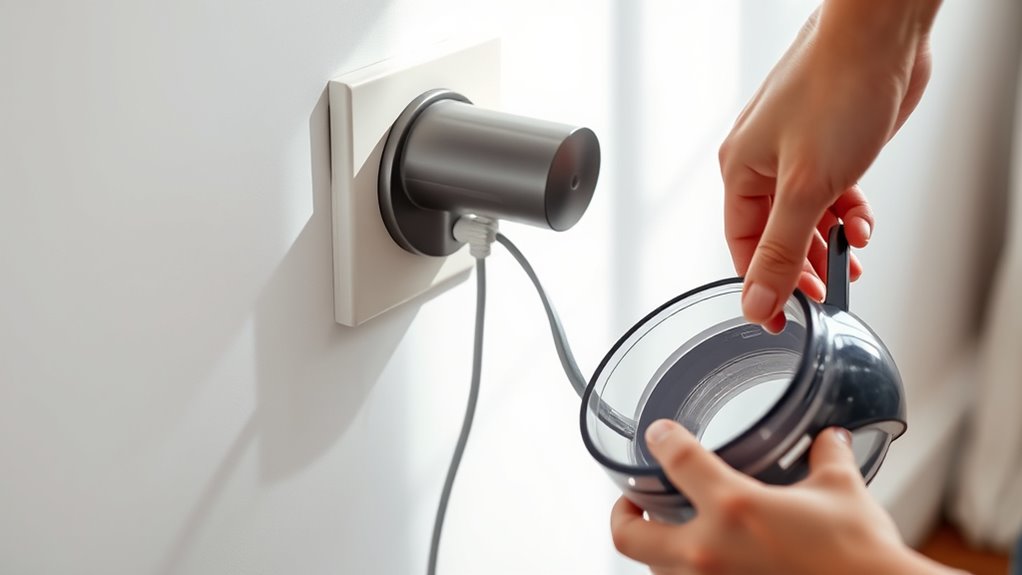
Before you begin, always unplug your Dyson vacuum to keep yourself safe while checking for blockages. Once it’s unplugged, you need to check for blockages in key areas like the hoses, wand, and brush bar.
Blockages can reduce suction and cause your vacuum to malfunction. Carefully inspect each section, looking for debris, tangled hair, or any obstructions that might be stuck inside. Remove any debris you find to clear the pathway.
Although you shouldn’t immerse yourself in filter cleaning here, it’s good to glance at the filters to see if they look clogged, as that can contribute to blockages too.
Making sure the entire vacuum pathway is free from obstructions before you reconnect it will save you time and prevent damage. Taking these safety and maintenance steps first helps you reset your Dyson vacuum effectively and keeps it running smoothly.
Clear Debris From Brush Bar, Hose, and Filters
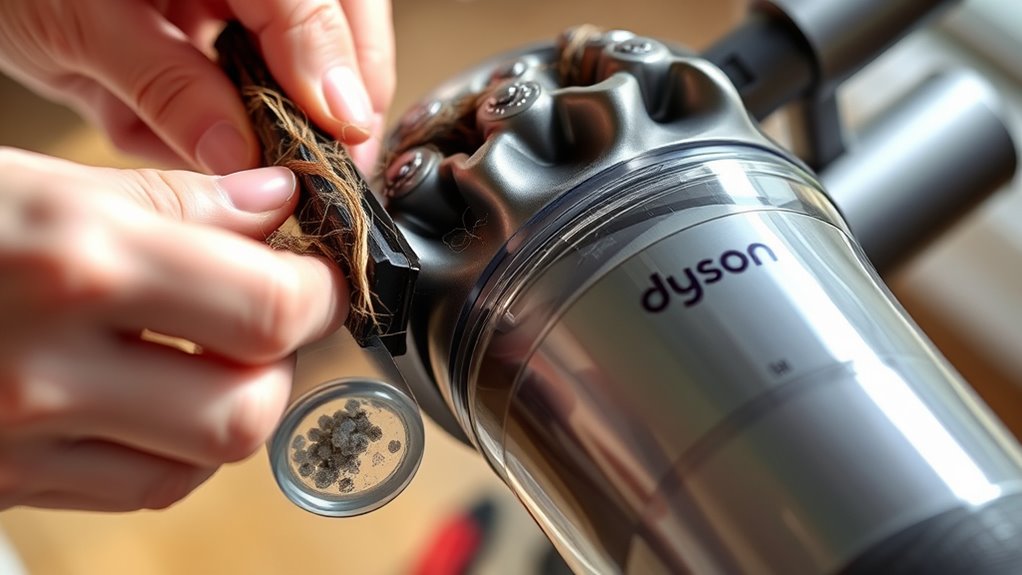
Start by inspecting the brush bar carefully for hair or debris that might be wrapped around it.
Next, check the hose for any blockages that could reduce airflow and suction.
Clearing these areas will help your Dyson run smoothly and prevent overheating.
It’s a simple step, but it makes a big difference!
Inspect Brush Bar Thoroughly
Although it might seem like a small task, inspecting the brush bar thoroughly can prevent major issues with your Dyson vacuum. Start by detaching the brush bar and closely inspect it for any hair, fibers, or debris wrapped around it.
Remove these obstructions carefully to avoid clogging and motor strain. Use a damp cloth to wipe down the brush bar, clearing dust and buildup that might hinder its rotation.
Also, inspect the filters and make sure they’re clean; clogged filters reduce airflow and can cause overheating or shutdowns. Before reassembling, make sure all components are free from debris to maintain proper airflow and ideal performance.
Taking these steps to inspect the brush bar keeps your vacuum running smoothly and helps avoid unnecessary resets. It’s a quick check that really pays off!
Clear Hose Blockages
If your Dyson vacuum isn’t performing well, clogged hoses often cause the problem. To clear hose blockages, regularly inspect and remove debris from the hose, brush bar, and filters.
Use a long, flexible tool to gently dislodge debris stuck deep inside. Removing tangled hair and threads from the brush bar will restore smooth movement and airflow.
Also, check and clean the filters frequently to maintain suction power and prevent overheating.
| Part | Common Blockages | Cleaning Tool |
|---|---|---|
| Hose | Dust, small debris | Flexible broomstick |
| Brush Bar | Hair, threads | Scissors or comb |
| Filters | Dust, lint | Water rinse/dry |
Clearing all internal pathways ensures maximum airflow and keeps your vacuum running efficiently.
Find Your Dyson Model’s Reset Method
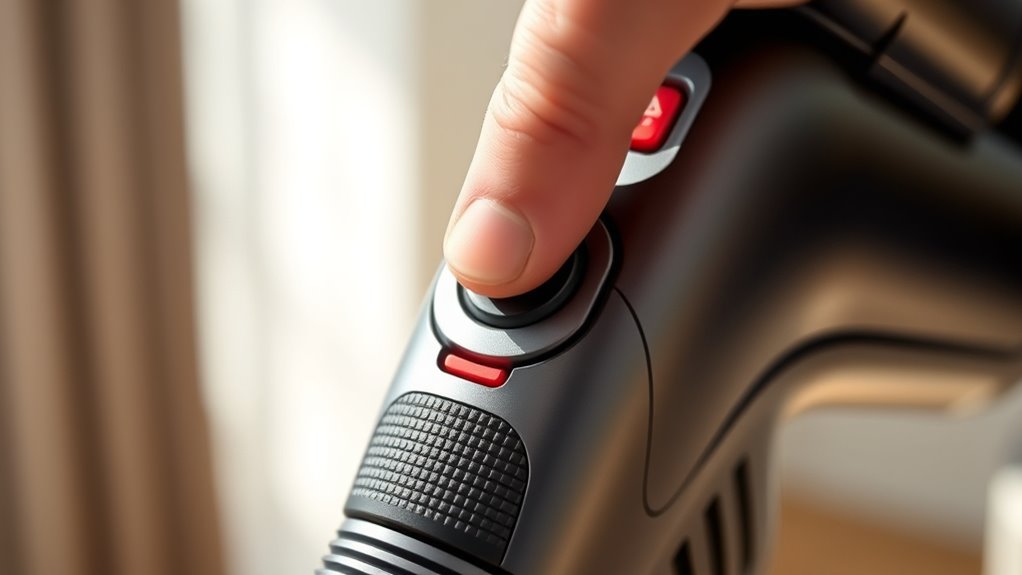
First, identify your Dyson model by checking the label or user manual. Next, look for any reset features specific to your vacuum, as some models have a reset switch while others reset automatically.
If you’re unsure, the user manual will guide you through the exact reset steps for your device. It’s pretty straightforward once you know your model!
Identify Your Model
To find the right reset method for your Dyson vacuum, start by locating the model number on the vacuum’s label or in the user manual. This model number is key because different Dyson models reset differently.
Most don’t have a reset button and simply reset automatically after cooling down from overheating. However, some models, like those in the Dyson Ball or V-series, might have specific reset steps or buttons.
Once you know your model, you can check if it requires clearing blockages or replacing filters before it will reset and work properly again. Identifying your exact model ensures you follow the correct reset process and avoid unnecessary troubleshooting steps.
Keep this model information handy as you proceed with reinitializing your Dyson vacuum. It’ll make the whole process a lot smoother!
Check User Manual
Now that you’ve identified your Dyson model, the next step is to check the user manual for the specific reset method. Most Dyson vacuums don’t have a dedicated reset switch and rely on cooling time after overheating, but your model might have unique instructions.
The manual often includes a troubleshooting section with clear, step-by-step reset procedures tailored to your vacuum. If you don’t have the physical manual, you can usually find a digital copy on Dyson’s official support website by entering your model number.
Following the manual’s recommended reset method guarantees you troubleshoot safely and correctly, preventing further damage. Always rely on the manufacturer’s instructions in the manual to handle your Dyson vacuum properly and effectively.
Locate Reset Features
Identifying your Dyson vacuum’s reset features starts with knowing your exact model, as reset methods vary widely. Most Dyson vacuums don’t have a dedicated reset switch; they typically reset automatically after overheating.
However, if your model includes a reset button, you’ll usually find it near the motor or on the power unit. Check your vacuum’s product label or serial number location to confirm the model, then consult the user manual for specific reset instructions.
Some models require unplugging the vacuum, waiting for it to cool, and then pressing a reset button or following a particular reset procedure. If you’re unsure about your vacuum’s reset method, visit Dyson’s official support page or refer to the user manual to find the exact reset steps for your model.
Press the Reset Button and Reassemble Your Vacuum
Although many Dyson vacuums lack a dedicated reset button, you can often reset your machine by pressing the button if your model has one and then carefully reassembling the vacuum.
If your vacuum includes a reset button, it’s usually located near the motor or on the brush bar housing. To reset, press and hold the button for a few seconds, then release it. This action helps clear minor faults and prepares your vacuum for normal use.
Once you’ve pressed the reset button, take time to reassemble your vacuum properly. Make sure all parts, such as the dust bin, filters, and brush bar, are securely attached.
Proper reassembly is essential, not only for the vacuum’s performance but also for your safety. Skipping this step can cause the vacuum to malfunction or operate inefficiently.
Plug In and Test Your Dyson Vacuum Reset
Before plugging your Dyson vacuum back in, make sure it’s completely cooled down. This helps prevent any electrical issues.
Always let your Dyson vacuum cool fully before plugging it back in to avoid electrical problems.
The cooling period lets the internal overheating switch reset naturally if it was triggered. Once it’s cooled, go ahead and reconnect the vacuum to a power outlet.
To test your Dyson vacuum reset, just follow these simple steps:
- Plug the vacuum securely into a power source.
- Turn the vacuum on using its power button.
- Listen for the motor running smoothly without any unusual sounds.
- Check suction power by running it briefly on a carpet or hard floor.
- Keep an eye on any indicator lights to make sure everything looks normal.
If your model has a reset button, don’t forget to press it before putting everything back together. Testing after a reset confirms your vacuum is working properly and ready to use.
If it runs like it should, that means the reset was successful. Now you can get back to cleaning with confidence!
Troubleshoot Your Dyson Vacuum If It Won’t Reset
If your Dyson vacuum won’t reset after cooling down, you’ll want to unplug it and check for blockages or debris that might be causing the issue. Blockages often cause overheating, preventing the vacuum from resetting properly.
After clearing any debris, let your vacuum cool for at least 60 minutes. If it still won’t reset, inspect and replace the filters since clogged filters can also trigger shutdowns.
Here’s a quick troubleshooting guide:
| Step | Action | Purpose |
|---|---|---|
| 1 | Unplug vacuum | Ensure safety |
| 2 | Check for blockages | Remove debris |
| 3 | Let vacuum cool (60 mins) | Allow reset |
| 4 | Inspect and replace filters | Prevent overheating |
| 5 | Test vacuum again | Confirm reset |
Following these steps will help you reset your Dyson vacuum without frustration. Give it a try, and hopefully, your vacuum will be back to normal in no time!
When to Contact Dyson Support for Help
When persistent overheating or shutdowns keep happening despite your efforts to cool down and clear blockages, it’s time to contact Dyson support. You should contact us if basic troubleshooting—like cleaning filters and checking for blockages—doesn’t get your vacuum running smoothly again.
Some issues need model-specific reset instructions or professional advice, so don’t hesitate to reach out. Also, if parts like the hose or motor are damaged or missing for a long time, Dyson support can help you find replacements or solutions.
Electrical or mechanical failures beyond simple fixes are other reasons to contact us.
Look out for these signs to know when to contact Dyson support:
- Vacuum keeps overheating despite cooling
- Shutdowns won’t stop after troubleshooting
- You’re unsure how to perform a reset
- Damaged or missing parts affecting use
- Signs of electrical or mechanical failure
When in doubt, contact us for expert help to get your Dyson vacuum back in shape.
Frequently Asked Questions
How to Do a Hard Reset on Dyson Vacuum?
To do a hard reset on your Dyson vacuum, unplug it and let it cool for at least 60 minutes. This gives the machine time to reset itself properly.
After it’s cooled down, plug it back in and turn it on. Hopefully, this clears up any issues you were having.
If the problems stick around, it might be a good idea to get professional servicing. Sometimes the vacuum needs a bit more attention than a reset can provide.
What Is the Most Common Problem With the Dyson Vacuum?
You’d think your Dyson’s overheating is a fiery apocalypse, but it’s just clogged filters or blocked hoses causing shutdowns.
Clean those regularly, and you’ll keep your vacuum running smoothly without dramatic meltdowns!
How Do You Reset a Dyson Vacuum Motor?
You reset a Dyson vacuum motor by unplugging it and letting it cool down for at least 60 minutes. After cooling, plug it back in and switch it on.
If it still doesn’t work, check the manual or seek professional help. Sometimes, a quick reset does the trick, but other times you might need a bit more guidance.
How to Factory Reset a Vacuum?
You won’t believe how simple it is to factory reset a vacuum! Just unplug it, wait an hour to cool down, then plug it back in.
If there’s a reset button, press it following the manual’s instructions. Easy, right? Just follow those steps and you’re all set!
Conclusion
Resetting your Dyson vacuum is as simple as a breeze when you follow these seven easy steps. By unplugging, clearing blockages, pressing the reset button, and testing your vacuum, you’ll have it humming like new in no time.
If it still won’t cooperate, troubleshooting or reaching out to Dyson support can save the day. Don’t let a stubborn vacuum sweep away your cleaning rhythm—take control and get back to a spotless home!
Getting your Dyson vacuum reset quickly means less hassle and more cleaning power. Whether it’s a simple blockage or a need for a reset, these steps help keep your vacuum running smoothly. So, follow this easy guide to reset your Dyson vacuum and enjoy a cleaner, fresher home without missing a beat!





3 Comments