
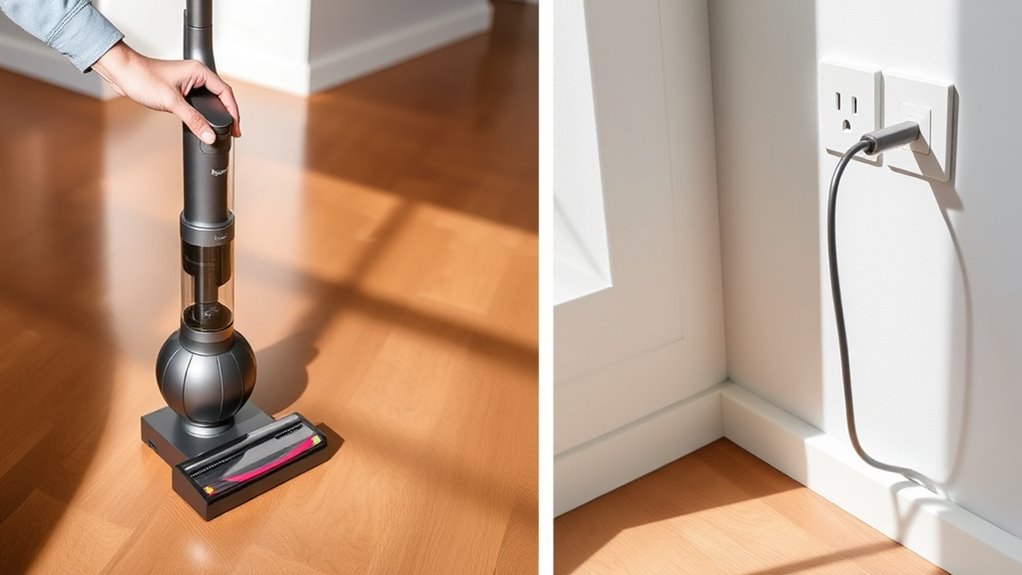
How to Charge Dyson Vacuum in 3 Easy Steps
To charge your Dyson vacuum, start by making sure it’s fully prepared. Securely connect the vacuum to the main body or docking station. Then, plug the charger into a working outlet using the original accessories.
Next, attach the vacuum properly to kick off the charging process. Keep an eye on the indicator lights to confirm it’s charging. These lights are super helpful to know what’s going on.
Finally, you’ll know your vacuum is fully charged when the lights either turn off or show a steady glow.
Following these simple steps guarantees safe and efficient charging. Plus, you can find more tips on how to maintain your battery’s health for longer-lasting power.
Key Takeaways
- Ensure the vacuum is securely connected to the charging dock or main body before plugging in. Confirm the charger is plugged into a working power outlet using original Dyson accessories.
- Check indicator lights to verify that charging has started and is progressing properly. Allow approximately five hours for a full charge from a flat battery.
- Wait for indicator lights to show a steady glow or turn off before disconnecting the vacuum. This way, you know it’s fully charged and ready to go!
Prepare Your Dyson Vacuum for Charging
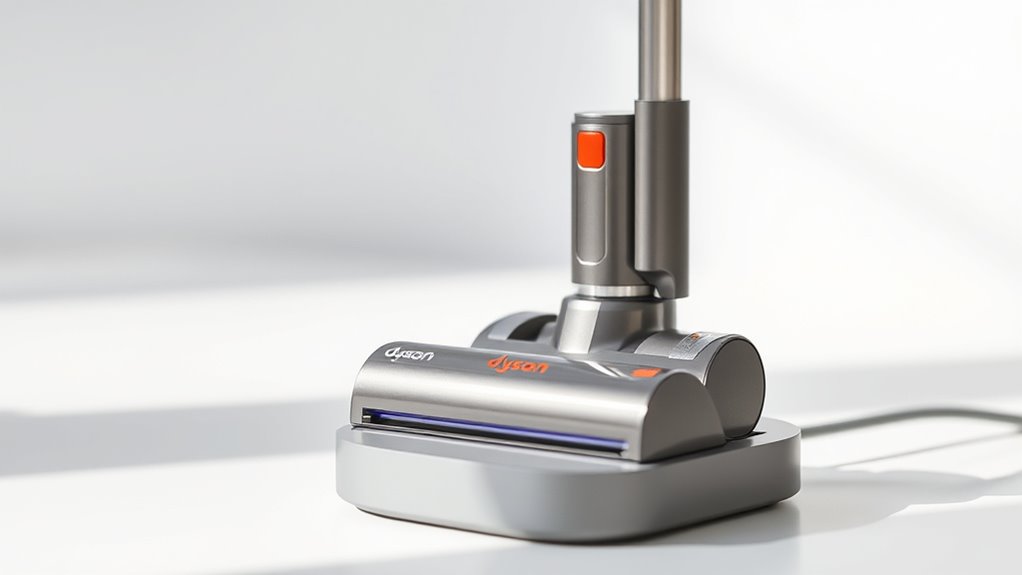
Before you start charging your Dyson vacuum, make sure it’s fully charged after every cleaning session or before its first use to keep it performing at its best.
To prepare your Dyson vacuum for charging, first connect it securely to the main body or docking station. Confirm the charger is plugged into a working power outlet to begin the charging process properly.
Securely connect your Dyson vacuum and ensure the charger is plugged into a working outlet to start charging.
Always use the original charging accessories provided by Dyson to guarantee safe and efficient charging. The vacuum typically takes about five hours to fully charge from a completely flat battery.
During this time, keep an eye on the indicator lights; three solid lights will tell you when your vacuum is fully charged and ready for use.
Taking these steps before charging helps maintain ideal performance and extends your Dyson vacuum’s battery life, making sure it’s always ready to tackle your cleaning tasks.
Connect Your Dyson Vacuum and Start Charging
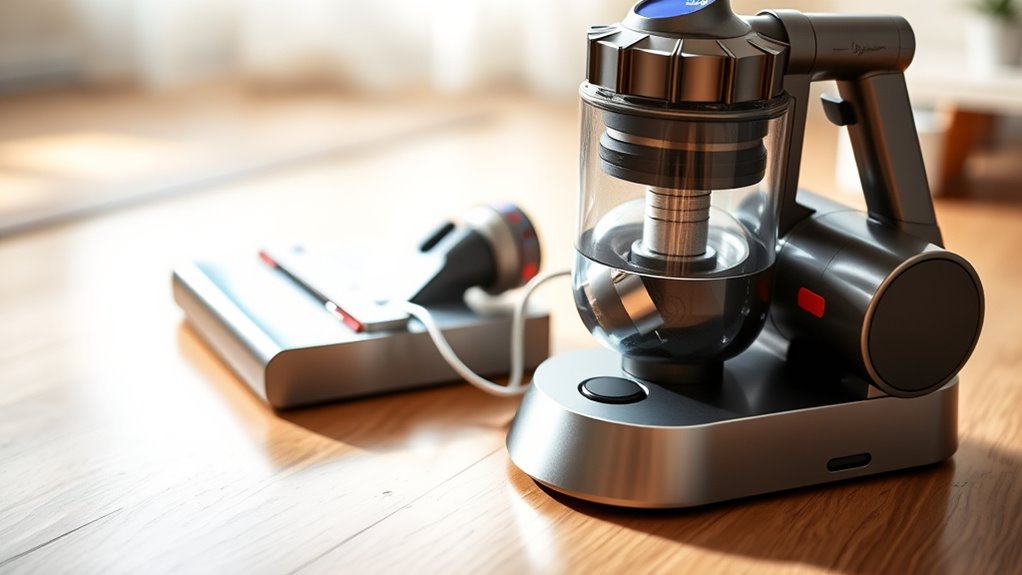
Once you’ve verified the charger is plugged into a working outlet, connect your Dyson vacuum to its charging dock or attach the main body to the charger using the designated port. This step is vital to initiate the charging process. Make sure the power outlet is functioning properly to avoid interruptions.
After connecting, check the indicator lights on your Dyson vacuum or dock; these lights confirm that the vacuum is receiving power and charging has started. The charging indicator lights will provide real-time feedback during this process.
If your vacuum is starting from a flat battery, allow about five hours to reach a full charge. Keep an eye on the indicator lights as they’ll signal progress. Connecting your Dyson vacuum correctly ensures efficient charging and helps maintain battery health.
Following these steps will get your vacuum ready for use quickly and safely.
Identify When Your Dyson Vacuum Is Fully Charged
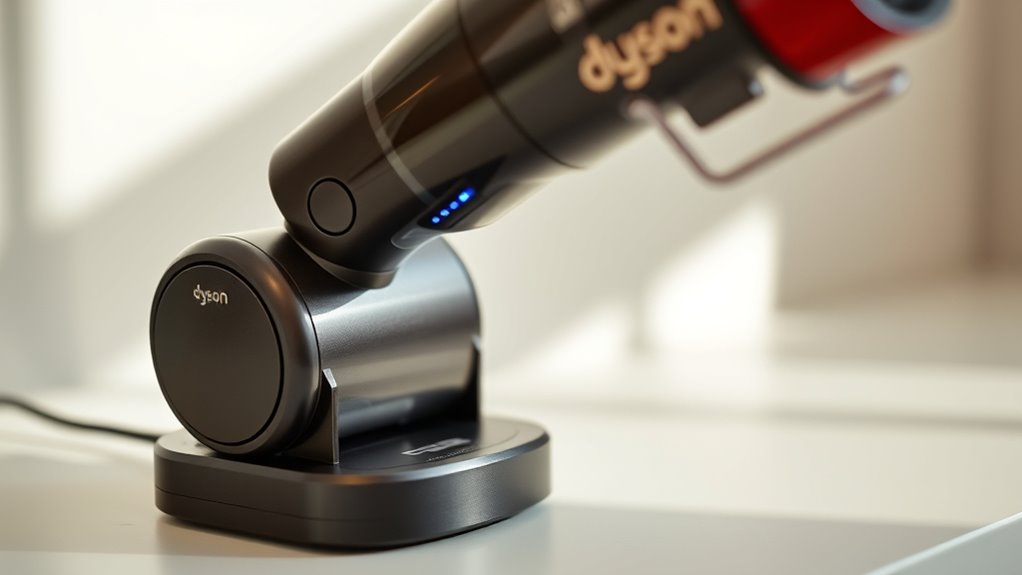
Although charging times can vary slightly by model, you’ll know your Dyson vacuum is fully charged when the indicator lights either turn off completely or show a steady, solid glow. Recognizing these signals helps assure your vacuum has maximum power and you avoid unnecessary recharging.
Indicator lights turning off or showing a steady glow confirm your Dyson vacuum is fully charged and ready.
Here’s how to identify when your Dyson vacuum is fully charged:
- Check the indicator lights on your vacuum or charger—some models show a single steady light when fully charged.
- For others, all solid indicator lights will turn off once the battery reaches full charge.
If the lights are blinking or multiple lights are on, the battery is still charging or low. Leave your vacuum connected until the lights confirm it is fully charged to maximize runtime.
Always refer to your specific model’s user guide to confirm the exact indicator light signals for a fully charged battery.
Frequently Asked Questions
What Does a Dyson Charger Look Like?
A Dyson charger looks sleek and minimalistic, with a compact plug and cable. You’ll see LED lights showing the charging status, which makes it easy to know when your vacuum is powered up.
It often includes a docking station, so you can store and charge your vacuum in one spot. The design fits your vacuum’s specific charging port perfectly, making everything hassle-free.
How Do I Charge My Dyson Cordless Without a Docking Station?
It takes about 5 hours to fully charge your Dyson cordless without a docking station. Just plug the main body directly into a power outlet using the original charger.
Make sure the vacuum’s off before charging. That way, it charges safely and efficiently.
How Do I Tell if My Dyson Vacuum Is Charging?
You’ll know your Dyson vacuum is charging when the indicator lights glow or flash, showing a charging icon or progress bar.
Solid lights mean it’s fully charged, so keep an eye on those indicators during charging. Easy to spot, right? Just watch for those little signals!
Do I Leave My Dyson Vacuum on Charge All the Time?
You can leave your Dyson on charge all the time, like a candle gently flickering without burning out. It uses minimal power, prevents battery damage, and keeps your vacuum ready.
This helps extend its lifespan effortlessly. So, no worries about overcharging—just keep it plugged in and good to go!
Conclusion
Charging your Dyson vacuum is simple and quick when you follow these steps. Imagine Sarah, who used to guess when her vacuum was ready, often interrupting her cleaning.
Now, by preparing it properly, connecting it correctly, and watching the indicator light, she knows exactly when it’s fully charged. You can save time and avoid interruptions too.
Just stick to these easy steps, and your Dyson will always be ready to tackle any mess with you. Charging your Dyson vacuum the right way means less hassle and more cleaning power. So, follow these simple tips to keep your vacuum charged and ready whenever you need it!





One Comment