How to Empty a Dyson Vacuum Livpristclean
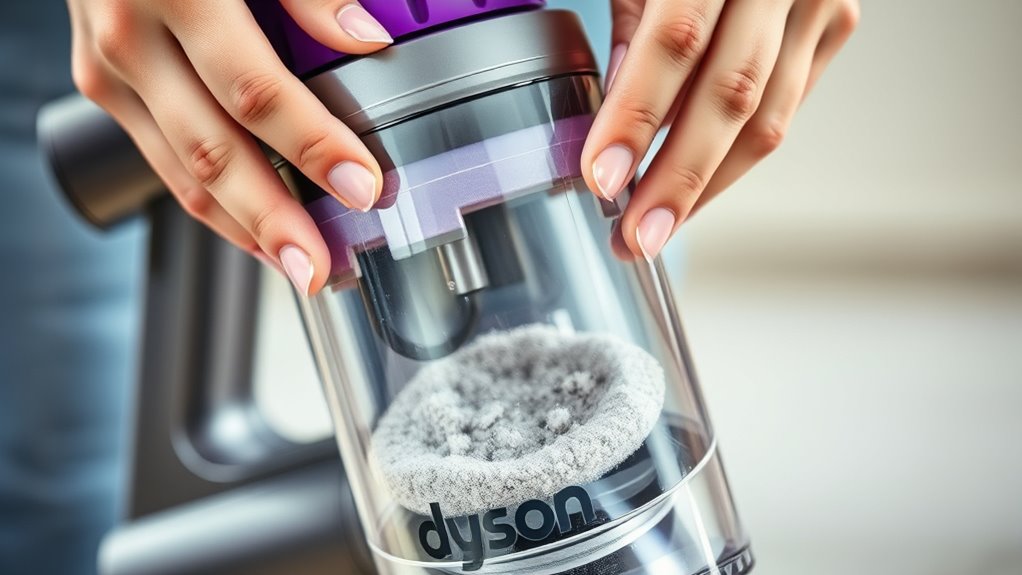
To empty your Dyson Vacuum Livpristclean, start by pressing the red button to detach the bin.
Then, slide it away until you hear a click, signaling it’s ready to be emptied.
Hold the bin downward and tilt it over the trash to release the dirt.
Avoid shaking it forcefully to prevent any spills or messes.
After emptying, wipe the inside of the bin with a damp cloth.
Make sure it’s completely dry before snapping it back securely in place.
Following these simple steps helps keep your Dyson Vacuum Livpristclean running at strong suction.
It also prevents dirt from building up and making a mess.
Keep going to discover more helpful tips for cleaning and maintenance!
Key Takeaways
- Press the red button to detach the bin from the Dyson vacuum.
- Slide the bin away gently until you hear a click confirming detachment.
- Tilt the bin downward to empty contents into a trash bin.
Try not to shake it forcefully, just let the dirt fall out naturally.
– Empty the bin when the dirt reaches the MAX line.
This helps keep the suction performance at its best.
– Wipe the bin clean and make sure it’s dry before putting it back.
Attach it securely until you hear it click into place.
How to Safely Remove the Dyson Vacuum Livpristclean Bin
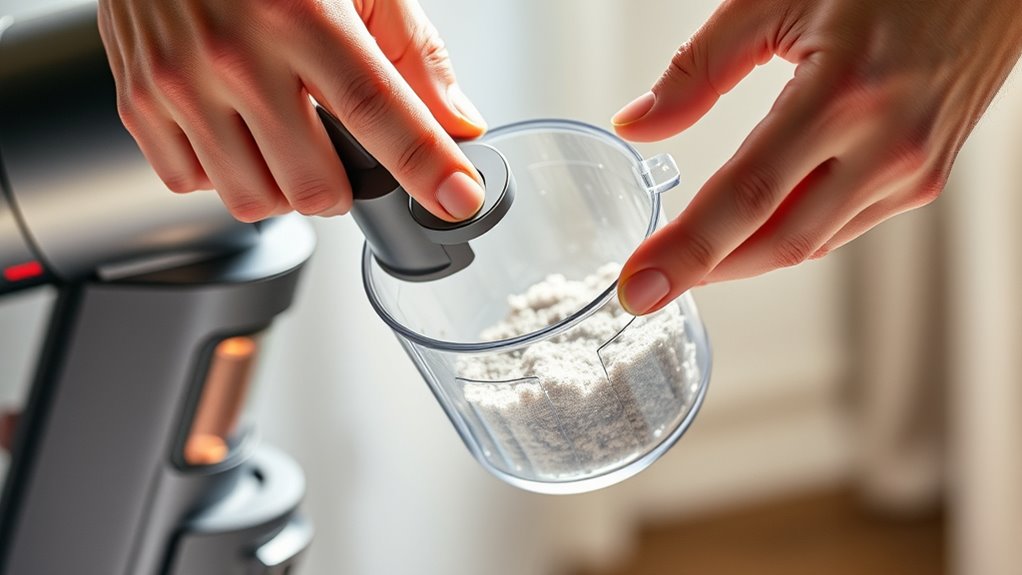
Before you empty the Dyson Vacuum Livpristclean bin, press the red button to release it from the vacuum. This red button is your key to safely detaching the bin without causing any mess.
Once you press it, slide the bin gently away from the vacuum base until you hear a click, confirming the bin is fully detached. Hold the bin downward as you remove it to prevent dirt from spilling out.
Slide the bin gently until it clicks, holding it downward to avoid spills during removal.
It’s essential to make sure the bin is completely released before you proceed to empty or clean it, especially if you’ve been using the vacuum on MAX power, which can fill the bin quickly. If you notice any damp debris, avoid shaking it; instead, clean it carefully to maintain your vacuum’s performance.
When reattaching the bin, slide it back until you hear a click, ensuring it’s securely in place before you start vacuuming again. This simple process keeps your cleaning efficient and mess-free.
When and How to Empty the Dyson Vacuum Livpristclean Bin
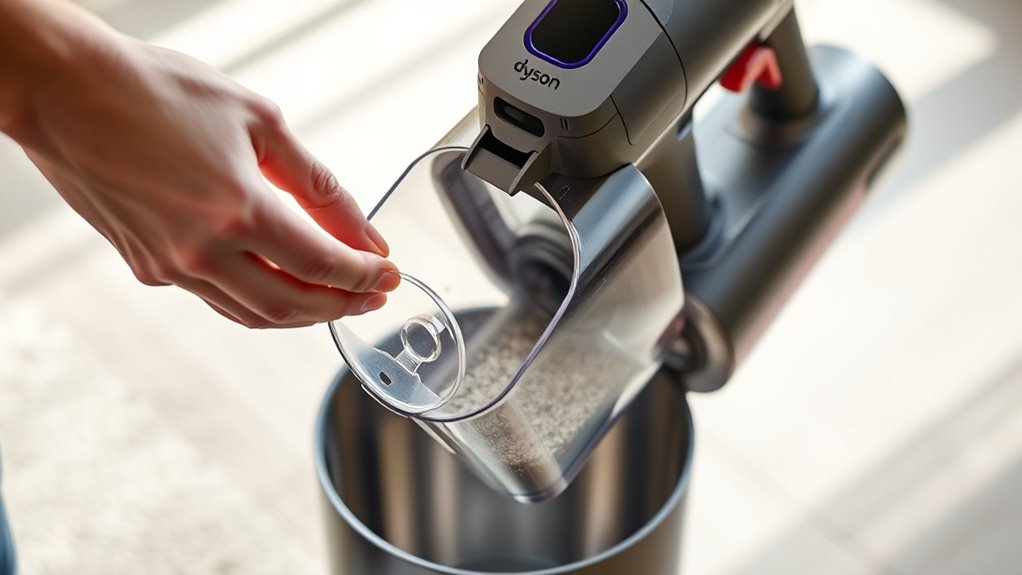
Once you’ve detached the Dyson Livpristclean bin by pressing the red button, it’s time to empty it when the dirt reaches the MAX line. Doing this helps keep your vacuum running at peak suction.
Follow these steps to empty your bin efficiently:
- Press the red button to release the bin, then slide it away from the vacuum to disconnect it.
- Hold the bin downward and gently tilt it to empty the contents into a trash can—avoid forceful shaking to prevent spills.
- Wipe the inside of the bin with a damp, lint-free cloth to clean it thoroughly. Make sure the bin is completely dry before you reattach it.
Once clean and dry, slide the bin back onto the vacuum and press firmly to secure it in place. Emptying your Dyson bin at the MAX line and keeping it clean ensures ideal performance and suction power every time you vacuum.
Frequently Asked Questions
How Do I Empty the Canister on My Dyson Vacuum?
You press the red button to release the canister, then slide it away. After that, hold it downward over a trash bin and empty it gently.
It’s a good idea to clean the inside with a damp cloth afterward. Just make sure it’s completely dry before reconnecting.
Why Won’t My Dyson Empty Bin Open?
Your Dyson bin won’t open if debris is stuck around the release, the red button isn’t fully pressed, or the mechanism’s damaged.
Check for compacted dust, verify proper button use, and clear any blockages before trying again. It usually helps to give the button a good, firm press.
If it’s still not opening, take a closer look to see if anything is jamming the mechanism. Sometimes a little cleaning does the trick!
How to Take a Dyson Canister Apart to Clean?
Rome wasn’t built in a day, so take your time. Press the red release button and slide the canister off carefully.
Next, remove the filters or parts as needed. Give them a good rinse and make sure they dry completely before you put everything back together.
It’s all about being patient and thorough—your Dyson will thank you for it!
How to Empty a Full Size Dyson Vacuum?
You press the red release button, hold the bin downward, and slide the release lever to open it.
Empty the contents when full. Then, wipe the bin with a damp cloth and let it dry before reattaching.
Conclusion
Emptying your Dyson Vacuum Livpristclean bin regularly keeps it running efficiently. Did you know that a full dustbin can reduce suction power by up to 50%? By removing the bin safely and emptying it after every use, you maintain peak performance and prolong your vacuum’s life.
Just remember to do it over a trash bin to avoid messes. Staying consistent with this simple task ensures your home stays cleaner, and your vacuum stays strong.
Keeping your Dyson Vacuum Livpristclean dustbin empty is an easy way to get the best suction and cleaning power every time. It helps your vacuum last longer and keeps your floors spotless. So, make emptying the bin a regular habit, and enjoy a powerful, hassle-free cleaning experience with your Dyson Vacuum Livpristclean.