
Why Is My Shark Vacuum Not Working?
If your Shark vacuum isn’t working, the first thing to do is check that it’s plugged into a working outlet and the power switch is turned on. Sometimes, the simplest things like a loose plug or a switch not flipped can cause the vacuum to stop working.
Next, take a close look at the power cord, hose, and filters. Damage or blockages in any of these parts can make the motor overheat or reduce suction power. It’s a good idea to inspect for any obvious signs of wear or clogs.
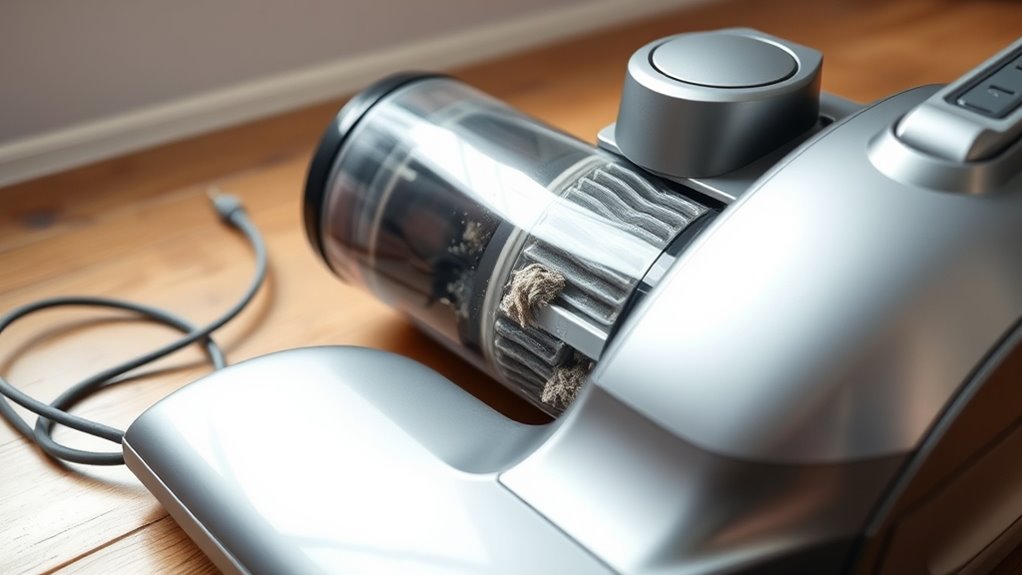
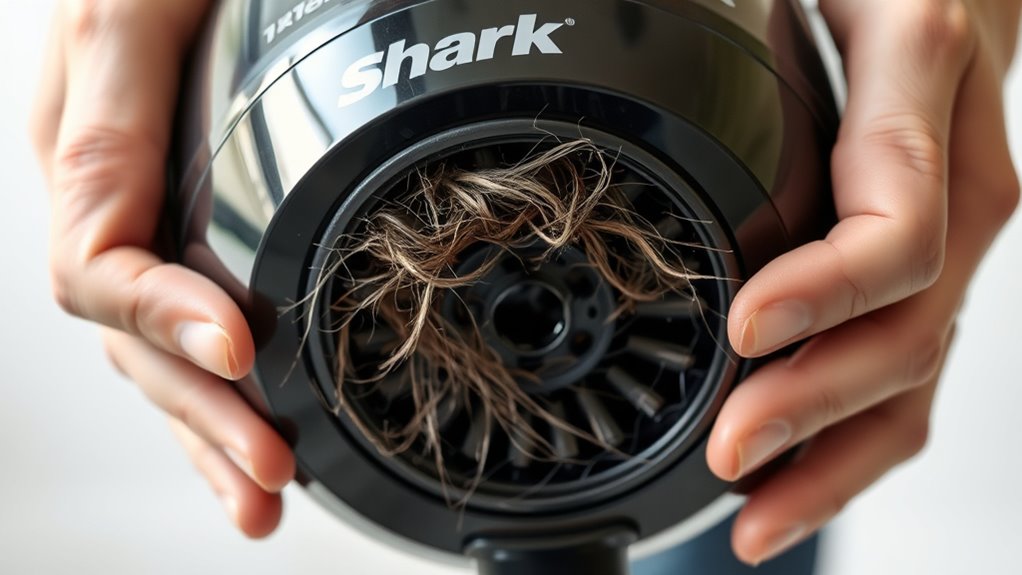
You might also want to clean the debris around the brushroll. Dust and hair can get tangled up and slow down the vacuum.
If the vacuum has overheated, try letting it cool down and then reset it.
Troubleshooting these common issues usually gets your Shark vacuum working again. But if it still won’t turn on or lose suction, there are more steps you can take to get it running smoothly.
Key Takeaways
– Check if the vacuum is plugged in, switched on, and the power cord is undamaged.
Sometimes the simplest things are easy to overlook!
– Inspect for blockages or debris in the hose, filters, and brushroll areas.
A little clog can really stop your vacuum from working right.
– Reset the motor thermostat after unplugging and letting the vacuum cool for 45 minutes.
This can help if the vacuum has overheated.
– Verify the circuit breaker or fuse in your home wiring hasn’t tripped or blown.
Your vacuum might be fine, but the power supply could be the issue.
– Remove hair and debris from the brushroll and replace any worn belts to restore suction.
Keeping these parts clean and in good shape makes a big difference!
Why Won’t My Shark Vacuum Turn On?
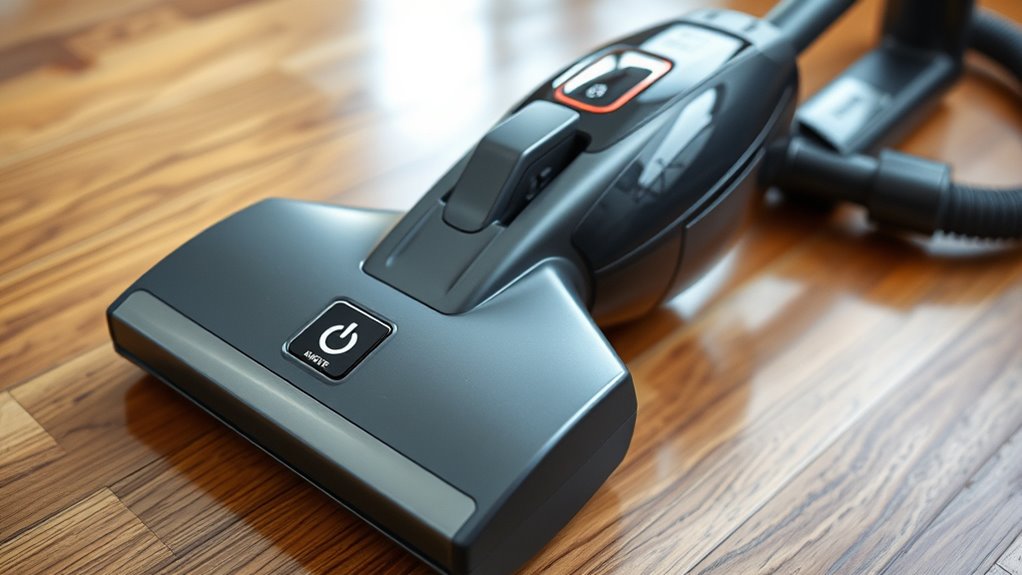
If your Shark vacuum won’t turn on, start by making sure it’s plugged into a working outlet and the power switch is set to “I-On.” Next, check the power cord for any damage or fraying that might interrupt the electrical flow.
You should also check the circuit breaker or fuse to ensure no tripped breaker or blown fuse is cutting the power. Sometimes, the vacuum’s motor thermostat needs a reset.
To do this, turn off the vacuum, unplug it, remove the dust, check the hose, and inspect dirty filters or blockages that could cause overheating or loss of suction. Let it rest for about 45 minutes before hitting the reset button or restarting.
If you’ve checked everything—blockages, filters, hose, and water runs normally—but the Shark still won’t power on, it’s time to contact Customer Service at 1-800-798-7398 for professional help.
How to Fix Shark Vacuum Suction and Brushroll Problems
Why is your Shark vacuum losing suction or the brushroll not spinning properly? These are common reasons why your Shark vacuums might not work efficiently.
To fix suction and brushroll problems, make sure to check these key areas:
- Remove hair and debris wrapped around the brushroll using scissors or a cleaning tool, so it spins freely.
- Keep an eye on the brushroll setting on your Shark models; ensure it’s set to “II” or “Brush Roll On.”
- Clear any blockages behind the brushroll, in the hose, or air ducts; compressed air can help remove stubborn debris.
- Inspect the belt for wear or breakage and replace it if necessary to keep the brushroll rotating.
If your vacuum still struggles, thoroughly check for clogs throughout the nozzle and air pathways. Addressing these common reasons will restore suction and brushroll performance quickly.
Frequently Asked Questions
How to Reset Shark Vacuum?
To reset your Shark vacuum, unplug it for 30 seconds, then plug it back in. If it has a reset button, go ahead and press it.
Check your manual for any model-specific steps. Also, make sure any safety shut-offs are disengaged before using it again.
What Is the Life Expectancy of a Shark Vacuum?
Your Shark vacuum’s life expectancy dances between 5 to 7 years, but with your careful maintenance—cleaning filters and brushes—it can stretch like elastic.
Sometimes, it even reaches a decade of reliable service before needing replacement. Just keeping up with the little things really makes a difference!
Why Does My Shark Vacuum Cleaner Have No Suction?
Your Shark vacuum has no suction because debris might be blocking the hose, filters, or brush roll. Check for leaks, a full dust cup, or improperly seated filters.
Make sure to clean or replace parts as needed to restore proper airflow and suction. It’s often a simple fix once you find the blockage or issue.
Why Does My Shark Vacuum Run for a Few Seconds Then Stop?
It’s frustrating when your Shark vacuum runs briefly then stops. You’re likely dealing with a clogged air pathway, overheating, or a faulty power switch.
Check the filters, dustbin, and connections to get it running smoothly again. Sometimes a quick clean can make all the difference!
Conclusion
If your Shark vacuum isn’t turning on or the suction feels like a gentle breeze, don’t panic—it’s not the end of the world! You’re not stranded in a dust storm; these issues are usually quick fixes.
With a little patience and the right troubleshooting, you’ll have your vacuum roaring back to life like a beast in no time.
Remember, even the mightiest machines need a little TLC now and then! So, if your Shark vacuum isn’t working properly, check for common problems like clogged filters, a full dustbin, or a loose power connection.
By following these simple steps, you can easily restore your Shark vacuum’s powerful suction and get back to a cleaner home. Don’t let a minor hiccup stop your cleaning routine—your Shark vacuum is designed to be reliable and easy to fix!




4 Comments