How to Empty Wyze Vacuum in 5 Easy Steps
To empty your Wyze vacuum, start by holding the dust bin securely and removing it upright to avoid any spills. This simple step helps keep things tidy and prevents messes.
Next, press the release button near the power button to open the dust cover. It’s easy to do and gives you quick access to the debris inside.
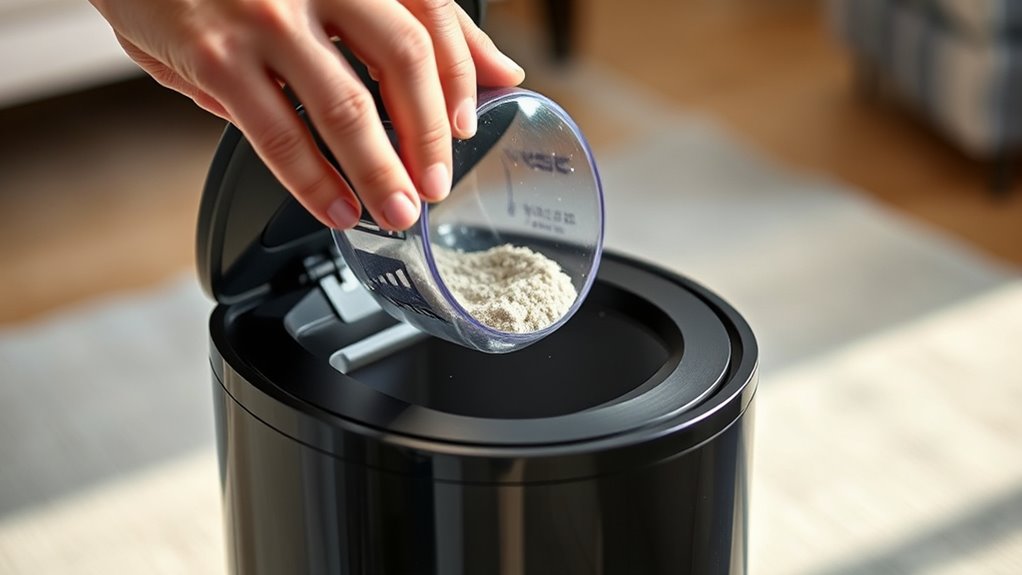
Empty the bin carefully over a trash container, making sure all the dirt and dust fall out. You don’t want to leave anything behind for your vacuum to pick up again later.
Then, snap the dust cover back in place until you hear a satisfying click. This ensures the dust stays contained during the next cleaning session.
Finally, reinstall the dust bin by aligning it properly and securing it firmly. That’s it! Keep going to uncover helpful tips for perfect maintenance.
Key Takeaways
- Hold and remove the dust bin securely by gripping the sides and pressing the latch to avoid debris spills.
- Press the release button near the power button to open the dust cover smoothly.
- Empty the dust bin over a trash container by tilting it and pressing the release button to release debris.
- Snap the dust cover back onto the bin until it clicks, ensuring no gaps for a proper seal.
- Reinstall the dust bin by aligning and pressing it firmly until it clicks, confirming a secure fit.
Remove and Hold the Dust Bin Securely
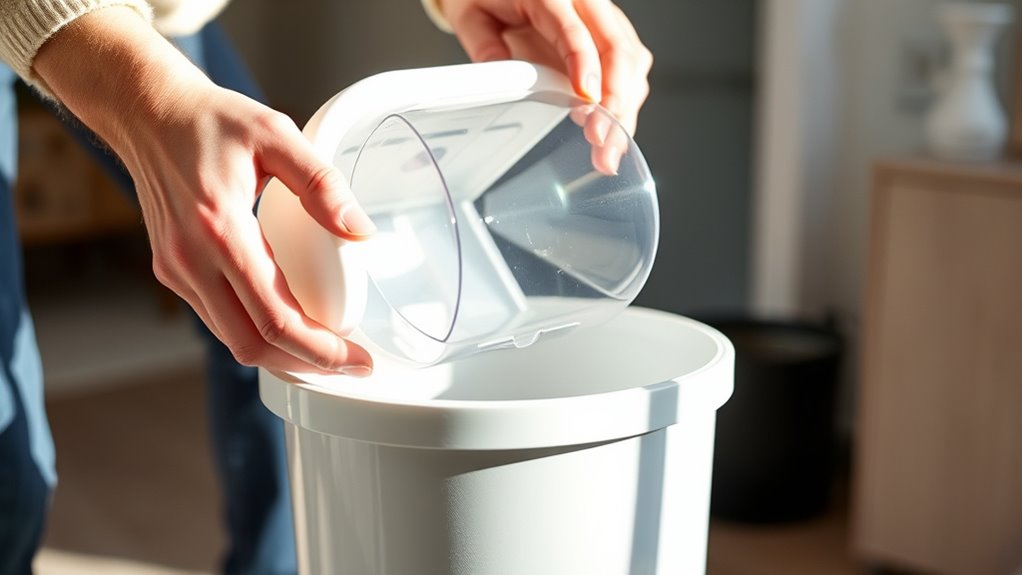
Before removing the dust bin, make sure you hold it firmly by the sides to prevent slipping. When handling your robot vacuum’s dust bin, grip it securely with one hand to maintain control and avoid accidental drops.
Keep the dust bin upright as you remove it to prevent debris from spilling out. While supporting the bin, use your other hand to gently press or release the latch—this helps ease the bin free without forcing it.
Apply enough pressure on the sides to counter the resistance from the seal and latch, which may require a bit of strength initially. Just be careful to keep your fingers clear of the seal and latch area to avoid damage and ensure the bin stays intact.
Press the Release Button to Open the Dust Cover
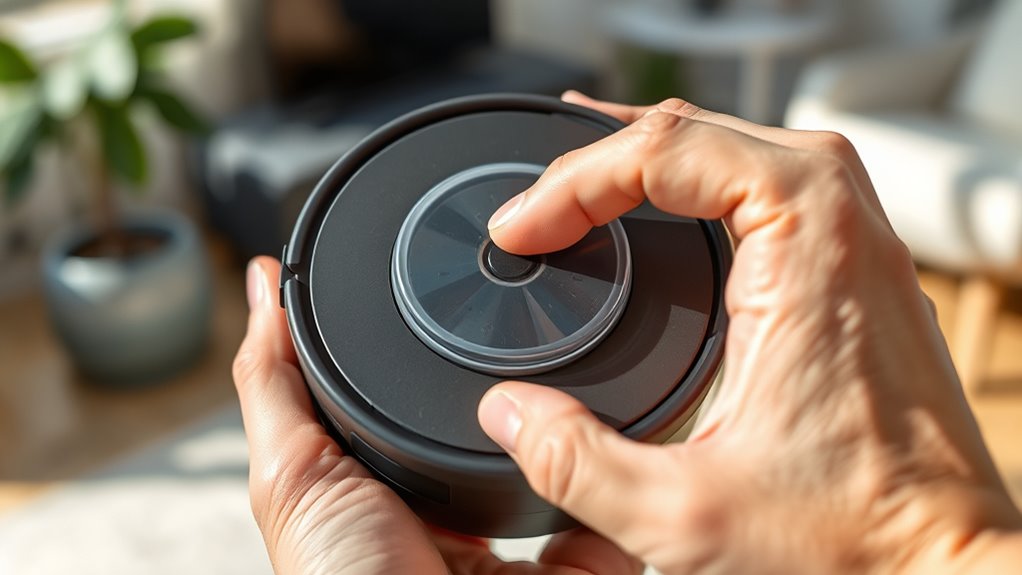
Once you’ve secured the dust bin, press the release button located near the power button in the handguard area. This button is designed for easy access and requires intentional pressure to prevent accidental openings.
Pressing it disengages the dust cover latch, allowing the cover to open smoothly so you can remove the debris without fuss. Its placement lets you open the dust cover quickly without handling the entire bin.
This ensures a mess-free experience and preserves the vacuum’s sealing integrity.
Empty the Dust Bin Over a Trash Container
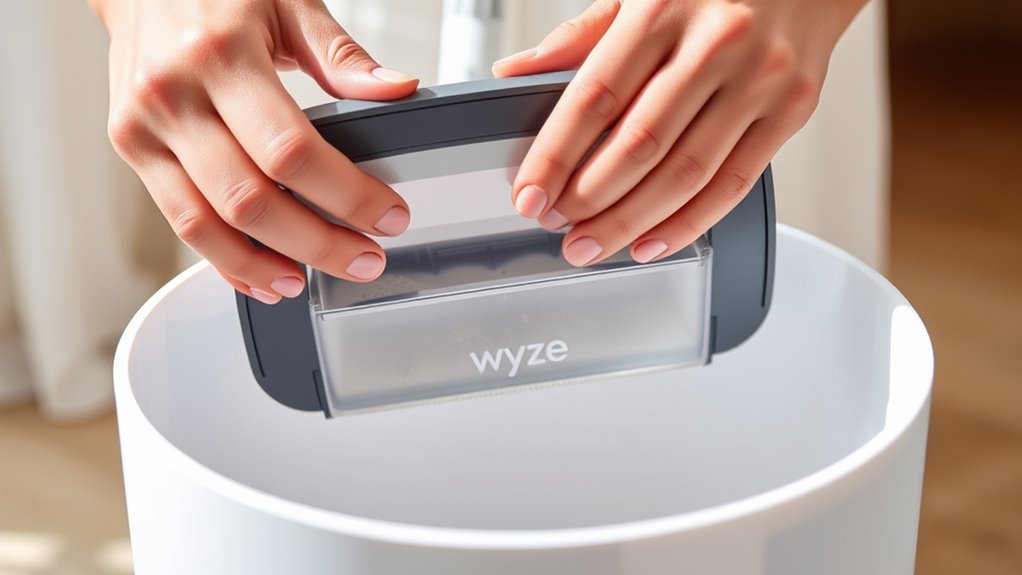
Where’s the best place to empty your Wyze vacuum’s dust bin? Always hold the dust bin securely over a trash container to avoid spills and messes. This way, any debris will fall directly into the trash without scattering.
Once you’ve positioned the bin, press the release button near the handguard area to open the dust cover. Make sure you’ve tilted the bin enough for all the dirt and dust to come out. Check thoroughly to confirm the bin is completely empty before you move on.
This helps maintain the vacuum’s performance and prevents leftover debris from causing clogs. Taking these steps carefully will keep your cleaning process smooth and efficient. Remember, handling the dust bin over a trash container is key to a clean and hassle-free emptying experience.
Snap the Dust Cover Back After Emptying
After emptying the dust bin, carefully align the dust cover with the bin’s opening before snapping it back into place. Make sure the cover fits properly without any gaps or misalignments to maintain a tight dust seal.
Press firmly around the edges of the dust cover until you hear a click, which means it has securely snapped in. This step is essential to guarantee that dust won’t leak during the vacuum’s operation and that the bin remains sealed effectively.
The dust cover is designed to stay firmly in place once snapped, but if you need to clean or maintain it later, you can gently remove it without causing damage. Taking the time to snap the dust cover back correctly helps your Wyze Vacuum perform at its best and keeps your cleaning routine hassle-free.
Reinstall the Dust Bin and Ensure Proper Fit
Although it might seem simple, properly reinstalling the dust bin is essential to keep your Wyze Vacuum working efficiently. Start by aligning the dust bin with the vacuum’s opening, making sure the latch hooks line up correctly before you push it in.
Gently press the bin until you hear a click or feel it securely seated, ensuring it sits flush with the vacuum body.
Next, check the seal around the dust bin. It should be evenly aligned without any pinches or misalignment to prevent dust leaks.
After reinserting, snap the dust cover back into place firmly to maintain a tight seal.
Finally, test the fit by gently pulling on the dust bin. If it stays firmly in place, you’ve installed it correctly. Taking these steps guarantees your vacuum maintains peak suction and prevents debris from escaping during use.
Frequently Asked Questions
How to Empty a Portable Vacuum Easily?
To empty a portable vacuum easily, hold the dust bin over a trash can. Press the release button, and gently lift the cover to release debris.
Make sure to snap it back securely. This keeps a proper seal for the next use. Easy, right?
Did Wyze Discontinue the Vacuum?
No, Wyze hasn’t discontinued the vacuum. You can still buy it, get support, and find replacement parts.
The company actively maintains the product, so you don’t have to worry about it disappearing anytime soon.
How Do I Empty My Robot Vacuum?
You hold your robot vacuum over the trash can, press its release button, and pop open the dust bin lid. Then, you empty the debris.
Snap the cover back securely, and you’re all set for the next cleaning cycle. Easy, right?
How Do I Empty My Vacuum?
You just hold the dust bin over a trash can and press the release button near the power button. Empty all debris, then snap the dust cover back on securely.
Doing this regularly keeps your vacuum running smoothly. It’s a quick and easy way to make sure your vacuum works its best every time.
Conclusion
Emptying your Wyze vacuum is as simple as a breeze on a Sunday morning. Just like a trusted routine, these five easy steps keep your vacuum running smoothly and your space spotless.
By removing, opening, emptying, snapping back, and reinstalling, you’re giving your vacuum the care it deserves. Stick to this quick process, and you’ll enjoy a cleaner home without the hassle—effortless, just like a well-rehearsed dance.
Following these steps regularly not only maintains your Wyze vacuum’s performance but also extends its lifespan. It’s a quick task that saves you time and energy in the long run. So, keep your vacuum in top shape and your home fresh by emptying it often—it’s the key to hassle-free cleaning with your Wyze vacuum.