
How to Empty Dyson Vacuum in 7 Simple Steps
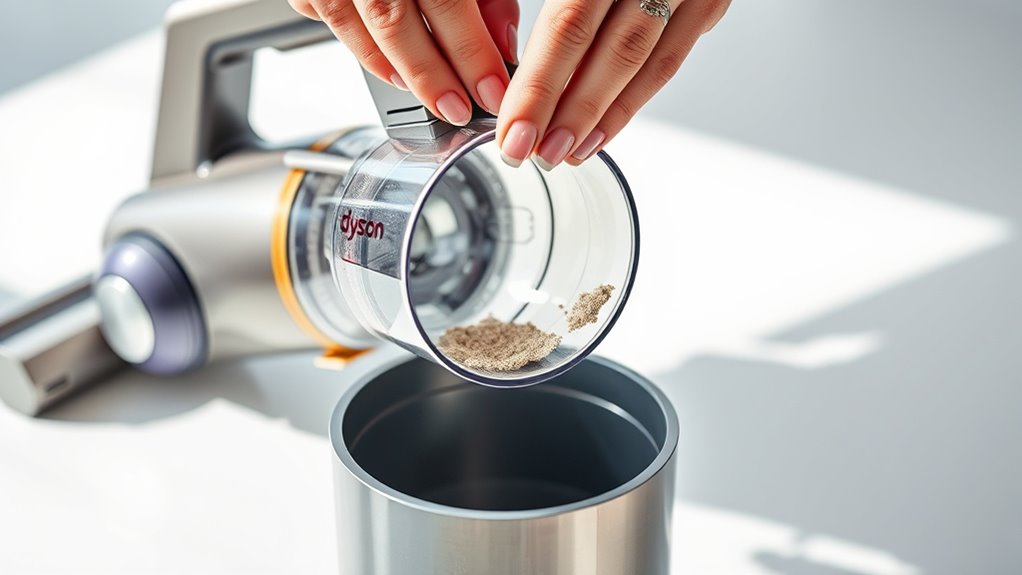
To empty your Dyson vacuum, start by detaching the canister. Just press the release button, and the canister will come off easily.
Next, open the bottom hatch to get ready for emptying.
Hold the canister over a trash bin, tilt it slightly, and let the debris fall out carefully. This helps avoid any spills or messes.
When you see most of the dirt is out, press the release tab again to fully discharge the remaining dirt.
After that, close the bottom hatch and snap it securely back in place. Make sure to check the latch so it’s tightly sealed before you use the vacuum again. Doing this keeps your Dyson working efficiently.
Keep following for more tips on troubleshooting and maintaining your canister’s performance. It’s all about keeping your vacuum in great shape for the long run!
Key Takeaways
- Detach the canister by pressing the release button or latch near the vacuum body.
- Hold the canister over a trash bin and press the release tab to open the bottom hatch.
- Tilt and gently shake the canister to fully empty debris and dust into the bin.
- Wipe the canister interior with a damp cloth and let it dry before closing.
- Securely snap the canister hatch back in place and ensure the locking mechanism is engaged.
Remove and Open the Canister on Your Dyson Vacuum
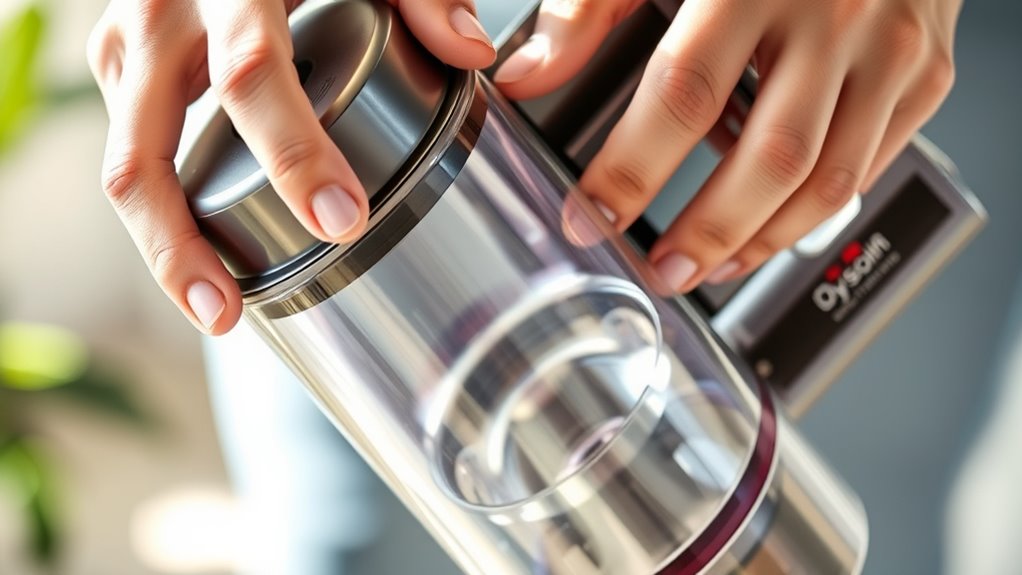
Before you begin emptying your Dyson vacuum, locate the canister. It’s usually attached near the main body or the wand.
Once you find it, press the release button or latch to detach the canister from the vacuum. Make sure to hold it securely so you don’t drop any dust or debris.
Next, position your fingers to press the release tab or button that opens the bottom hatch of the canister. This hatch is designed to swing open easily, letting you empty the contents without making a mess.
Be certain the canister is fully released and open before you start emptying. A partially closed hatch can cause dust to scatter everywhere.
Detaching and opening the canister correctly is super important because it gives you direct access to the dust compartment. This makes the whole process smoother and cleaner.
Position the Canister Over a Trash Bin to Avoid Spills
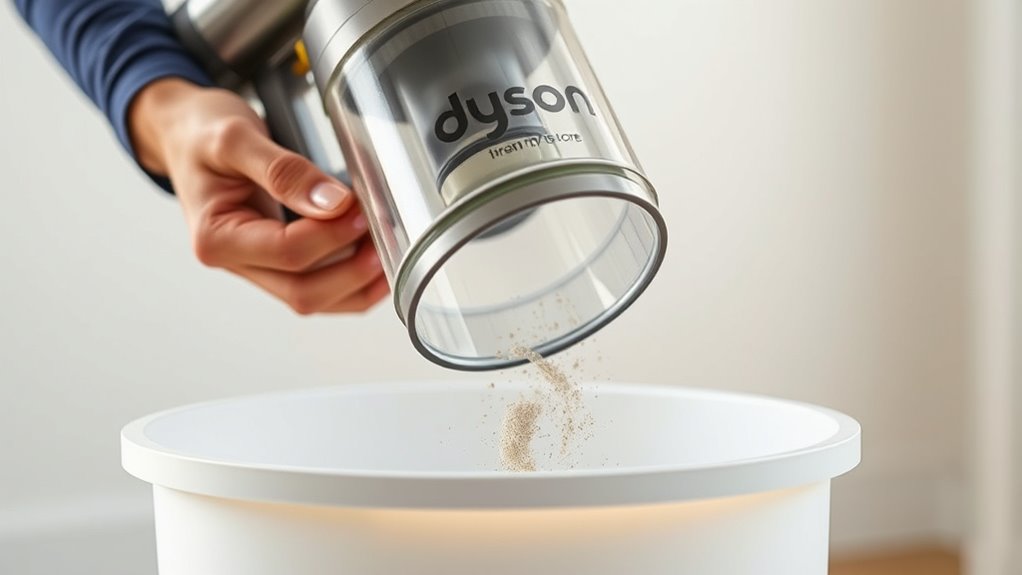
One key step to emptying your Dyson canister without making a mess is to hold it directly over a trash bin. Position the canister so debris falls straight into the bin, reducing the chance of debris outside the bin.
Tilt the canister slightly to let gravity help the debris slide out smoothly. Keep the trash bin close to the canister to minimize debris travel distance and avoid dust spreading.
Use a steady hand when you tilt the canister to control debris flow, preventing spills. Make sure the trash bin is stable and lined if needed to catch all debris securely.
| Step | Tip |
|---|---|
| Position Canister | Hold directly over trash bin |
| Tilt Angle | Slight tilt to aid debris slide |
| Bin Proximity | Keep trash bin close |
| Control Tilt | Use steady hand |
| Bin Setup | Stable and lined if necessary |
Empty Your Dyson Canister Without Making a Mess
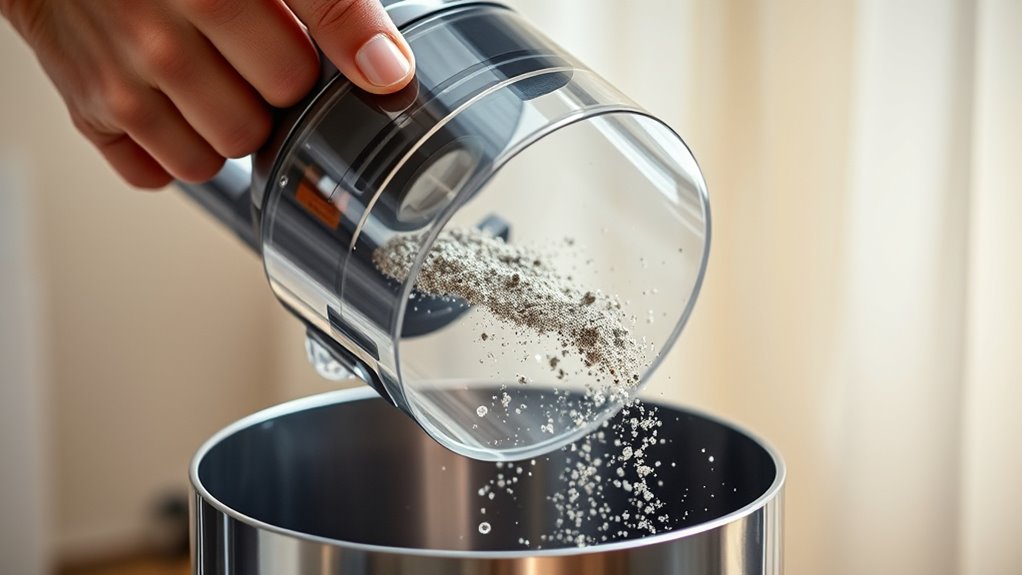
With the canister properly positioned over your trash bin, you’re ready to empty it without making a mess. Press the release tab to open the bottom hatch carefully, allowing dust and debris to fall directly into the trash can.
Hold the canister steady and maintain control to prevent any dust from escaping during disposal. If some dust is stubborn, gently shake or tap the canister to dislodge it, guaranteeing everything empties cleanly.
Avoid vigorous movements that could scatter dust into the air. Once the canister is empty, close the hatch securely to preserve your vacuum’s peak performance.
Make sure the hatch locks properly before reattaching the canister to the vacuum. Following these steps ensures a clean, efficient emptying process and keeps your space dust-free while maintaining your Dyson vacuum’s power and suction.
Clean the Canister Interior to Prevent Dust Build-Up
Although emptying the canister removes most debris, you’ll want to wipe its interior regularly to prevent dust buildup that can impair suction. Use a damp cloth to gently clean the inside of the canister, removing any dust or stuck debris that could reduce airflow.
Pay special attention to the edges and seals, where dust tends to accumulate; a soft brush or cloth works best here. Avoid harsh chemicals or abrasive tools, as they can damage the interior surfaces and affect the canister’s performance.
After cleaning, let the canister air dry completely before reassembling to avoid mold or damage. Keeping the canister interior clean helps maintain ideal suction by ensuring unobstructed airflow.
Close and Snap the Canister Back Into Place
Before snapping the canister back into place, make certain you align the hatch carefully with the opening to guarantee a secure fit. Make sure the canister is fully closed by matching the hatch precisely, then gently press until you feel resistance.
This resistance signals that the canister is almost secure. Listen closely for a click, confirming the canister has snapped properly into position.
If your Dyson model includes a locking mechanism, double-check that it clicks and is fully engaged after you reattach the canister. Also, verify the red release tab or button is fully engaged to prevent any dust leaks.
Once snapped, inspect the canister to confirm it’s properly sealed and firmly secured. Avoid forcing the canister if it doesn’t snap easily; proper alignment is vital.
Troubleshoot Common Issues With Stuck or Jammed Canisters
After snapping the canister back into place, you might sometimes find it stuck or jammed when trying to open it again. First, make sure the canister release button is fully pressed or slid to its maximum to disengage any internal latch or lock.
If your canister gets stuck, ensure the release button is fully pressed to unlock it before trying to open.
If it still won’t budge, check for debris, hair, or dirt obstructing the release mechanism or latch area. These blockages often cause the canister to get jammed. Gently wiggle or tap the canister to help loosen it without forcing it, which could cause damage.
Take a close look at the hinge and latch parts—any cracks or breaks can prevent smooth opening. If the canister remains stuck despite your efforts, it’s best to contact Dyson support or consider replacing the canister.
Try to avoid forcing it open, as this might damage the release mechanism or other components. Following these steps will help you troubleshoot stuck or jammed canisters effectively.
Tips for Maintaining Your Dyson Vacuum Canister for Best Performance
To keep your Dyson vacuum running at its best, empty the canister as soon as it hits the max fill line. This helps avoid any loss in suction power.
Make sure to clean the canister regularly with a damp cloth. Then, dry it completely before putting it back. This simple step keeps everything working smoothly.
Proper dust disposal and routine maintenance go a long way. They help maintain strong suction and prevent blockages from forming. Give your vacuum a little love, and it’ll keep doing a great job!
Regular Canister Cleaning
When your Dyson vacuum’s canister reaches the maximum fill line, you’ll want to empty it to keep suction strong and efficient. Hold the canister over a trash can or plastic bag, then open the canister hatch at the bottom to release dust and debris.
After emptying, wipe the inside of the canister and the tray with a damp cloth. Make sure they’re completely dry before putting everything back together.
While you’re cleaning, take a moment to check for any clogs or blockages that could restrict airflow. Also, don’t forget to remove and clean the filter based on your model’s instructions.
Usually, that means rinsing it under cold water and drying it thoroughly. Regular canister cleaning, including emptying and filter maintenance, really helps keep your vacuum’s performance up and extends its lifespan.
Proper Dust Disposal
How exactly should you dispose of dust from your Dyson vacuum canister to keep it performing at its best? First, empty the canister once the dust reaches the fill line to maintain strong suction.
Hold the canister over a trash can or bag, then press the release tab to open the canister hatch and allow debris to fall out. Gently shake or tap the canister to remove any remaining dust before closing it securely.
For best results, regularly wipe the canister interior with a damp cloth and let it dry completely before you reassemble.
During dust disposal, handle debris carefully to minimize dust spreading and keep your space clean. Following these steps ensures your Dyson vacuum runs efficiently and lasts longer.
Frequently Asked Questions
How Do I Empty the Canister on My Dyson Vacuum?
You simply press the release button to remove the canister. Hold it over the trash, then open the bottom hatch by pressing the release.
Give it a little shake to get all the debris out. After that, just close the hatch securely and reattach the canister to your vacuum. Easy, right?
Why Won’t My Dyson Empty Bin Open?
Your Dyson bin won’t open because debris might be blocking the latch, you haven’t pressed the release button fully, or the bin’s overfilled.
Check for stuck hair, guarantee safety clips are disengaged, and try again carefully.
Sometimes it just needs a little extra nudge or a quick clean around the latch area to get it working smoothly. Don’t worry, you’ll have it open in no time!
How to Empty a Full Size Dyson Vacuum?
You simply press the release button to remove the canister. Then, hold it over the trash and press the bottom hatch to empty the debris.
Make sure to close the hatch securely before reattaching the canister. This helps keep your Dyson working well.
How Do You Empty the Dyson Upright Vacuum?
You remove the Dyson upright from its dock, then press the release button to open the canister. After that, you tip or tap out the debris into the trash.
Make sure to close the hatch securely. This helps avoid dust escaping while you’re using the vacuum.
Conclusion
Emptying your Dyson vacuum canister doesn’t have to be a hassle. By following these simple steps, you’ll keep your vacuum working efficiently and your space dust-free.
Why struggle with clogged canisters or messy spills when a quick, easy routine can save you time and frustration? Keep up with regular cleaning and maintenance, and your Dyson will continue to perform at its best.
This simple process ensures your Dyson vacuum stays in top shape, helping you maintain a clean home effortlessly. So, ready to give it a try and enjoy hassle-free vacuuming every time? Let’s get started!




One Comment