Why Does My Dyson Vacuum Keep Stopping and How Can I Fix It?
Your Dyson vacuum keeps stopping because of common issues like battery problems, blockages, overheating, or mechanical faults. These are some of the main reasons your vacuum might suddenly shut off while cleaning.
You could be dealing with a worn-out battery, clogged filters, or a full dust bin, all of which can cause the vacuum to overheat and protect itself by turning off.
It’s also worth checking for jammed brushes or loose battery connections. These simple checks can often fix the problem and get your Dyson running smoothly again.
If you want to understand the specific causes and detailed fixes, there’s more helpful info ahead to guide you. Stick around, and we’ll help you troubleshoot step-by-step so you can get back to hassle-free cleaning.
Key Takeaways
– Check and replace the battery if it shows signs of age-related power loss or faulty connections.
It’s surprising how often a simple battery issue can cause your vacuum to stop working. So, don’t overlook this step!
– Clean or replace clogged filters and empty dust bins to restore proper airflow and suction.
A blocked filter or full dust bin can really mess with your vacuum’s performance. Keeping these clean helps everything run smoothly.
– Allow the vacuum to cool down if overheating triggers automatic shutoff during extended use.
If it shuts off after a while, overheating might be the culprit. Giving it a break can prevent this from happening.
– Inspect and clear any mechanical blockages like jammed brushes or stuck flapper valves.
Sometimes dirt or debris jams the parts inside. Checking for these blockages can save you a lot of trouble.
– Ensure secure battery and internal circuitry contacts to prevent intermittent power interruptions.
Loose connections inside can cause the vacuum to stop unexpectedly. Make sure everything is snug and properly connected.
Why Does My Dyson Vacuum Keep Stopping?
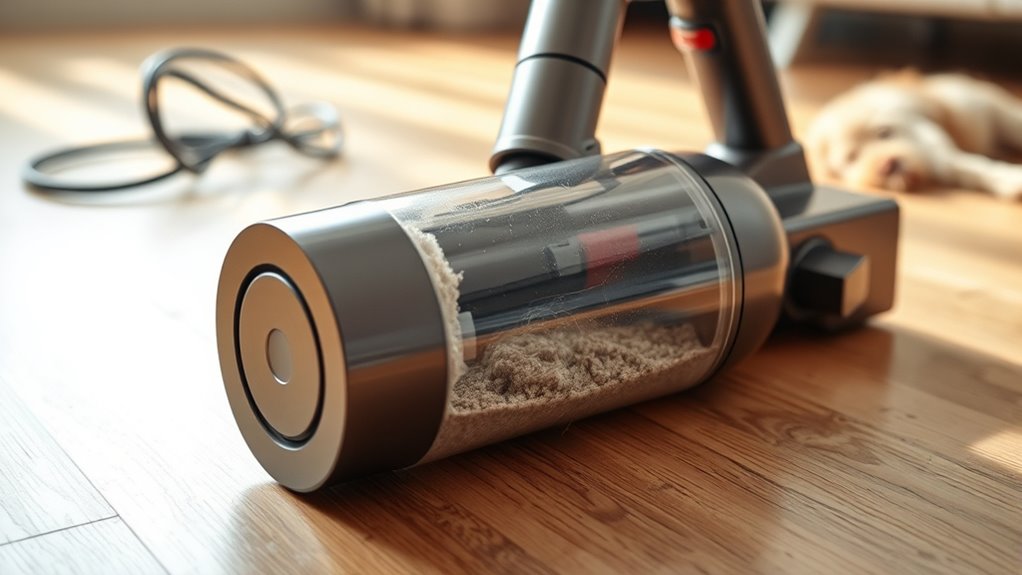
If your Dyson vacuum keeps stopping, it’s often due to battery problems, blockages, or overheating. A common battery issue involves age-related internal resistance or faulty connections, which reduce power and cause the vacuum to shut down unexpectedly.
You might also face airflow blockage—clogs in filters, dust bins, or pathways restrict suction and trigger an automatic stop. The overheating sensor plays a vital role too; if the vacuum detects excessive heat or load, it activates protective circuits to prevent damage, causing your Dyson vacuum to stop working.
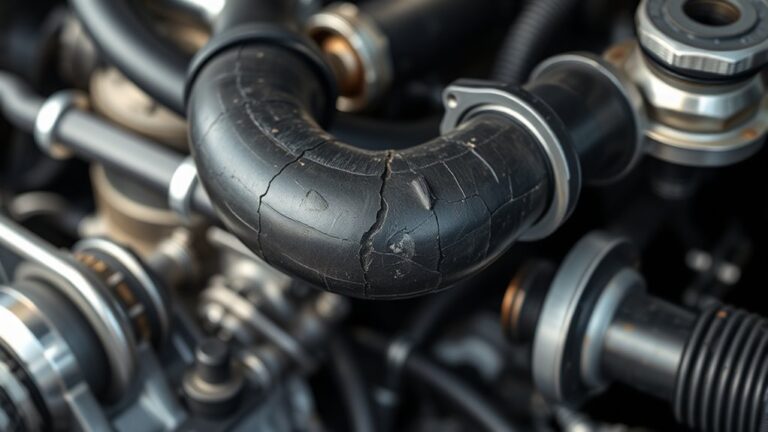
Don’t overlook mechanical problems either. Jammed brushes or stuck flapper valves interrupt power flow and lead to sudden stops. Low battery charge or poor contact between the battery and internal circuitry often results in short operational periods before the vacuum keeps stopping again.
Understanding these core issues helps you identify why your Dyson vacuum isn’t running smoothly and prepares you to troubleshoot effectively.
How to Fix a Dyson Vacuum That Keeps Shutting Off
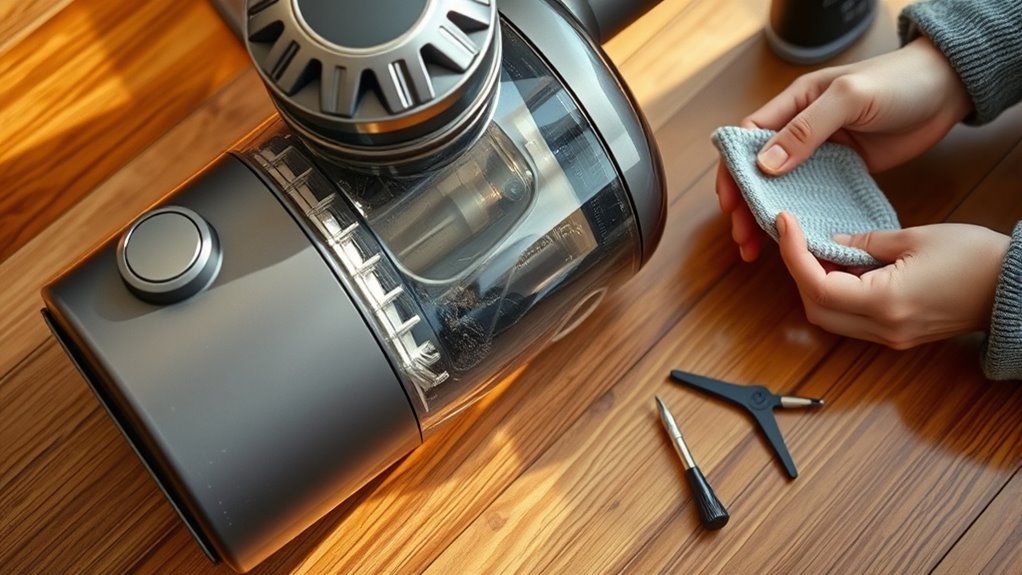
When your Dyson vacuum keeps shutting off, the problem often lies in power supply issues or motor protection mechanisms activating due to strain. First, troubleshoot by verifying the vacuum’s battery is fully charged and properly connected. A low or faulty battery can cause your vacuum to shut off unexpectedly.
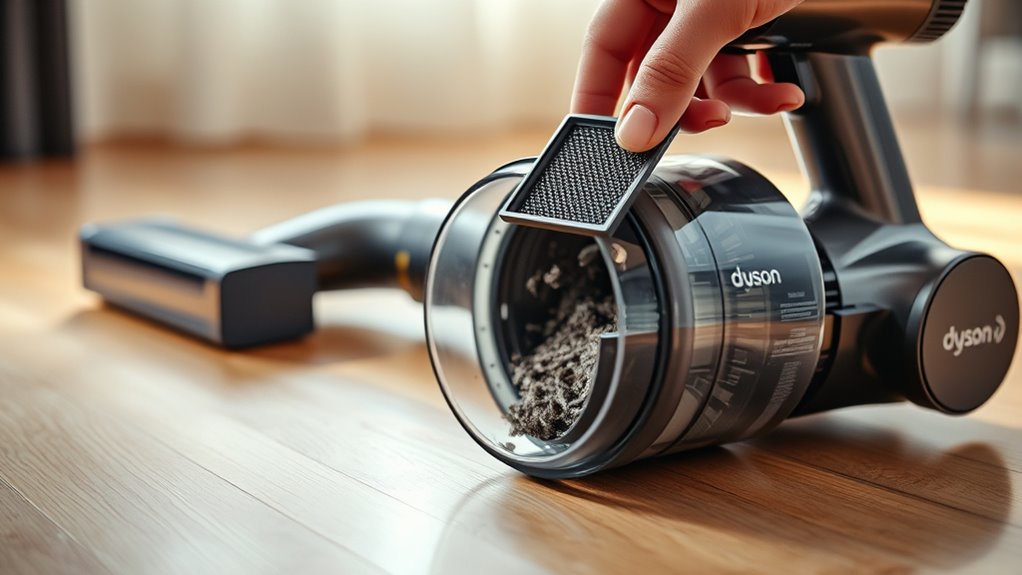
Next, check for blockages or tangled debris in the wand, filters, and dust bin. These blockages can trigger automatic shutoff to protect the motor. Make cleaning the filters a regular habit; clogged filters can cause overheating and lead to shutdowns.
Also, inspect and clean the electrical contacts to confirm the battery fits securely, preventing intermittent power loss. Finally, avoid using Max Power Mode continuously, as high load strains the motor and battery, causing the vacuum to shut off.
Frequently Asked Questions
Why Does My Dyson Vacuum Work for a Few Seconds Then Stops?
Your Dyson stops quickly because the battery or motor’s overloaded, causing voltage drops that trigger shutdowns. Check for blockages, clean filters, and guarantee the battery’s healthy.
Also, avoid using high-power modes with a weak battery. Doing so can make the problem worse and cause your vacuum to stop even faster.
What’s the Average Lifespan of a Dyson Vacuum?
Funny enough, your Dyson vacuum usually lasts about 5 to 7 years if you keep it clean and maintained.
If you use it heavily or skip care, expect it to wear out sooner, especially battery models.
Is There a Reset Button on My Dyson Vacuum?
Most Dyson vacuums don’t have a dedicated reset button. You’ll usually need to power cycle it by unplugging or removing the battery.
Wait a few minutes, then turn it back on to reset the system manually. It’s a simple way to give your vacuum a quick refresh.
How to Stop Dyson From Stopping?
You can stop your Dyson from stopping by turning off Max mode, fully charging and connecting the battery, clearing blockages, cleaning or replacing filters, and resetting the vacuum by removing and reinserting the battery.
It might sound like a lot, but it’s pretty straightforward. Just take it step by step, and your vacuum should keep running smoothly. If one fix doesn’t work, try the next until you find the solution.
Conclusion
If your Dyson vacuum keeps stopping, don’t ignore it—“a stitch in time saves nine.” By regularly checking for blockages, cleaning filters, and ensuring the battery or power supply is in good shape, you can prevent frequent shutdowns.
Taking these simple steps not only fixes the issue quickly but also extends your vacuum’s life. Stay proactive, and your Dyson will keep working smoothly, making cleaning less of a chore.
Remember, regular maintenance is key to avoiding common problems like your Dyson vacuum stopping unexpectedly. Keeping an eye on blockages, filter cleanliness, and power supply health will ensure your vacuum runs efficiently. This way, you save time and money on repairs, and your Dyson performs at its best for longer. So, next time your Dyson vacuum stops, check these areas first—you’ll likely find a quick fix and keep your cleaning routine hassle-free.