How to Find and Use the Reset Button on a Shark Vacuum
If your Shark vacuum shows error lights or suddenly stops working, don’t worry! You can easily reset it to fix common problems like motor overload or blockages. Resetting your Shark vacuum is a simple step that can get it back up and running without the need for complicated repairs.
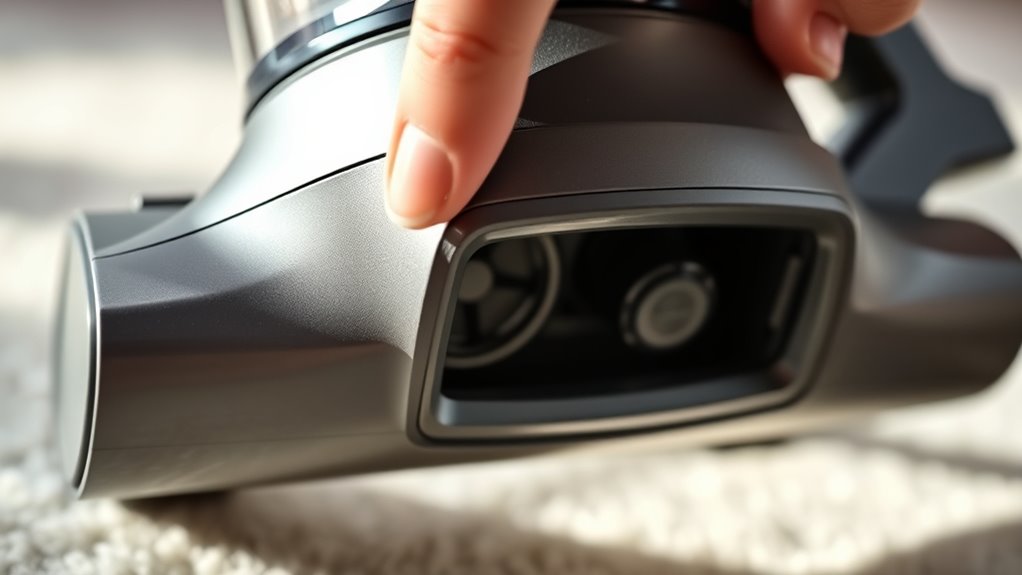
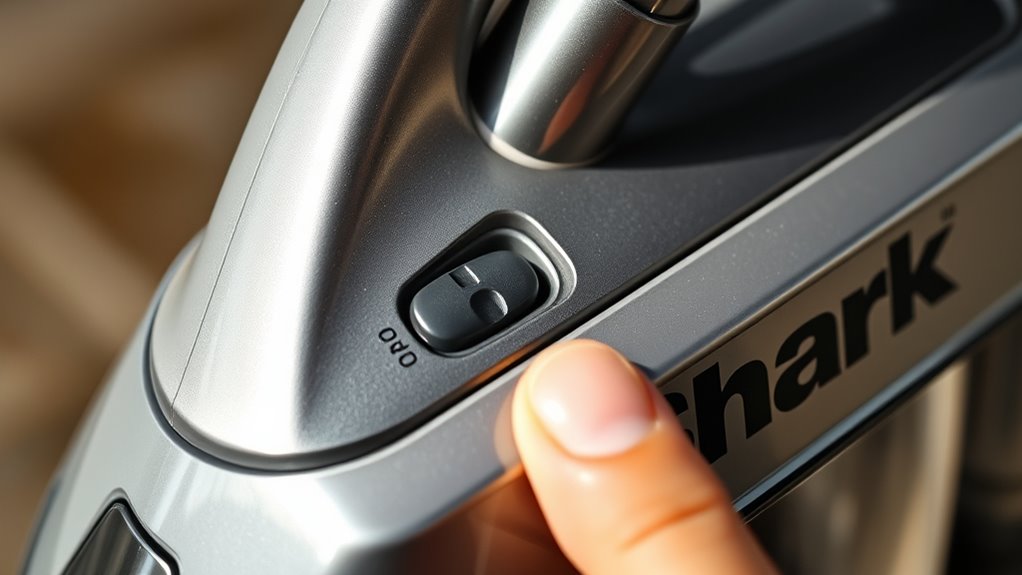
First, unplug the vacuum from the power outlet for safety. Then, look around near the motor or where the power cord connects to find a small, recessed reset button. It might be a bit hidden, so take your time to spot it.
Next, grab a paperclip or pen to press and hold the reset button for a few seconds. You’ll usually feel it click or even pop out slightly. Once that happens, release the button.
Now, plug your vacuum back in and give it a try. If it powers on and works normally, you’ve successfully reset it!
Keep reading for more handy troubleshooting tips and maintenance advice to keep your Shark vacuum in top shape.
Key Takeaways
- The reset button is usually small, recessed, and located near the motor or power cord on the vacuum’s main body.
- Always unplug the Shark vacuum before attempting to access or press the reset button for safety.
- Use a pointed object like a paperclip to press and hold the reset button for a few seconds until it clicks or pops out slightly.
- Once you feel the click, go ahead and release the reset button. Then, plug the vacuum back in to see if the system error or motor issue is fixed.
- Resetting clears error signals, restores motor function, and helps make sure your vacuum runs smoothly and safely after any maintenance or blockages.
When and Why to Reset the Reset Button on Your Shark Vacuum
Whenever your Shark vacuum shows error messages or blinking lights, you’ll need to press the reset button to clear system errors and get it running again. This simple step resolves issues like motor overheating or overloading, which often cause your vacuum to shut down unexpectedly during use.
After you clean filters or clear blockages, pressing the reset button helps restore the vacuum’s proper function. It’s also important to use the reset button after unplugging and inspecting your vacuum for maintenance or repairs.
Ignoring these signals can lead to persistent error messages and prevent your vacuum from operating efficiently. By resetting, you clear the internal system errors that interfere with the motor’s performance, ensuring your Shark vacuum runs smoothly and safely.
How to Find and Use the Reset Button to Fix Common Issues
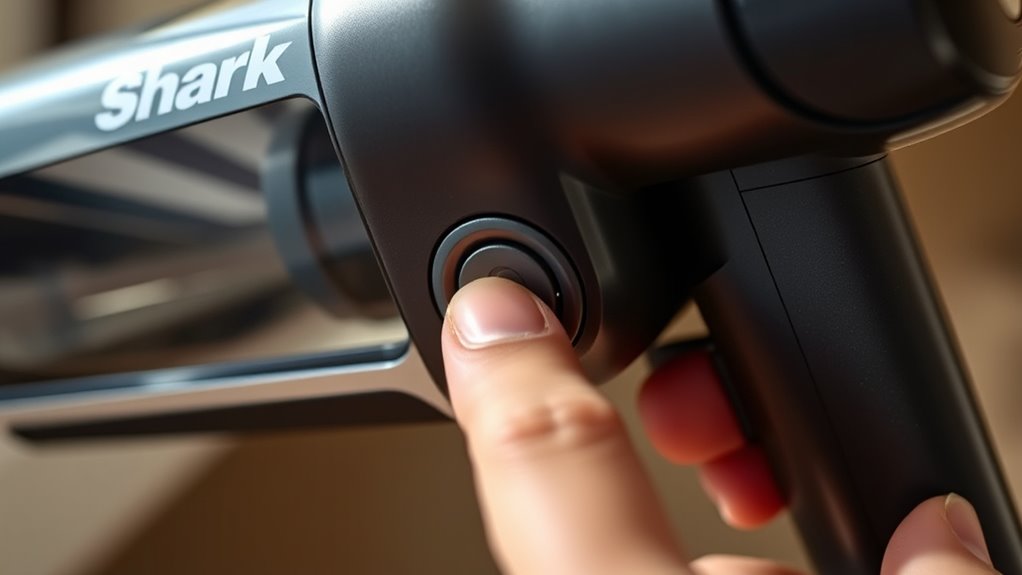
If your Shark vacuum encounters common issues like shutting off unexpectedly or showing error lights, you’ll need to locate and use the reset button to fix the problem. The reset button is usually small, recessed, and found on the main body near the motor or power cord.
To troubleshoot effectively, first unplug the vacuum to ensure safety. Then, use a pointed object like a paperclip or pen to press and hold the reset button for a few seconds.
Always unplug your vacuum before pressing the reset button with a pointed object for safe troubleshooting.
You’ll know it’s activated when it pops out slightly or you feel a click. After releasing the button, plug the vacuum back in and test its functionality.
This simple step often resolves power interruptions and error signals, helping your vacuum run smoothly again. Remember, always unplug before you press the reset button to avoid electrical hazards while troubleshooting your Shark vacuum’s issues.
Frequently Asked Questions
How to Do a Hard Reset on a Shark Vacuum?
To hard reset your Shark vacuum, unplug it first. Press and hold the reset button with a paperclip for a few seconds, then release it.
After that, plug the vacuum back in and turn it on to complete the reset. It’s pretty simple once you get the hang of it!
Which Button Is the Reset Button?
The reset button’s not a flashy, glowing wonder—it’s a tiny, often hidden button you’ll probably miss without a paperclip.
You’ll find it near the motor or power cord, marked “Reset” or a small icon.
It’s easy to overlook, but once you know where to look, it’s pretty straightforward. Just a quick press usually does the trick!
Do Shark Vacuums Have a Reset Switch?
Yes, some Shark vacuums have a reset switch, but not all models do. If yours has one, it’s usually small and recessed.
You’ll need a tool like a paperclip to press it when needed. It’s pretty simple once you know where to look. Just be careful not to push too hard!
Why Is My Shark Vacuum Suddenly Not Working?
Your Shark vacuum’s not working because it’s decided to take an unexpected nap—likely overheating, a clogged filter, or a tripped safety switch.
Check for blockages, power issues, or internal faults before trying to reset it.
Sometimes it just needs a quick break to cool down or a good clean to get back to work.
Give it a look-over, and you might have it running again in no time!
Conclusion
Resetting your Shark vacuum can quickly fix common issues like overheating or loss of suction. You’ll usually find the reset button near the vacuum’s motor or underneath the unit. If you’re unsure, check your model’s manual for exact details.
Contrary to some beliefs, pressing the reset button won’t harm your vacuum. It simply restores normal function, helping your vacuum run smoothly again. So, next time your Shark vacuum acts up, don’t hesitate to use the reset button.
Using the reset button on your Shark vacuum is a simple and effective way to troubleshoot problems without any hassle. Whether your vacuum is overheating or losing suction, a quick reset can save you time and frustration. Keep in mind that knowing how to find and use the reset button ensures you get the most out of your Shark vacuum and keeps your cleaning routine hassle-free and efficient.