
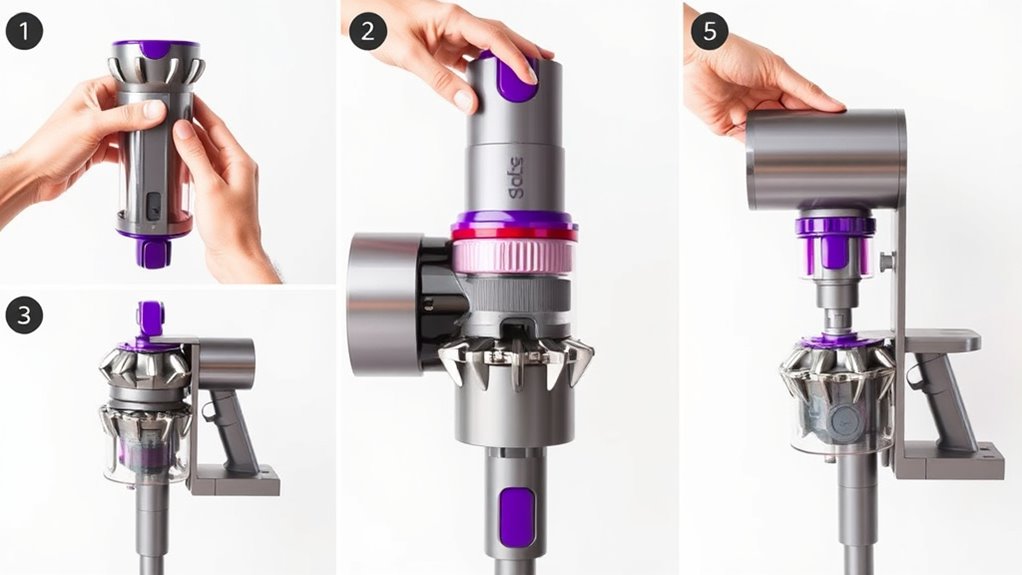
How to Open a Dyson Vacuum in 5 Easy Steps
To open your Dyson vacuum in five easy steps, start by pressing the red button to remove the wand and any accessories. This makes it easier to handle and access the parts you need to clean.
Next, release the front catch and slide the bin straight off the body. This step is key to getting inside the vacuum for maintenance.
Once the bin is off, clean the interior with a dry cloth—avoid using any moisture to keep it in top shape.
Then, gently wipe the vacuum’s exterior using a dry cloth as well.
Finally, reassemble everything by aligning and clicking the parts securely back in place. It’s that simple! Keep going to discover helpful tips for thorough cleaning and maintenance that will keep your Dyson running smoothly.
Key Takeaways
– Press the red button on the wand and gently pull to remove the wand and any attachments.
It’s pretty straightforward, just make sure you do it gently so nothing gets damaged.
– Hold the front catch firmly, lift it upward, and slide the bin straight away from the vacuum.
This part might take a little strength, but once it’s loose, it comes off easily.
– Use a dry, lint-free cloth to wipe the bin interior thoroughly without using water or cleaning solutions.
Keep it dry to avoid any damage inside the bin.
– Turn off and unplug the vacuum, then wipe the exterior with a dry cloth to clean accessible areas.
Safety first—always unplug before cleaning the outside.
– Reassemble by aligning parts, clicking them into place, and ensuring all attachments are securely connected.
Double-check everything’s snapped in properly before you start using it again.
Remove the Wand and Accessories by Pressing the Red Button
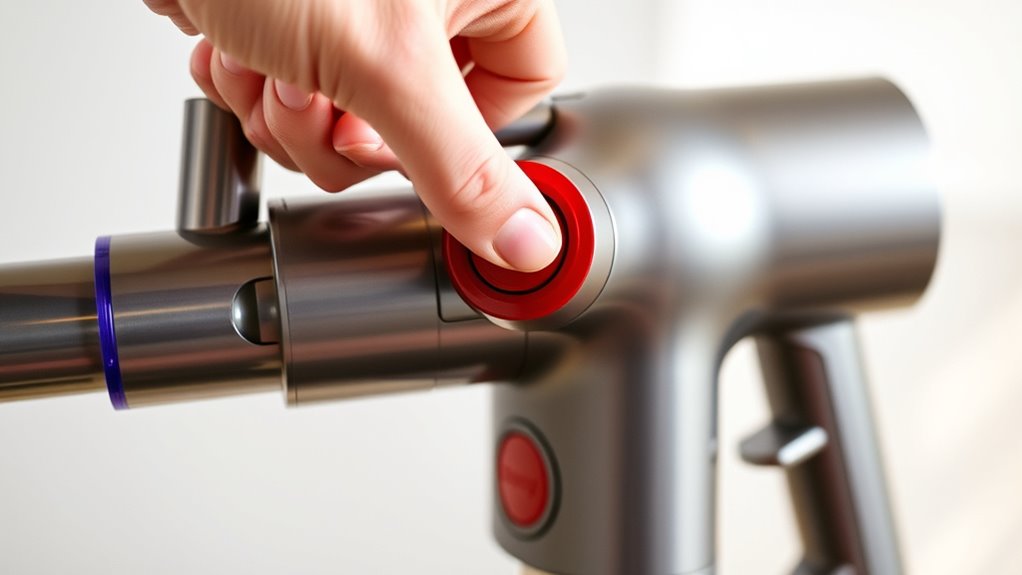
Before you begin cleaning, locate the red button on the wand or accessory attachment of your Dyson vacuum. This button is key to removing the wand or any accessory securely.
Press the red button firmly to release the wand or accessory from the main vacuum body. While doing this, hold the wand or attachment firmly to prevent it from detaching suddenly. You don’t want it to cause any damage or injury.
Once the button is pressed and the connection is released, gently pull the wand or accessory away from the vacuum to remove it. This release mechanism makes detaching simple and efficient.
If you have additional attachments you want to remove, just repeat the same process for each one. By using the red button properly, you guarantee a smooth and safe removal of parts.
This way, your vacuum is all set for maintenance or storage without any hassle.
Unlock and Slide Off the Bin Using the Front Catch
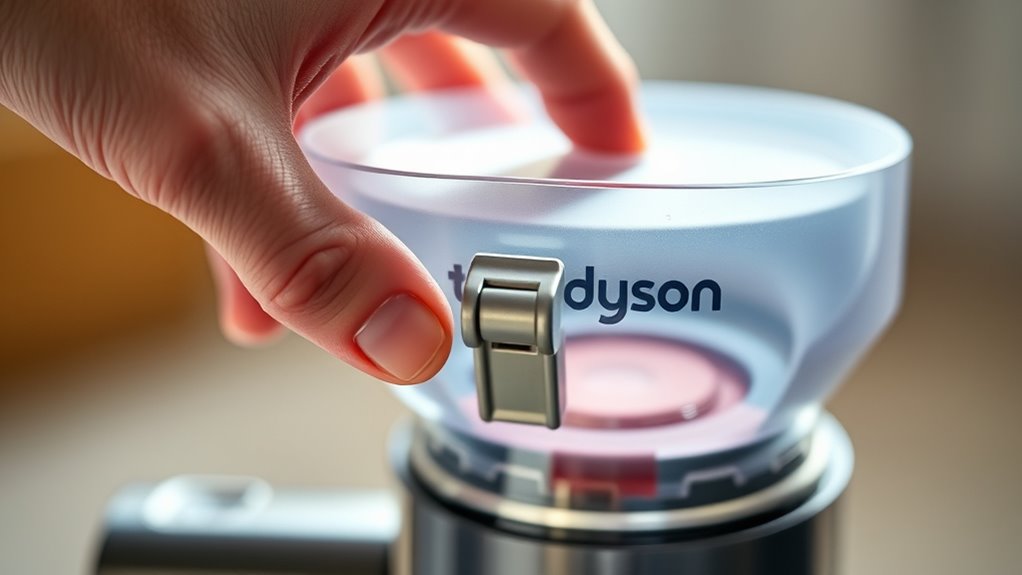
When you’re ready to remove the bin, locate the front catch designed to release it easily. This catch is your key to disengaging the bin from the vacuum body. Hold the catch firmly with one hand while supporting the bin with your other hand to keep it steady.
Lift the catch upward to release the bin—this action disengages it from its locked position. Once unlocked, gently slide the bin straight away from the main body of the vacuum. Make sure you slide it smoothly to avoid any damage or resistance.
Before moving on, double-check that the bin is fully detached from the vacuum. Disengaging and sliding off the bin correctly guarantees you can access it easily for emptying or maintenance. Following these steps carefully will help you handle your Dyson vacuum safely and efficiently, preventing any unnecessary wear or damage during the process.
Clean the Bin Interior Without Using Moisture
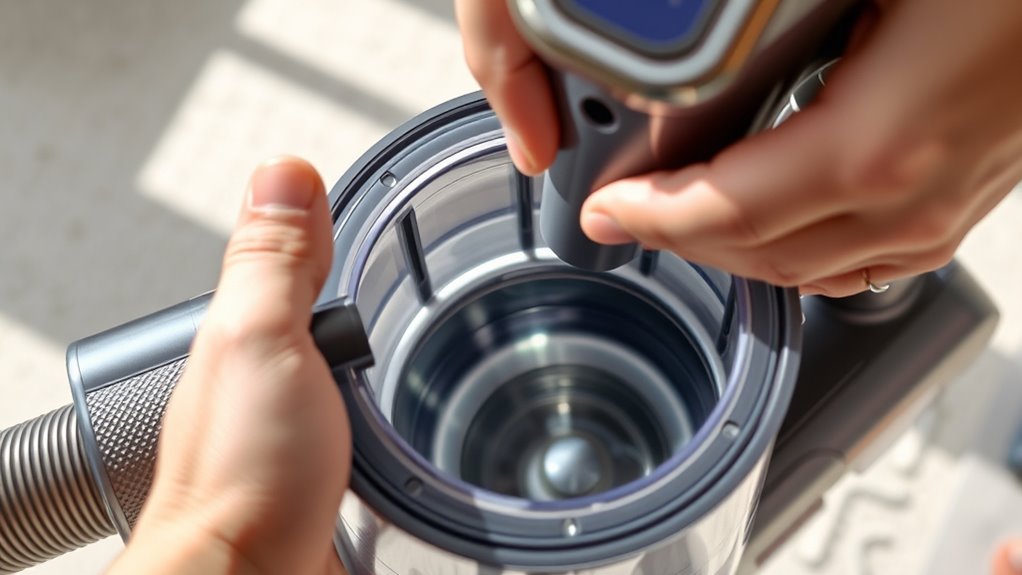
After you’ve successfully removed the bin from your Dyson vacuum, take a dry, lint-free cloth to wipe the inside thoroughly. This step is essential to clean the bin interior without using moisture, which can cause damage or promote mold growth.
Avoid using water or any cleaning solutions—just stick to the dry cloth to gently remove dust and debris from all inside surfaces.
By regularly cleaning the bin this way, you help maintain your vacuum’s suction performance and keep it hygienic. Make sure you reach every corner and crevice inside the bin to prevent buildup.
Before you reassemble and reinstall the bin, double-check that it’s completely dry to avoid any problems.
Cleaning the bin interior without moisture is a simple yet effective way to keep your Dyson running smoothly and extend its lifespan. Plus, it ensures your vacuum remains clean and ready for the next use.
Wipe the Vacuum’s Exterior With a Dry Cloth
Although it might seem simple, wiping your Dyson vacuum’s exterior with a dry, lint-free cloth plays an essential role in keeping it looking clean and functioning well. Before you wipe, make sure the vacuum is turned off and unplugged for safety.
Wiping your Dyson with a dry, lint-free cloth keeps it clean and ensures safe, optimal performance.
Use gentle strokes to wipe accessible areas like the handle, body shell, and control panel. Avoid any moisture or cleaning sprays—these can damage the vacuum’s body.
Regularly wiping your vacuum helps you remove dust buildup that can affect performance and eliminate fingerprints for a spotless finish. It also prevents dirt from settling into crevices and maintains a fresh, like-new appearance.
Plus, it can even extend the lifespan of your vacuum’s exterior.
Taking a moment to wipe your Dyson’s exterior keeps it ready for action and looking sharp. That way, every cleaning session feels smoother and more satisfying.
Reassemble Your Dyson Vacuum Securely and Check Attachments
To reassemble your Dyson vacuum securely, start by aligning the red and gray components at the back carefully. Make sure these parts fit together perfectly to avoid any gaps or misalignment.
Once aligned, click the parts into place firmly until you hear a distinct click, confirming they’re connected properly. Next, push down the piece to close the vacuum, securing all internal components.
After this, check that the bin and all accessories are properly attached and seated correctly. Don’t skip double-checking every connection and attachment; this step ensures your vacuum is fully reassembled and functions without issues.
Taking these careful steps prevents damage and maintains your Dyson’s performance. By following this process, you’ll easily reassemble your vacuum and have it ready for use in no time.
Frequently Asked Questions
How Do I Open My Dyson Vacuum?
You press the red button to detach the wand or accessories. Then, you hold and lift the catch on the bin’s front to open it from underneath.
After that, slide it off for emptying or cleaning your Dyson vacuum easily. It’s pretty straightforward once you get the hang of it!
How to Lock and Unlock a Dyson Vacuum?
To lock your Dyson vacuum, push all parts together until you hear a click.
To open, just press the red button or lift the bin catch.
Make sure everything’s secure before you start cleaning. Easy, right?
Why Won’t My Dyson Open?
Your Dyson won’t open because the latch might be stuck, misaligned, or damaged. Check for dust buildup around the catch, and make sure you’re pressing the right button.
Also, try not to overfill the bin. Overfilling can cause it to jam, which might be why it won’t open.
How Do I Take Apart My Dyson Vacuum to Clean It?
Don’t let your Dyson turn into an unopenable fortress! Press the red button, lift the bin catch, and slide the bin off. Then, clean it out to keep things fresh.
When you’re putting it back together, make sure to line up the parts carefully. This helps keep your vacuum running smoothly without any hiccups.
Conclusion
Now that you know how to open your Dyson vacuum in just five easy steps, you’re set for hassle-free maintenance. Did you know that regularly cleaning your vacuum can improve its efficiency by up to 25%? That means better suction and longer-lasting performance.
Taking a few minutes to follow these simple steps not only keeps your vacuum running smoothly but also guarantees your home stays cleaner. Give it a try—you’ll notice the difference!
By mastering how to open your Dyson vacuum, you’re making upkeep easier and more effective. Regular cleaning and maintenance boost your vacuum’s suction power and extend its lifespan. So, keep your Dyson vacuum in top shape and enjoy a cleaner, fresher home with less effort. It’s a simple routine that really pays off!





One Comment