
How to Empty a Dyson Vacuum V11 in 5 Easy Steps
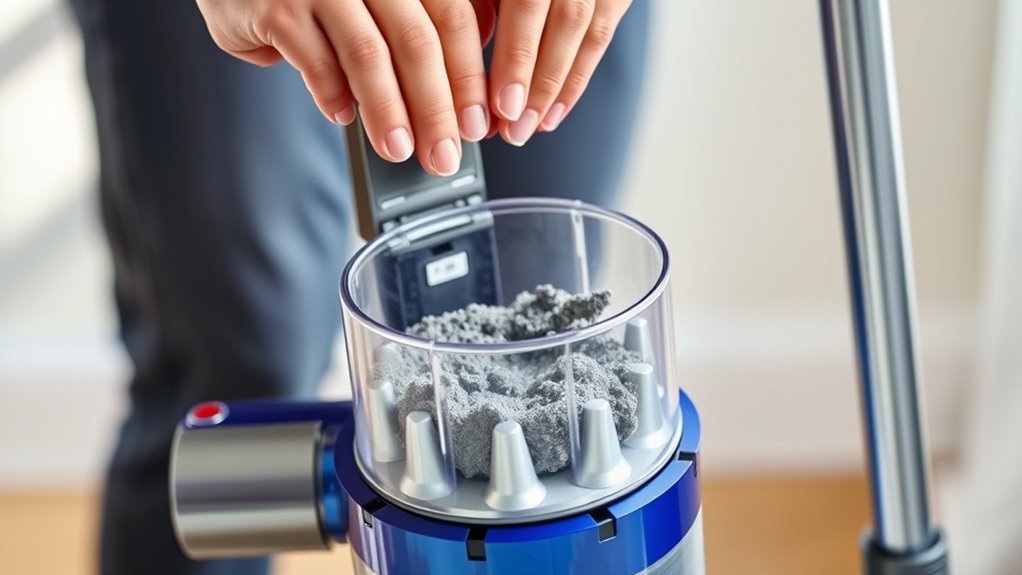
To empty your Dyson V11 vacuum, start by pressing the front canister lid until you hear a click. This will give you access to the debris inside the bin. It’s a simple first step that gets you ready to clear out the dirt and dust.
Next, push the red tab firmly down to release the bin. Be careful not to touch the trigger while doing this to avoid any accidental activation.
Once the bin is free, you’re almost done.
Now, close the canister lid securely. Make sure it clicks into place for a tight seal—that way, nothing will escape during your next cleaning session. Keep your fingers away from the trigger to prevent it from turning on by mistake.
Finally, snap the bin back onto the vacuum. Check that it’s flush and secure with no gaps. And that’s it! Keep following along to master the process perfectly and keep your Dyson V11 working efficiently.
Key Takeaways
- Press the red tab firmly to release the canister from the vacuum without touching the trigger.
- Open the front canister lid by pressing until you hear a click to access debris.
- Empty the debris directly into a trash bin without removing the entire canister.
- Close the canister lid by aligning it properly and pressing until it clicks securely.
- Reattach the canister to the vacuum by pushing it up until it clicks and is flush with no gaps.
It’s pretty straightforward once you get the hang of it! Just follow these simple steps, and you’ll have your Dyson V11 emptied in no time.
Open the Dyson V11 Bin Front to Access Debris
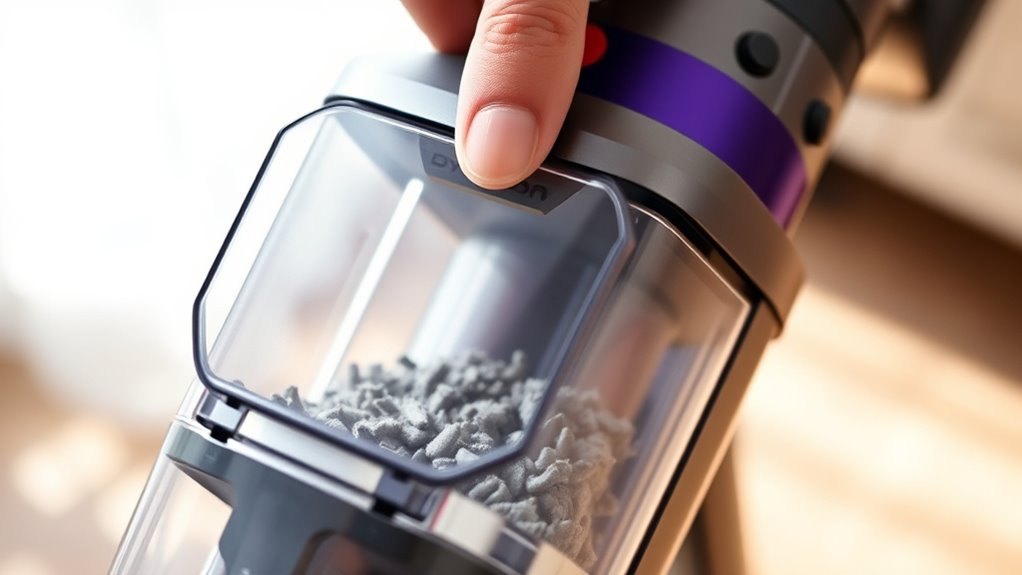
How do you access the debris inside your Dyson V11? The first thing you need to do is focus on the front canister lid. Unlike previous models that opened downward, the Dyson V11 features a front lid that swings open from the front.
This design makes it much easier to reach the debris without removing the entire canister. To open it, simply press the front lid until you hear a click. This action reveals the contents inside, ready for disposal.
Make sure the lid is fully open before you proceed to avoid spilling debris everywhere. The Dyson V11’s front opening system is created to offer quick and hygienic access, so you don’t have to struggle or get your hands dirty.
Push the Red Tab Down to Empty the Bin
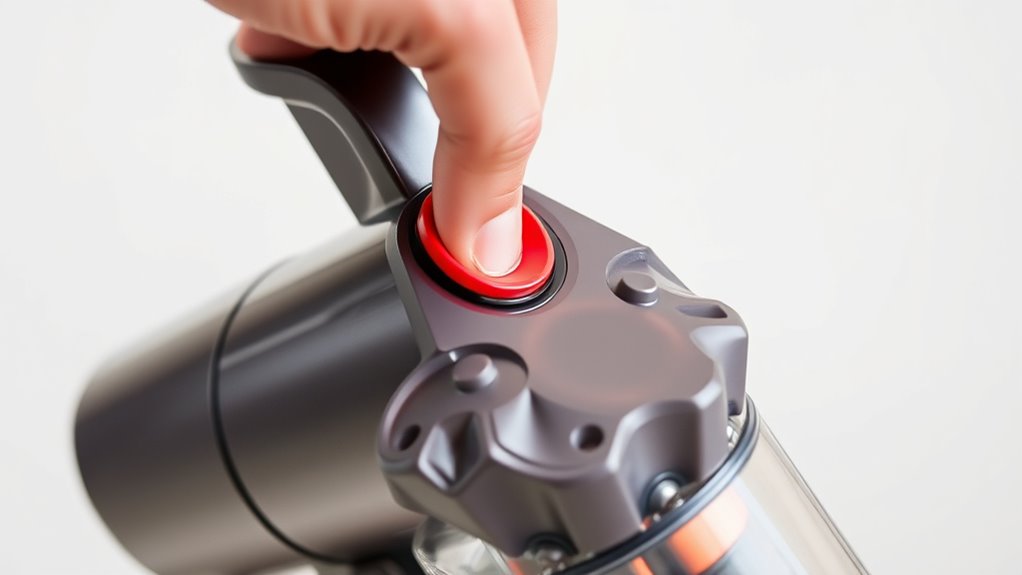
When should you push the red tab on your Dyson V11? You do this right after opening the bin front to access the debris. The red tab is the key release mechanism that lets you detach the bin from the vacuum for easy emptying.
To do this safely and efficiently:
- Press the red tab straight down firmly but don’t force it. This unlocks the canister so it can be removed.
- Keep your fingers away from the trigger while pushing the tab to avoid accidental vacuum activation.
- Once the tab is fully pressed, the bin will release quickly, allowing you to empty the debris without hassle.
Pushing the red tab is a quick and crucial step that makes emptying the Dyson V11 bin straightforward. Just remember to press firmly and keep your hand clear of the trigger for a smooth, safe process.
Close the Dyson V11 Canister Front Securely Until It Clicks
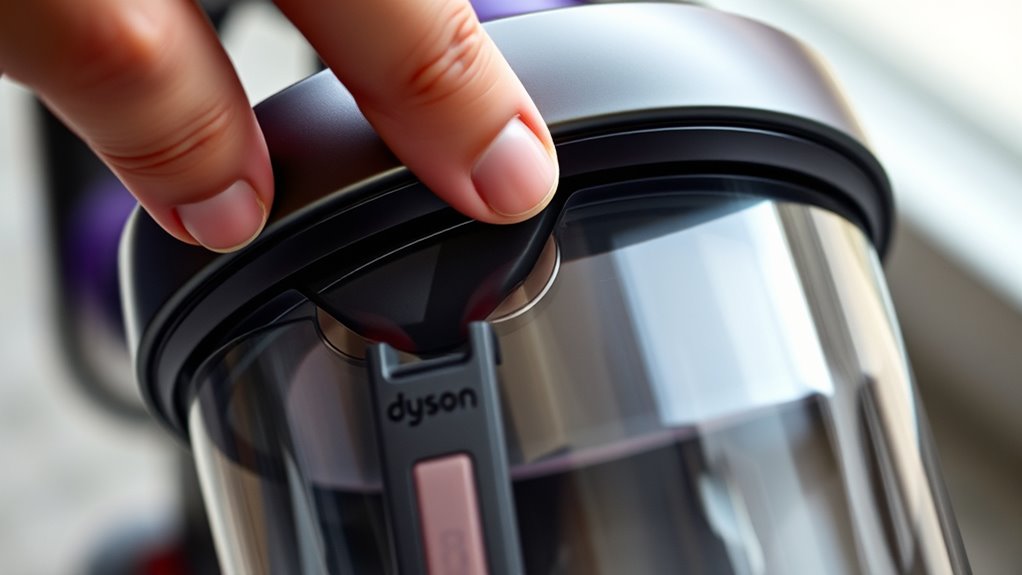
After pushing the red tab to release and empty the bin, you need to close the canister front securely. First, make sure the red tab is fully pushed down to seal the bin properly.
Then, align the canister lid perfectly with the rest of the vacuum. Avoid pressing on the sides or top, as this can prevent a proper seal.
Instead, focus on pressing firmly on the front edge of the canister. Apply steady pressure until you hear a distinct click, signaling the canister front is securely latched.
This click confirms the bin is closed tightly, preventing dust and debris from escaping during use. Take a moment to double-check the alignment and listen for that satisfying snap before moving on.
Proper closure ensures your Dyson V11 maintains excellent suction and cleanliness, keeping your vacuum ready for the next cleaning task.
Keep Fingers Away From the Trigger During Bin Closure
Although closing the Dyson V11 bin might seem straightforward, you need to keep your fingers away from the trigger to avoid accidentally turning the vacuum on. Accidental activation not only wastes battery but can also cause unexpected injuries.
To keep things safe and simple, follow these tips when closing the bin:
- Use your free hand to press firmly on the top of the bin, steering clear of the trigger area.
- Focus on aligning the red tab and the top of the canister, rather than touching the trigger.
- Avoid placing fingers near the trigger at all times during the closure process.
Snap the Bin Back Onto the Vacuum and Confirm It’s Sealed
Keeping your fingers clear of the trigger during bin closure helps prevent accidental activation, but securing the bin back onto the vacuum is just as important. To snap the bin firmly onto the Dyson V11, push it up into the vacuum until you hear a clear click. This sound confirms the bin is locked in place.
Make sure the red tab is fully pressed down to lock the bin securely. Check that the front of the canister is closed tightly to avoid debris spills during use. The bin should sit flush against the vacuum body, with no visible gaps or misalignment.
Once attached, give the bin a gentle tug to confirm it’s firmly sealed. This simple check guarantees the bin won’t detach or leak during operation, keeping your cleaning process smooth and mess-free. Taking these steps guarantees your Dyson V11 is ready for the next use without any issues.
Frequently Asked Questions
How Do I Empty a Dyson V11 Vacuum?
You open the canister front by pressing the release button. Then, aim it into the trash.
Next, push the red tab down to release the debris. Make sure it’s empty before closing it securely with a click.
Try to avoid pressing the trigger while closing it. That way, everything stays in place.
How Do I Open the Dyson Canister to Empty It?
You open the Dyson canister by pressing the lid to release the seal, then push the red tab downward.
Aim it over your trash, keep fingers away from the trigger, and fully open the canister to empty it. Easy, right? Just make sure to handle it carefully!
How to Open a Dyson V11 Bin?
You lift the front of the Dyson V11 canister, which swings outward. Then, push the red tab downward to unlatch and release the bin.
Aim it downward over the trash, avoiding the trigger, to open safely. This way, you won’t accidentally release the dust inside. It’s pretty straightforward once you get the hang of it!
How to Take a Dyson Canister Apart to Clean?
Taking your Dyson canister apart is like opening a treasure chest—press the release button, then push the red tab down. After that, carefully detach the canister from the vacuum.
Clean it with water, but be sure to avoid any electronics. Once it’s completely dry, go ahead and reassemble it securely. Easy, right?
Conclusion
Now that you know how to empty your Dyson V11 in just five easy steps, you’re all set to keep your vacuum running smoothly—no need to summon a butler or send a telegram!
Just remember to open the bin front, push the red tab, and close it securely. Keep your fingers clear, and snap it back on.
With this quick routine, your cleaning game will stay sharp and hassle-free every time. Regularly emptying your Dyson V11 not only keeps it working efficiently but also helps maintain powerful suction.
By following these simple steps, you ensure your vacuum is always ready for the next mess. So, emptying your Dyson V11 is quick, easy, and essential for top performance every time you clean.



2 Comments