How to Empty a Dyson Vacuum in 5 Easy Steps
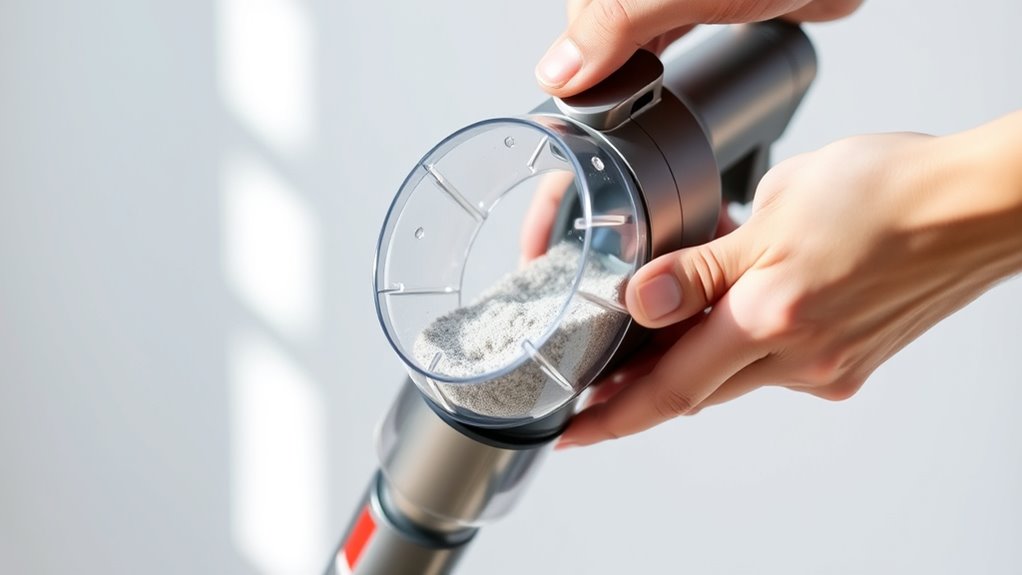
To empty your Dyson vacuum in 5 easy steps, start by pressing the release latch to open the bin’s front. This is the first and easiest part of keeping your Dyson vacuum cleaner running smoothly.
Hold the bin over a trash can to catch all the debris.
Next, push the red tab down to release the dirt inside smoothly.
Tilt the bin slightly to make sure all the dust and debris come out without banging it. This helps avoid any damage and keeps the process mess-free.
After that, close the bin by pushing the red tab back and snapping the canister shut.
Make sure to keep your fingers away from the trigger during this step.
Follow these simple steps, and you’ll find it easy to maintain your vacuum’s performance every time.
Key Takeaways
- Press the release latch to open the bin front and position it over a trash can.
- Push the red tab downward firmly to release debris from the bin’s bottom flap.
- Tilt the bin slightly to ensure all debris falls out completely.
- Avoid touching the trigger or shaking the bin during emptying.
- Close and lock the bin by pushing the red tab and canister until it clicks securely.
How to Open the Dyson V11 Bin for Easy Emptying
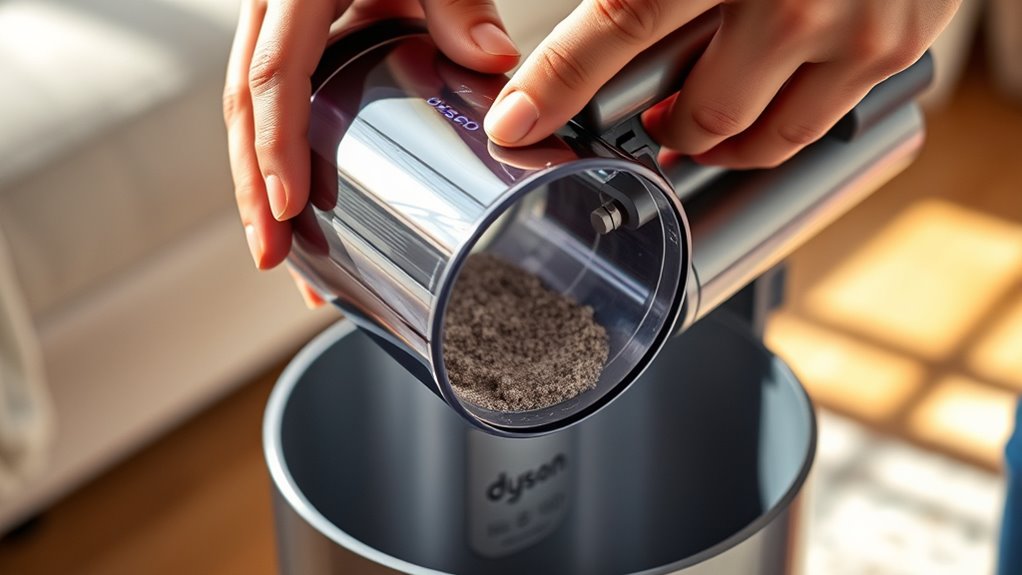
Before you empty the Dyson V11 bin, make sure you press the release latch to open the front of the canister. This simple action grants you access to the dust and debris collected during cleaning.
Press the release latch to easily open the canister and access the dust and debris inside.
When you open the bin, aim it over a trash receptacle to keep mess contained. Push the red tab downward to release the contents smoothly—no shaking required.
While handling the bin, keep your fingers away from the trigger to avoid accidentally activating the vacuum. Also, confirm the bin is fully open before emptying; this prevents debris from spilling out unexpectedly.
After you’ve cleared the bin, securely close the lid by pressing it until you hear a click, signaling it’s sealed correctly. These steps make emptying your Dyson V11 bin straightforward and mess-free, helping you maintain your vacuum’s efficiency without hassle.
Emptying Your Dyson V11 Bin, Step by Step
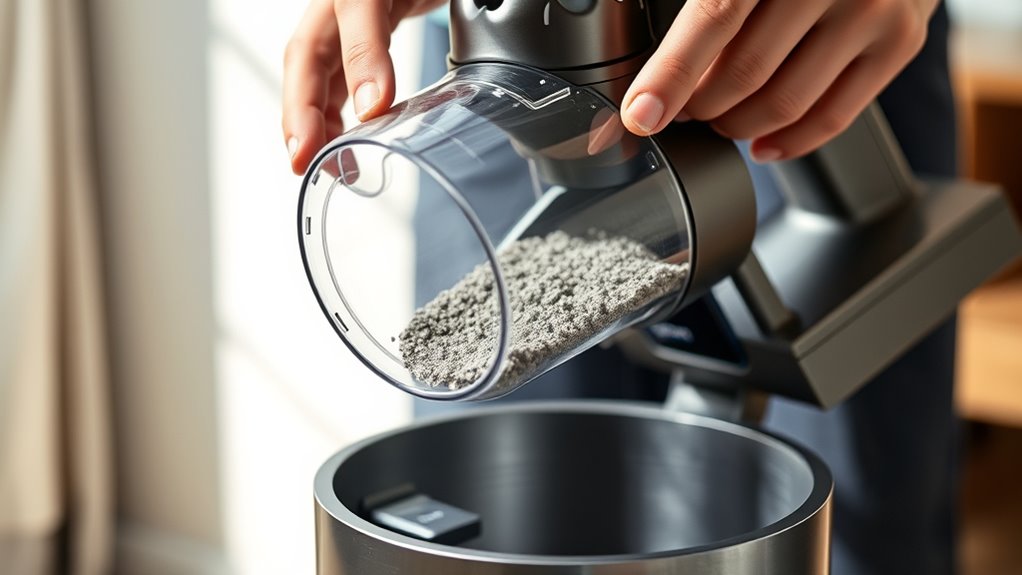
Once you press the release latch to open the Dyson V11 bin, position it over a trash can and push the red tab down to let the debris fall out smoothly.
Emptying your Dyson V11 bin is straightforward when you follow these steps carefully:
- Aim the bin directly into the trash receptacle to avoid spills.
- Push the red tab down firmly; this releases the bottom flap, allowing debris to fall freely.
- Tilt the bin slightly to ensure all dirt and dust empties out completely.
Following this method ensures you empty the bin efficiently without making a mess. Remember, emptying regularly keeps your vacuum performing at its best.
Avoid shaking or banging the bin, as this can damage the mechanism. Instead, focus on smooth, controlled emptying for the best results.
This step-by-step approach helps maintain your Dyson V11’s suction power and cleanliness. It’s simple but really makes a difference!
Closing and Sealing Your Dyson V11 Bin Properly
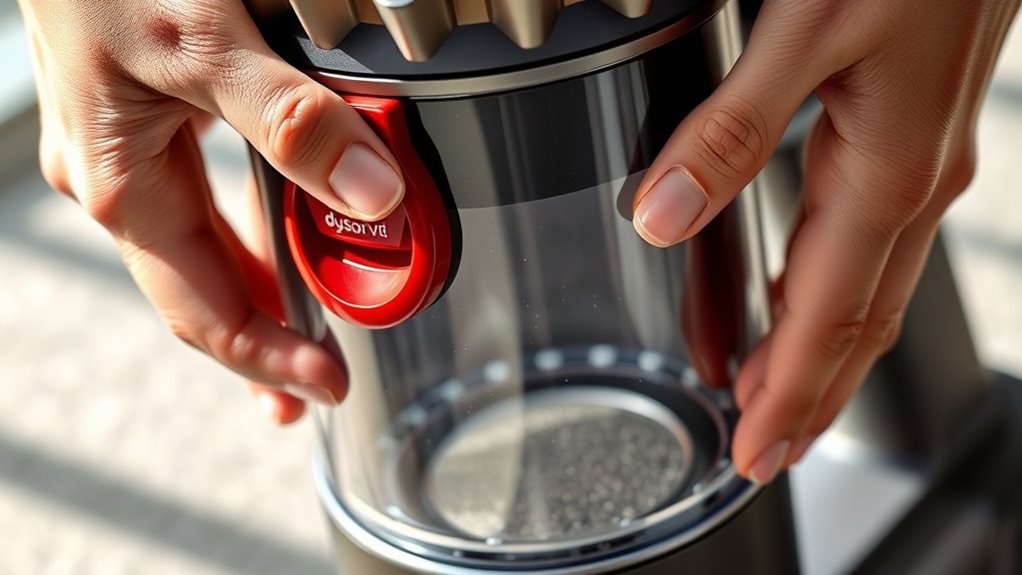
How do you guarantee your Dyson V11 bin stays securely sealed after emptying? Start by pushing the red tab straight down; this action locks the bin in place.
Next, ensure the front of the canister closes properly—press it until you hear a clear click. This confirms the bin’s front panel is sealed tightly.
Then, push the bin upward firmly until it clicks into position, confirming the entire bin is securely attached. Avoid touching the vacuum’s trigger during this process to prevent accidental activation.
Once sealed, double-check that the bin is firmly attached and sealed to prevent any debris from spilling out when you resume vacuuming.
Proper sealing not only keeps your vacuum functioning efficiently but also maintains cleanliness. Follow these steps every time you empty your Dyson V11 bin, and you’ll ensure a tight seal that helps keep your space mess-free.
How to Identify Your Dyson Vacuum Model and Bin Type
Securing your Dyson V11 bin properly is just one part of maintaining your vacuum. To empty it correctly, you first need to identify your Dyson vacuum model and bin type.
Here’s how you can do that:
- Locate the Model Number: Check the vacuum itself or your user manual for the model number. This will confirm whether you have a V11, V7, or another model.
- Observe the Bin Opening: Dyson V11 bins open from the front and seal with a red tab, while earlier models like the V7 open perpendicular to the vacuum and feature a different red tab design.
- Check the Release Mechanism Position: The bin type often reveals itself by where and how the release mechanism works—this helps you know the correct way to remove and empty the bin.
Knowing your vacuum’s model ensures you use the proper emptying method. This prevents damage and makes maintenance easier.
Common Mistakes to Avoid When Emptying Your Dyson V11 Bin
Although emptying your Dyson V11 bin may seem straightforward, there are several common mistakes that can lead to damage or messy spills. One major mistake is opening the bin using the front canister latch. This can cause debris to spill or harm the sealing mechanism.
Instead, always use the designated release method. Another mistake is pushing the red tab too hard; excessive force can break or misalign the bin’s sealing parts. You should never try to empty the bin while it’s still attached to the vacuum, as this often results in poor sealing or debris scattering.
Also, avoid touching the trigger during closing to prevent accidental activation or lock damage. If the bin feels stuck, don’t force it open—this can break locking tabs or damage the canister. Being mindful of these mistakes will keep your Dyson V11 functioning properly and make emptying hassle-free.
Frequently Asked Questions
How Do I Empty the Canister on My Dyson Vacuum?
You press the release latch to open the Dyson canister, then push the red tab straight down over a trash bin to drop debris.
Finally, close it firmly until it clicks to avoid spills during use.
Why Won’t My Dyson Empty Bin Open?
Isn’t it fun when your Dyson bin refuses to open? You’re probably not pressing the right tab, or debris is jamming it.
Make sure it’s fully clicked, then gently wiggle to free stubborn parts. Sometimes, a little patience goes a long way!
How Do You Empty the Dyson Upright Vacuum?
You open the canister by pressing the release button. Hold it over a trash bin, then push the bin release to drop debris out.
Make sure to close it firmly until you hear a click before using the vacuum again. That way, everything stays sealed and ready for your next clean!
How Do I Empty My Cordless Vacuum?
You just release a mini tornado by pressing the red tab, aiming the canister over the trash, and letting the debris fly out.
Then, snap it closed tight so no mess escapes during your next cleaning mission.
Conclusion
Emptying your Dyson V11 bin doesn’t have to be a chore—it’s more like a quick refresh for your vacuum. By following these simple steps, you’ll keep your machine happy and ready for action.
Just remember to handle it gently and avoid common slip-ups, and you’ll breeze through the process with ease. Embrace this little routine as a chance to give your Dyson a moment of care.
Doing this regularly helps maintain your vacuum’s suction power and overall performance. A clean bin means your Dyson V11 works efficiently, picking up dirt and debris without a hitch. So, take a few minutes to empty the bin properly—it’s a small step that makes a big difference.
Keep your Dyson vacuum in top shape by making emptying the bin part of your regular cleaning routine. Your vacuum will thank you with exceptional performance every time.