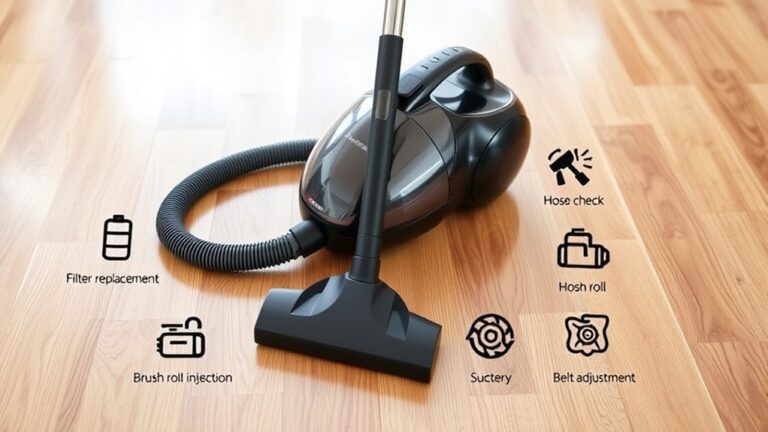
Why Did My Shark Vacuum Stop Working and How Can I Fix It?
Your Shark vacuum likely stopped working due to common issues like blockages in the hose or filters, worn belts, or electrical faults such as damaged wiring or power switch problems. These problems are pretty typical and can happen over time with regular use.
You can fix it by clearing any obstructions, cleaning or replacing filters, inspecting belts, and checking connections.
If it overheats, let it cool and reset the vacuum.
Keep your vacuum maintained to avoid these problems, and you’ll find more detailed steps to get it running smoothly again.
Taking a little time to care for your Shark vacuum can save you a lot of hassle down the road!
Key Takeaways
- Check for blockages in the hose, filters, and brushroll that may restrict airflow and cause malfunction. Sometimes, just a little clog can stop everything from working right.
- Inspect and replace worn belts or tangled hair on the brushroll to ensure proper vacuum operation. It’s amazing how a bit of hair can slow things down.
- Verify power supply, electrical connections, and reset the vacuum by unplugging and restarting after 2-3 minutes. This simple trick often does the job.
- Clean or replace filters regularly to maintain airflow and prevent motor overheating or thermal protection trips. Keeping filters fresh really helps your vacuum breathe better.
- Look for blinking indicator lights signaling errors and inspect internal wiring for damage or loose connections. Those little lights are trying to tell you something!
Why Is My Shark Vacuum Not Working?
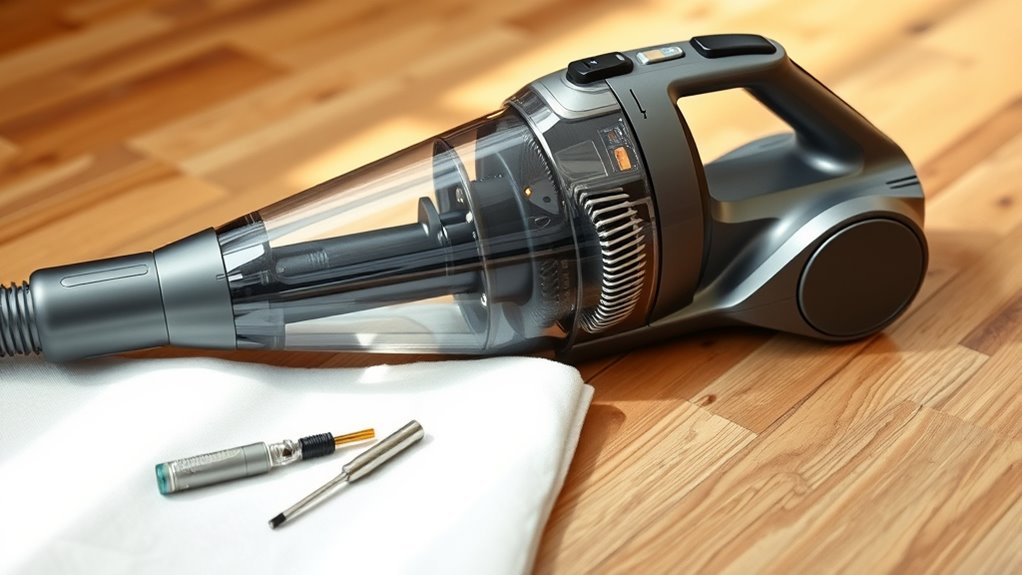
Why isn’t your Shark vacuum working? When your Shark vacuum not working, the cause often lies in power switch malfunction or electrical issues like damaged internal wiring or a faulty power cord.
Blockages in the hose, filters, or internal pipes can prevent the motor from powering on or cause motor failure. Overheating is another common problem; if the motor or thermal protection switch trips, the vacuum stops unexpectedly to avoid damage.
Blockages and overheating can stop your vacuum to protect the motor from damage.
Sometimes, worn belts, brushes, or internal wiring faults contribute to the vacuum’s failure. While the reset button can help in some cases, it’s important to recognize when deeper issues like motor failure or electrical faults are at play.
Preventing these problems starts with regular maintenance tips such as clearing blockages, checking for wear, and inspecting wiring. Understanding these potential causes helps you identify why your Shark vacuum isn’t working and what steps to contemplate next.
How to Clean, Reset, and Fix Your Shark Vacuum
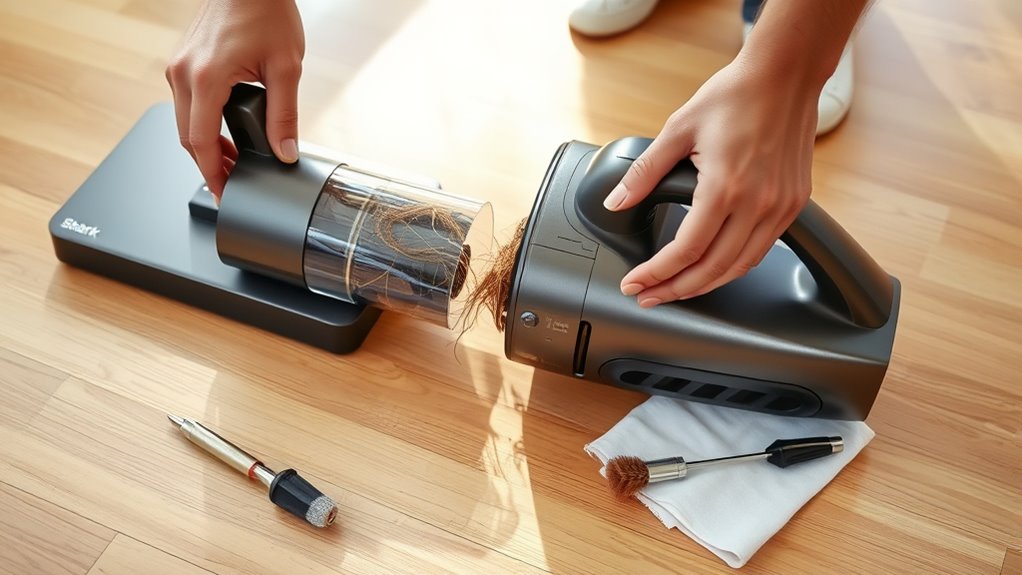
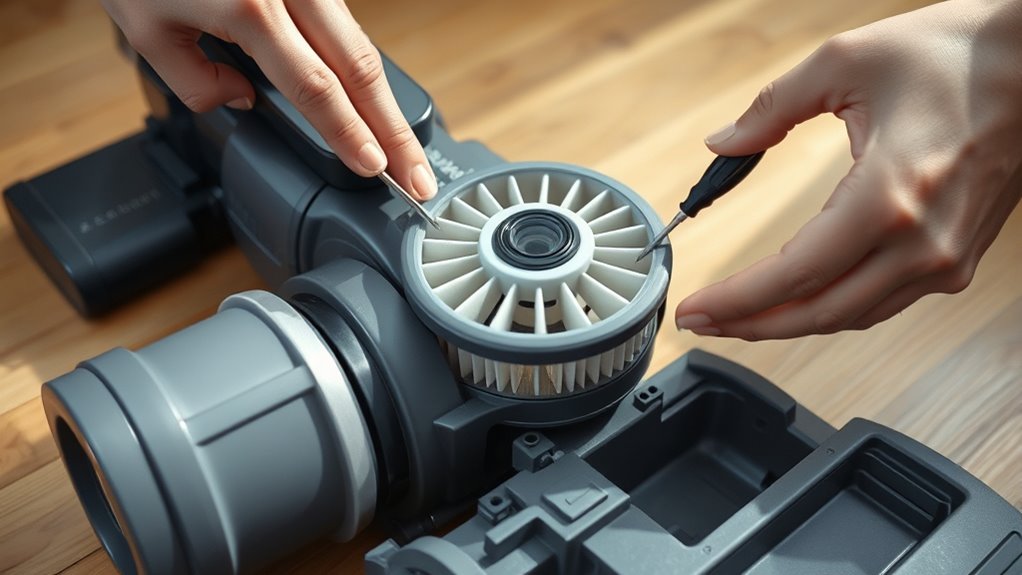
Although Shark vacuums are designed for convenience, they still need regular cleaning and maintenance to work smoothly. Start by removing and washing the filters according to the manufacturer’s instructions. Just make sure they’re completely dry before putting them back.
Next, check for blockages in the hose, brushroll, and internal pipes. This helps keep proper airflow and prevents the motor from straining.
If the brushroll isn’t spinning or the vacuum suddenly shuts down, clear any tangled hair and take a look at the belt. When the indicator light blinks or the vacuum stops working, it’s often due to system errors.
To fix this, perform a reset by turning off the vacuum, unplugging it, and waiting 2-3 minutes. Then, plug it back in or press the reset button.
Also, double-check the power supply and inspect the sensors and electronic connections for dust or loose wires. Following these simple cleaning tips and maintenance steps will help you fix common issues and keep your Shark vacuum running efficiently.
Frequently Asked Questions
Why Did My Shark Vacuum Just Quit Working?
Your Shark vacuum quit working because it likely overheated, tripped a breaker, or encountered a blockage.
Check filters, hoses, and power connections. Clearing clogs and resetting switches usually gets it running again quickly.
Is There a Reset Button on Shark Vacuum?
Think of your Shark vacuum like a stubborn computer; yes, many models have a reset button near the power switch or motor.
Just unplug it, press and hold the reset for a few seconds, then restart to fix glitches.
It’s a simple trick that can save you a lot of hassle. Just give it a try if your vacuum acts up!
Is It Worth Fixing a Shark Vacuum?
Yes, it’s worth fixing your Shark vacuum if the issue is minor or parts like filters or belts need replacing. Repairs save money, reduce waste, and can restore performance.
This is especially true if you get professional help or have a well-maintained unit. So, don’t rush to replace it just yet!
What Is the Lifespan of a Shark Vacuum?
Think of your Shark vacuum as a trusty steed that lasts 5 to 7 years. With your care—cleaning, part swaps, and gentle use—you’ll keep it running strong.
It’ll be ready to tackle messes like a loyal companion. Just a little attention goes a long way!
Conclusion
If your Shark vacuum suddenly stops working, don’t panic—it’s like a hiccup in your cleaning routine that you can easily fix. Start by checking for clogs and emptying the dustbin. Sometimes, a simple reset of the device can get it running again.
Regular maintenance is key to keeping your Shark vacuum running smoothly. Think of it as a trusty sidekick in your cleaning battles that needs a little care now and then.
With a little attention and these quick fixes, your vacuum will be back to making your home spotless in no time. Remember, troubleshooting common issues like blockages, a full dustbin, or the need to reset can save you a service call. So, keep your Shark vacuum in top shape, and it’ll keep helping you clean effortlessly!