10 Tips on How Often to Run Your Robot Vacuum
You should run your robot vacuum based on your home’s pets, floor types, and daily activity. If you have shedding pets, vacuum daily or twice daily during peak seasons. This helps keep pet hair under control and your floors looking clean.
Hard floors need 2-3 cleanings weekly, while carpets and rugs require more frequent attention. Using your robot vacuum smartly can make a big difference.
Use smart features like scheduling and zone cleaning to boost efficiency. These tools help you target high-traffic areas without extra effort.
Watch for signs of overuse to avoid wear, and manage battery health for long-term performance. A well-maintained robot vacuum lasts longer and works better.
Find out how to tailor your routine perfectly. With the right schedule, your robot vacuum can keep your home spotless without taking up your time.
Key Takeaways
- Adjust vacuum frequency based on pets, foot traffic, and floor type for optimal cleanliness and allergen control. It really helps keep things fresh around the house.
- Use smart scheduling features to run the vacuum during low-traffic times and target high-traffic or pet-heavy zones. This way, you’re cleaning when it’s most needed without interrupting your day.
- Increase vacuuming during shedding seasons and allergy periods to reduce pet hair, dander, and pollen buildup. It’s a simple trick to keep allergies in check.
- Avoid over-vacuuming by monitoring floor cleanliness and maintaining brushes, filters, and sensors regularly. Taking care of your vacuum means it works better and lasts longer.
- Manage battery health by charging after sessions, avoiding full discharges, and using quick-charge options when available. A healthy battery keeps your vacuum ready to go whenever you need it.
Deciding How Often to Run Your Robot Vacuum
Although there’s no one-size-fits-all schedule, you should base how often you run your robot vacuum on factors like pets, foot traffic, and floor type. Your household’s unique conditions directly impact the frequency that’s right for you.
If you live with pets, especially those that shed a lot of pet hair, daily or twice-daily cleaning routines will help keep dirt and allergens under control. Homes with heavy foot traffic also benefit from more frequent runs to prevent dirt buildup.
On the other hand, if your household has minimal activity and no pets, running your vacuum 2-3 times a week might be enough to maintain a clean environment. Different floor types—hardwood, carpet, or tile—can affect how quickly dirt accumulates, influencing your cleaning schedule.
Adjusting Vacuum Frequency for Pet Owners
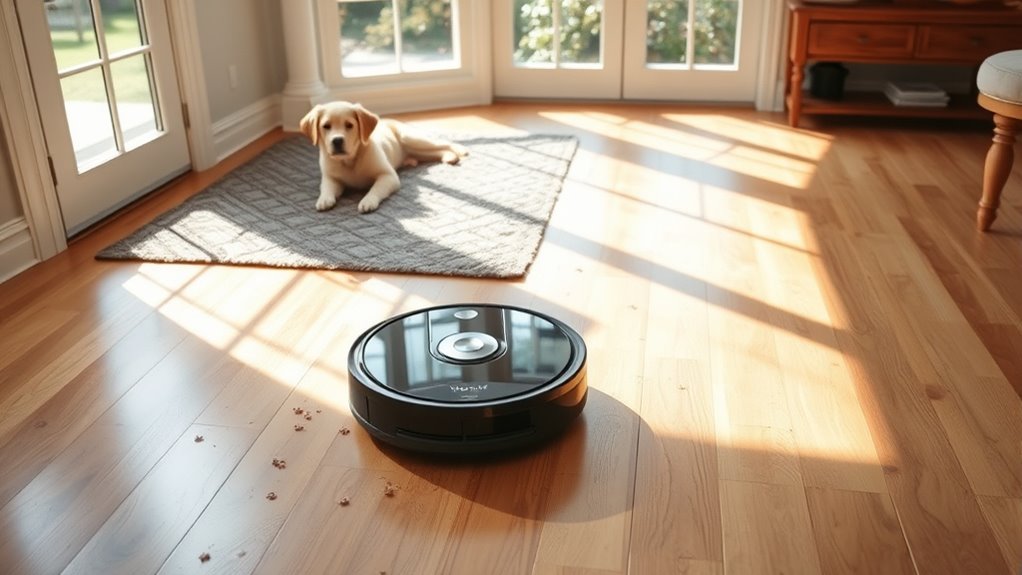
If you have pets, especially those that shed frequently, you’ll want to run your robot vacuum at least once a day to keep pet hair and dander under control. As pet owners, adjusting the vacuum frequency according to your pet’s shedding cycle and activity level is vital for maintaining a clean home and reducing allergens.
During peak shedding seasons like spring and fall, increase your cleaning schedule to prevent buildup. It really helps keep things manageable.
Consider these tips to fine-tune your vacuum routine:
- Vacuum twice daily if you have multiple pets or heavy shedding to minimize pet hair and pet dander accumulation. This can make a big difference in how clean your floors look.
- For long-haired pets, run the vacuum every 12 hours to avoid hair tangles on floors and brushes. Trust me, it saves you some hassle later on.
- Monitor shedding patterns and adjust frequency accordingly to keep allergens at bay. Staying on top of it means a healthier home for everyone.
Matching Robot Vacuum Schedule to Your Floor Type
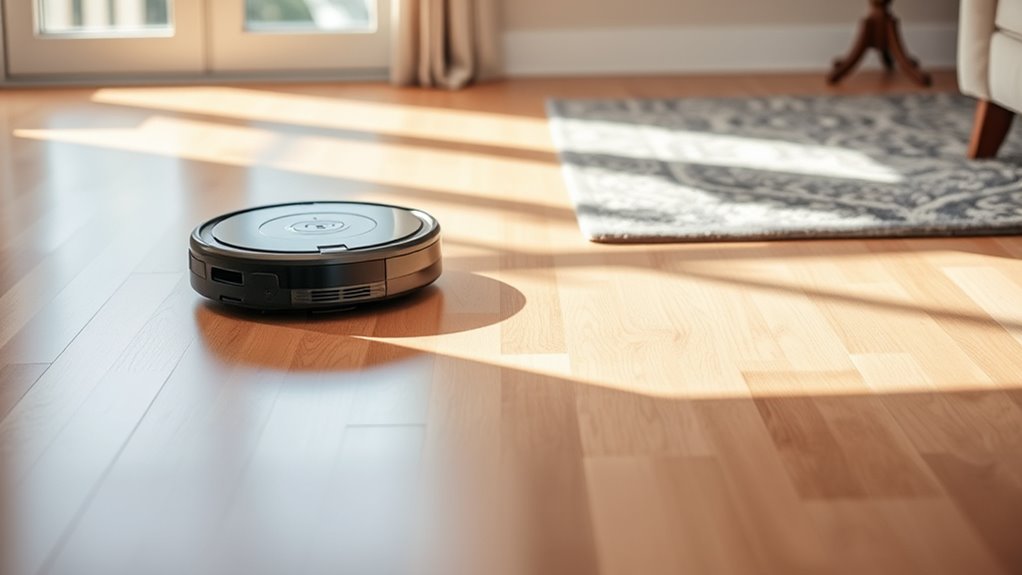
You’ll want to tailor your robot vacuum schedule based on your floor type to keep it clean and protected. Hardwood, tile, and laminate usually need less frequent runs.
Carpets and rugs, on the other hand, require more attention to tackle trapped dirt and pet hair. Adjust your vacuum’s settings accordingly to match the surface and maintain peak performance.
Floor Surface Cleaning Needs
Since different floor types collect dirt and debris at varying rates, matching your robot vacuum schedule to your flooring is essential for effective cleaning. Each surface demands specific attention based on how much dust, pet hair, and dirt it traps.
Adjust your cleaning cycles to suit your floor types and lifestyle.
- Hardwood floors usually need vacuuming 1-2 times a week, increasing with pet hair or high-traffic areas.
- Carpets and rugs trap more dirt and pet hair, so vacuum 2-3 times weekly—or daily if traffic is heavy.
- Tile and laminate floors require at least weekly vacuuming to keep dust and debris under control, especially in busy zones.
Tailoring your vacuum schedule guarantees your floors stay clean without overworking your robot vacuum.
Vacuum Settings For Floors
When adjusting your robot vacuum schedule, matching the settings to your floor type guarantees efficient cleaning without wasting battery life or overworking the device. For hardwood floors, set your vacuum to run 2-3 times per week to prevent dust buildup.
Carpets need at least weekly cleaning, with more frequent sessions in high-traffic or pet hair-heavy areas. Tile and laminate floors benefit from a weekly schedule, but increase frequency if dirt accumulates quickly.
Don’t forget rugs and mats—they require weekly vacuuming plus regular shaking to remove embedded dirt. If you have pets or heavy foot traffic, daily cleaning in those zones helps control pet hair and debris.
Tailoring your vacuum settings and schedule to your floors assures a thorough, efficient clean every time. It really makes a difference!
Scheduling Robot Vacuum Runs for Busy Households
Although busy households face constant foot traffic and activity, you can keep your floors clean by scheduling your robot vacuum to run at least three to four times a week. Regular maintenance through frequent cleaning helps prevent dirt buildup and keeps your home looking its best.
Using your robot vacuum’s app to set recurring routines makes scheduling effortless, even on your busiest days.
To optimize your cleaning schedule in busy households, consider these tips:
- Schedule vacuum runs when no one’s home or asleep to avoid disruptions and reduce the risk of your robot getting stuck.
- For homes with pets, increase cleaning frequency to daily or every other day to manage shedding and improve air quality.
- Adjust your robot vacuum’s schedule during high-activity periods like holidays for better maintenance.
When to Increase Robot Vacuuming During Allergy Season
During allergy season, you’ll want to ramp up your robot vacuuming to daily or every other day to tackle pollen and dust buildup. If you have pets, increasing cleaning helps reduce pet dander that can worsen allergies.
Using a vacuum with strong suction and HEPA filters will boost your indoor air quality and keep allergens at bay. It really makes a noticeable difference in how fresh your home feels. So, don’t hesitate to run your robot vacuum more often when allergies strike.
Seasonal Allergen Impact
How often should you run your robot vacuum to combat seasonal allergens? During allergy seasons, try increasing your vacuuming frequency to daily or every other day. This can really help reduce seasonal allergens like pollen, pet hair, and dust buildup.
Doing this stops allergens from settling deep into carpets and furniture. Plus, it helps improve your home’s air quality.
To get the best results, remember to use a robot vacuum with HEPA filters. These traps tiny allergen particles super effectively.
Also, focus on high-traffic spots and areas where your pets hang out the most. That’s usually where dust and pet hair pile up.
And don’t forget to keep up a regular vacuuming schedule all through spring and fall. That way, you’ll keep allergen levels nice and low.
Adjusting Cleaning Frequency
If you want to keep allergens at bay throughout allergy season, you’ll need to increase how often your robot vacuum runs. Adjusting cleaning frequency during pollen-heavy months or in high-pollution areas really helps prevent dust and debris buildup that triggers allergies.
Setting a schedule based on allergy seasons means you can boost cleaning when it matters most. This is especially effective with vacuums that have HEPA filters and strong suction.
| Time of Year | Recommended Frequency | Key Focus |
|---|---|---|
| Peak Allergy Season | Daily or Every Other Day | Remove pollen, dust |
| Off-Season | 2-3 Times per Week | General maintenance |
| High-Pollution Areas | Daily | Prevent dust buildup |
| Pollen-Heavy Months | Increased Cleaning | Minimize allergens |
Enhancing Air Quality
Increasing the frequency of your robot vacuum runs during allergy season directly impacts the air quality inside your home. Regular vacuuming with a HEPA-filtered robot vacuum helps capture allergens like pollen, dust mites, and pet dander, improving your indoor air.
You’ll notice fewer allergy symptoms as airborne irritants decrease. It really makes a difference!
To enhance air quality during allergy season, consider:
- Vacuuming daily or every other day to prevent allergen buildup.
- Focusing on hidden spots like under furniture where dust mites thrive.
- Increasing cleaning if you live in high-pollution areas to keep indoor air fresh.
How Home Layout Affects Robot Vacuum Frequency
Because your home’s layout shapes where dirt collects and how easily your robot vacuum can navigate, it directly impacts how often you’ll need to run it. If you have a larger, open floor plan, debris tends to spread out more, so you can usually vacuum less often.
However, in multi-story homes, each level experiences its own traffic areas, so you’ll want to run your vacuum more frequently on every floor to manage dirt transfer.
Clutter and obstructions like furniture or narrow hallways can block your robot’s path. That means you might need extra cleaning sessions to cover all spots.
Also, flooring type matters: carpets trap more dirt than hardwood, so rooms with carpet may require more frequent vacuuming. By understanding your home layout’s unique challenges—like tight spaces, varied flooring, and multiple stories—you can tailor your vacuum schedule to keep every corner clean without overdoing it.
Using Robot Vacuum Smart Features to Optimize Cleaning
Your home’s layout sets the stage, but smart features take your robot vacuum’s efficiency to the next level. By using smart scheduling, you can set your vacuum to clean automatically during low-traffic times or when you’re away. This ensures consistent, hassle-free maintenance.
Advanced mapping and zone customization let you focus cleaning on high-traffic or pet-heavy areas. This saves battery life and avoids unnecessary runs. Obstacle detection and no-go zones prevent your vacuum from getting stuck or entering off-limits spaces, which boosts cleaning efficiency.
To optimize your cleaning routine, consider these smart features:
- Use real-time monitoring through companion apps to track progress and manually adjust settings as needed.
- Enable firmware updates regularly to improve AI-driven navigation and adapt to layout changes.
- Customize cleaning zones with advanced mapping to prioritize critical areas and reduce vacuum frequency.
Leveraging these features helps you maintain a cleaner home with less effort and smarter resource use. It’s all about working smarter, not harder!
Recognizing When You’re Vacuuming Too Often
If you find your robot vacuum running multiple times a day without noticeable improvement, you might be vacuuming too often. Over-vacuuming can cause unnecessary wear on vacuum brushes and filters, shortening its lifespan.
It also disrupts household routines without adding much cleanliness, especially in low-traffic or pet-free areas. Running your vacuum repeatedly in the same spaces leads to diminishing returns since the floor is often already clean after initial passes.
To avoid this, adjust your cleaning schedule based on actual needs, focusing on targeted cleaning in high-traffic zones rather than blanket coverage. Efficient maintenance means balancing thorough cleaning with preserving your vacuum’s components and battery life.
Recognizing when your floors don’t need extra attention helps you maintain a practical routine, saving energy and reducing wear on vacuum parts. By fine-tuning how often you run your robot vacuum, you keep your home clean without compromising the device’s longevity or interrupting daily household routines.
Tips for Maintaining Your Robot Vacuum’s Performance
To keep your robot vacuum running smoothly, you should clean its brushes, filters, and sensors every one to two weeks. Regular cleaning is key to maintaining peak performance and preventing dirt buildup that can hinder suction power and mobility.
Clean brushes, filters, and sensors every one to two weeks to maintain optimal robot vacuum performance.
Along with this maintenance routine, pay attention to the vacuum’s dustbin and firmware updates to guarantee efficient operation.
Here are some essential tips for maintaining your robot vacuum’s performance:
- Empty the dustbin after each use or when it’s about 75% full to keep suction strong.
- Inspect and remove hair or debris tangled in brushes and wheels weekly to avoid clogs and mechanical issues.
- Update the vacuum’s firmware regularly to improve functionality and access new features.
Managing Robot Vacuum Battery Life for Frequent Cleaning
To keep your robot vacuum running efficiently with frequent use, pay close attention to its battery capacity and avoid overcharging. Implement smart charging strategies, like fully discharging before recharging, to maintain battery health.
Battery Capacity Considerations
Three key battery capacity factors determine how often you can run your robot vacuum without interruptions. Understanding these helps you plan for frequent cleaning while preserving battery health.
Larger battery capacity, like 5200mAh or more, means longer battery life and fewer charging breaks. However, models with auto-empty docks often have shorter battery life, around 90-120 minutes per charge.
To keep your vacuum ready, avoid letting the battery drop below 20% before charging. Some vacuums offer quick-charge features, regaining power in 1-2 hours, which supports more frequent use.
- Choose a robot with sufficient battery capacity for your cleaning needs
- Monitor battery health regularly to avoid unexpected downtime
- Use quick-charge options to maintain frequent cleaning without long waits
Charging Strategies For Efficiency
Maintaining your robot vacuum’s battery health goes beyond choosing the right capacity—it also means managing how and when you charge it. Regularly charging after each cleaning session helps keep your battery ready and efficient.
Avoid letting it fully discharge, as that can shorten battery life. Using the charging station and setting a charging schedule ensures your vacuum recharges at ideal times, boosting performance.
Keep your vacuum in a temperature-controlled spot to protect battery efficiency. Also, monitor battery levels via the app to prevent unexpected shutdowns.
| Charging Strategy | Benefit |
|---|---|
| Charge after use | Maintains battery readiness |
| Avoid full discharge | Extends battery lifespan |
| Use charging station | Ensures consistent recharge |
| Schedule charging | Maximizes cleaning efficiency |
Impact Of Frequent Runs
Although frequent runs keep your home spotless, they can drain your robot vacuum’s battery faster and shorten its lifespan if you’re not careful.
Each battery has a limited number of charge cycles—usually 300-500—and frequent use can wear it down prematurely. To keep your battery healthy and guarantee top performance, you need smart maintenance and charging habits.
Here’s how to manage the impact of frequent runs:
- Use the auto-recharge feature to let your vacuum dock and recharge between sessions. This helps avoid full discharges that can harm the battery.
- Keep the battery charged between 20% and 80%. Doing this can really extend its overall lifespan.
- Regularly clean charging contacts and store the vacuum in a cool, dry place. These simple steps support better battery performance.
With these tips, you can enjoy frequent cleaning without sacrificing battery life.
Frequently Asked Questions
How Often Should I Run My Robotic Vacuum?
You should run your robotic vacuum daily if you have pets or heavy foot traffic, but every few days or weekly works for lighter use.
Adjust based on carpet type and allergy seasons to keep your home fresh. It really depends on your specific situation!
What’s a Good Schedule for a Robot Vacuum?
You should run your robot vacuum daily if you have pets or heavy traffic. Otherwise, 2-3 times weekly works well.
Try scheduling it for high-traffic areas 3-4 times weekly to keep your floors consistently clean. This way, your floors stay fresh without any extra effort.
Should You Run Your Robot Vacuum Every Day?
Don’t let dust settle like snow on a warm day—you should run your robot vacuum daily if you have pets or heavy traffic. It keeps your floors fresh and allergens at bay, making your home healthier and cleaner.
Trust me, it’s a small habit that makes a big difference. Plus, your vacuum will thank you by working more efficiently!
What Are Common Mistakes That Can Ruin a Robotic Vacuum Cleaner?
You ruin your robot vacuum by running it too rarely, neglecting to clean sensors and brushes, overloading the dustbin, ignoring regular maintenance, and scheduling it without clearing obstacles.
These mistakes cause clogs, navigation errors, and motor strain. It’s easy to think the vacuum will handle everything on its own, but a little care goes a long way. Just a few simple steps can keep it running smoothly.
Conclusion
By balancing your robot vacuum’s busy buzz with smart scheduling, you’ll keep your floors fresh and your home happy. Whether you’re managing messy pets or tackling tough traffic areas, tailoring your routine transforms cleaning chaos into calm.
Timing tidy-ups for allergy season? That’s a smart move too. Remember, running your robot wisely preserves its power and performance.
So, set a sensible schedule, savor spotless spaces, and say goodbye to dust and dirt with effortless ease every day! With the right frequency, your robot vacuum becomes your best ally in maintaining a clean, healthy home without lifting a finger.