
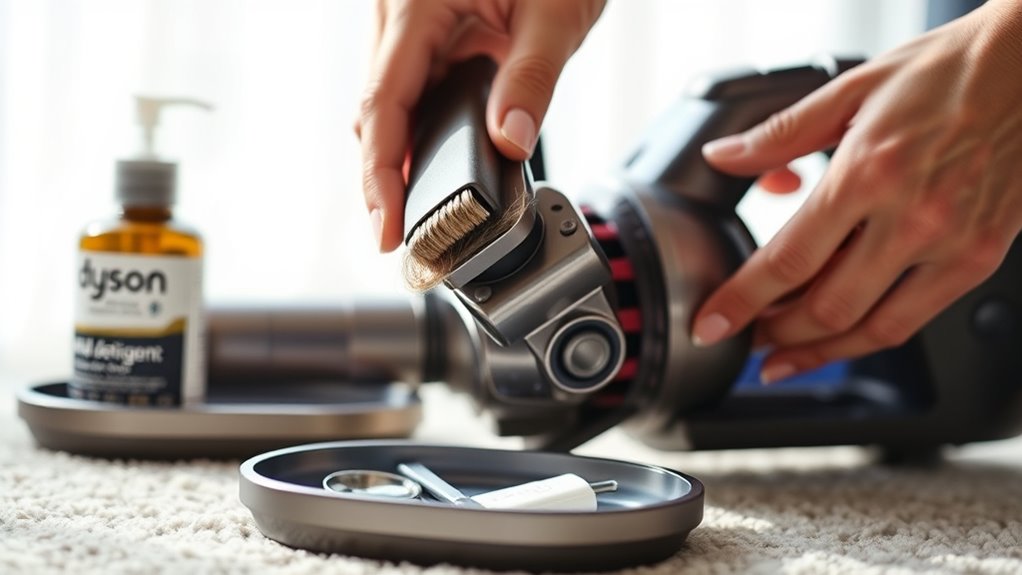
How to Clean Dyson Vacuum Head in 5 Simple Steps
To clean your Dyson vacuum head in five simple steps, start by emptying and wiping the bin once the dust reaches the max line. This helps keep your vacuum working efficiently and prevents clogs.
Next, clear out dust and debris from tight spaces inside the head using a wire or brush.
Then, remove and wash the filter monthly to keep it fresh and maintain strong suction power. Don’t forget to take hair off the brush bar and rinse it thoroughly.
Finally, make sure all parts are completely dry before putting everything back together.
Following these easy steps will keep your Dyson vacuum head in top shape. Keep reading for more detailed tips that will help your vacuum run smoothly and last longer!
Key Takeaways
– Remove the vacuum head and use a bent wire or coat hanger to dislodge dust in tight spaces.
This little trick helps get into those tricky spots where dust loves to hide. It makes the cleaning way easier!
– Scrape dust buildup carefully around the plastic shelf and crevices to prevent airflow blockages.
Be gentle here to avoid damaging any parts. Keeping the airflow clear is super important for your vacuum’s performance.
– Remove all loose debris and hair from the brush bar using scissors or fingers.
This part can be a bit tedious, but it’s worth it. Getting rid of hair and debris keeps the brush spinning smoothly.
– Rinse the brush bar under cold water, then dry upright for at least 24 hours before reassembling.
Make sure it’s completely dry to avoid any damage or mold. Patience really pays off here!
– Wipe the vacuum head exterior with a dry, lint-free cloth and ensure all parts are dry before reassembly.
A quick wipe down finishes off the cleaning. Once everything’s dry, you’re good to go!
Empty and Clean the Dyson Vacuum Bin at the MAX Line
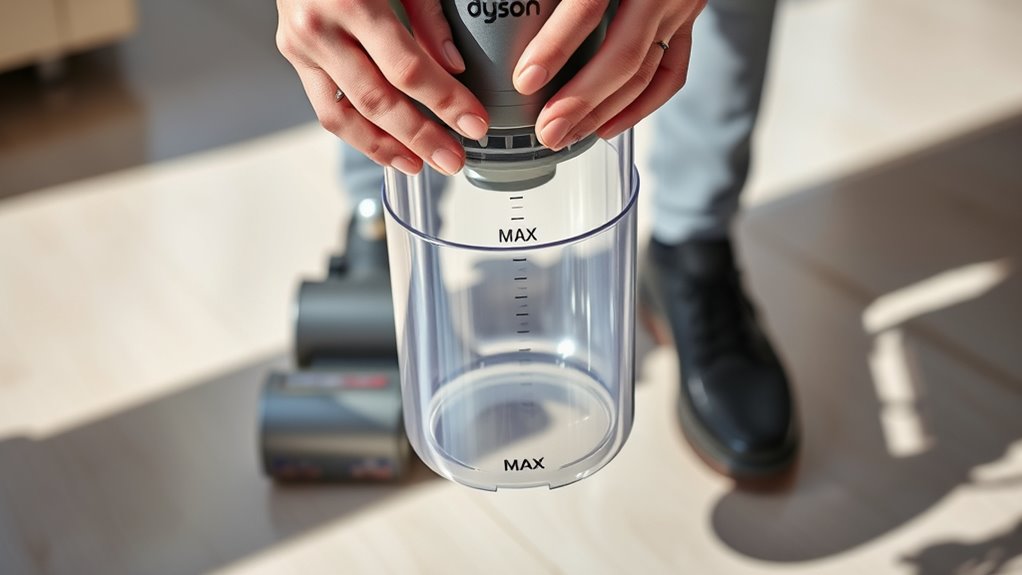
When the dust in your Dyson vacuum bin reaches the MAX line, it’s time to empty and clean it to keep your vacuum working efficiently. Thanks to its transparent design, you can easily spot when the bin is full.
Empty your Dyson bin when dust hits the MAX line to maintain optimal vacuum performance.
To empty it, press the red button to release and slide the bin off the vacuum. Hold the bin downward, then push the release lever to open the base and let debris fall into the trash.
After emptying, use a damp, lint-free cloth to clean the interior, removing any dust buildup that might reduce suction. Avoid putting the bin in a dishwasher, submerging it in water, or using detergents, polishes, or air fresheners. These can damage the bin.
Regularly emptying and cleaning the bin prevents overfilling, ensuring your Dyson maintains ideal suction power and overall performance. Following these simple steps keeps your vacuum in top shape for every cleaning session.
Clear Dust and Debris From Inside the Vacuum Head
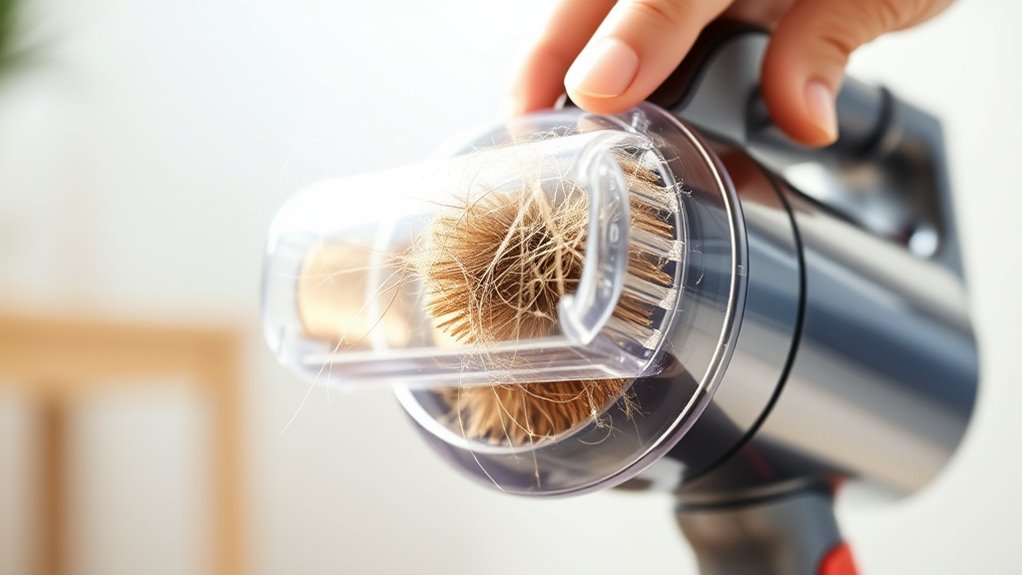
After emptying and cleaning the bin, the next step is to clear dust and debris from inside the vacuum head. This helps maintain strong suction and prevents airflow blockages.
To tackle tight spaces, grab a wire or metal coat hanger and bend it into an L-shape. Use it to carefully dislodge compacted dust around the plastic shelf at the back of the motor head and other crevices. Remember to be gentle to avoid scratching surfaces or damaging parts.
Here’s how to clear dust and debris inside your Dyson vacuum head effectively:
- Use the L-shaped wire to reach confined areas.
- Gently scrape away dust buildup without forcing it.
- Focus on the plastic shelf and surrounding crevices.
- Remove all loose dust and debris for smooth operation.
- Check regularly to prevent suction loss and maintain performance.
Remove and Wash the Dyson Vacuum Filter Monthly
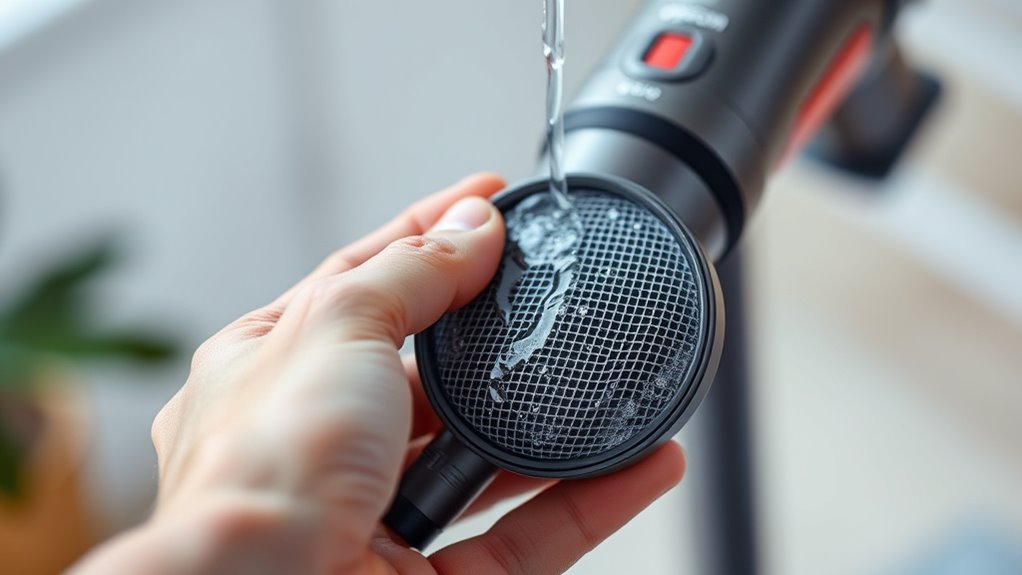
How often should you clean your Dyson vacuum filter? You should remove and wash the filters monthly to keep your vacuum running efficiently.
Start by taking out the filters according to your model’s instructions—usually by twisting or pressing release buttons. Next, tap the filters lightly to dislodge any loose dust and debris before rinsing them.
Rinse your filters under warm water until the water runs clear, gently squeezing out any excess water. Avoid using detergents or scrubbing, as this can damage the filters.
After rinsing, let your filters air dry completely in a warm, well-ventilated area for at least 24 hours. Don’t rush this step; reinserting damp filters can cause damage.
Once dry, securely refit the filters back into your vacuum. Cleaning your filters regularly guarantees your Dyson maintains efficient suction and filtration, keeping your home cleaner and your vacuum performing at its best.
Remove Hair and Debris From the Dyson Vacuum Brush Bar
Keeping your Dyson vacuum filter clean helps maintain strong suction, but the brush bar also needs attention to perform at its best.
To keep your vacuum running efficiently, you’ll want to regularly remove hair and debris from the brush bar. This prevents blockages and guarantees smooth operation.
Here’s how to clean the brush bar effectively:
- Push up the end cap to remove the brush bar, especially for soft roller cleaner heads.
- Use scissors or your fingers to carefully remove hair, fibers, and other debris wrapped around the brush bar.
- Rinse the brush bar under cold water to wash away dirt.
- Gently squeeze out excess water without damaging the brush bar.
- Let the brush bar dry completely in an upright position for at least 24 hours before reassembling.
Dry All Dyson Vacuum Parts Completely and Reassemble
Although cleaning the individual parts is essential, you need to make sure every component is completely dry before reassembling your Dyson vacuum. Use a dry, lint-free cloth to wipe off any remaining moisture from external surfaces.
Leave washed parts like filters and brush bars to dry in a well-ventilated area for at least 24 hours. Confirm every part is dry to prevent mold and motor damage.
Once dry, carefully reassemble your vacuum, ensuring all components fit securely and align properly.
| Feeling | Reason |
|---|---|
| Relief | Knowing your vacuum is safe |
| Confidence | Parts are properly dry |
| Satisfaction | Vacuum works like new |
| Caution | Avoiding mold and damage |
| Accomplishment | You completed the process |
Taking these steps guarantees your Dyson performs efficiently and lasts longer. Don’t rush the drying process—patience pays off when you reassemble.
Frequently Asked Questions
How to Take Apart a Dyson Vacuum Head to Clean It?
You take apart a Dyson vacuum head by pushing up the end cap, then carefully sliding out the brush bar.
Remove any debris or hair, clean the inside with a dry cloth, and reassemble it afterward.
It’s pretty straightforward once you get the hang of it! Just take your time to avoid damaging any parts.
How to Clean Dyson Gen 5 Roller Head?
You push the end cap up to remove the soft roller brush. Then, wash it under cold water.
After that, squeeze out the excess water and let it dry upright for 24 hours.
Once it’s completely dry, reassemble the roller head, making sure it clicks securely back in place. Easy, right?
How Do You Wash the Cleaner Head on a Dyson?
You don’t need a time machine—just detach the cleaner head, remove the brush bar, and rinse it under cold water.
Avoid washing the soft roller; let the brush bar dry fully before reassembling to keep your Dyson happy.
Can I Take My Dyson Vacuum Apart to Clean It?
Yes, you can take your Dyson apart to clean specific parts like the brush bar and filters. Just make sure to unplug it first before you start.
Follow the instructions carefully and use the proper tools. Also, be sure everything’s completely dry before you put it back together. That way, it keeps working well!
Conclusion
By keeping your Dyson vacuum head clean, you’ll guarantee it runs like a well-oiled machine. Don’t let dust and debris pile up—empty the bin regularly and clear out the vacuum head.
Make sure to wash the filter monthly and tackle hair on the brush bar. These simple habits really make a difference.
Remember, a stitch in time saves nine, so staying on top of maintenance now will save you headaches later.
Take these simple steps, and your Dyson vacuum will keep your home spotless and running efficiently. Regular cleaning of your vacuum head not only improves suction power but also extends the life of your machine. So, invest a little time in maintenance, and you’ll enjoy a cleaner home with less effort. Keeping your Dyson vacuum head clean is truly a small task that delivers big results!


6 Comments