Why Is My Dyson Vacuum Not Working?
If your Dyson vacuum won’t turn on, the first thing to do is to make sure it’s fully charged or plugged in. Also, check that the power switch is actually turned on. Sometimes it’s the simple stuff that trips us up!
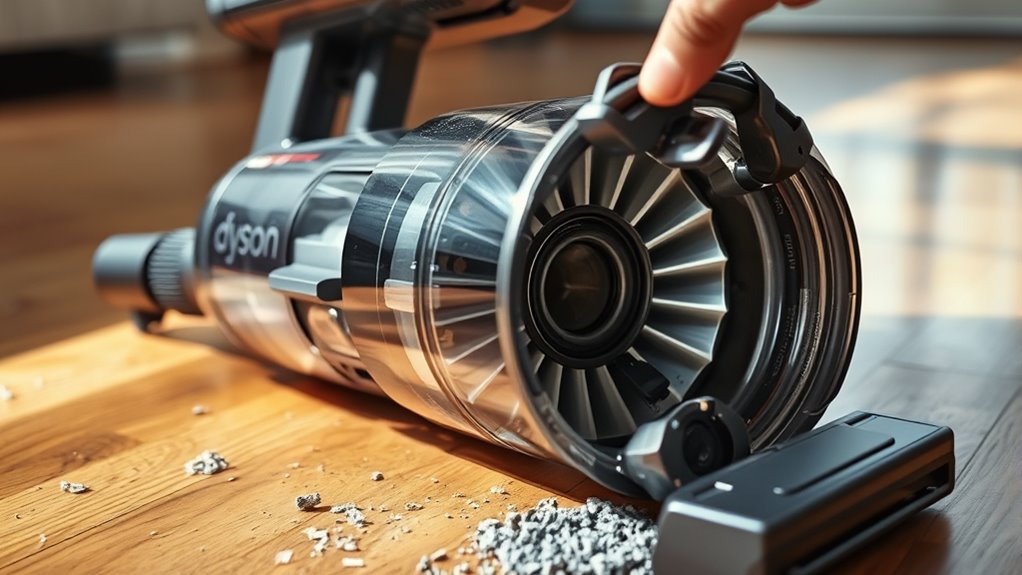
Next, take a look for any blockages in the hoses, filters, or cyclone. These can stop your vacuum from starting properly.
While you’re at it, inspect the battery or power cord for any visible damage.
If the vacuum feels hot, give it some time to cool down before trying again.
These easy steps often bring your Dyson back to life. But if it’s still not working, there are other troubleshooting tips for power issues and safety features you can explore to get it running again.
Key Takeaways
- Ensure the vacuum is fully charged or plugged into a working outlet with the power switch turned on.
- Check for blockages in hoses, filters, and the cyclone. These can block airflow and stop the vacuum from starting up.
- Inspect the battery or power cord for any damage. Also, make sure they are properly connected and charged.
- If the vacuum feels overheated, let it cool down for at least an hour. After that, reset any thermal cut-out if your model has one.
- Double-check the power switch and fuse to see if they’re working right. Replace any damaged parts if needed.
Why Won’t My Dyson Vacuum Turn On?
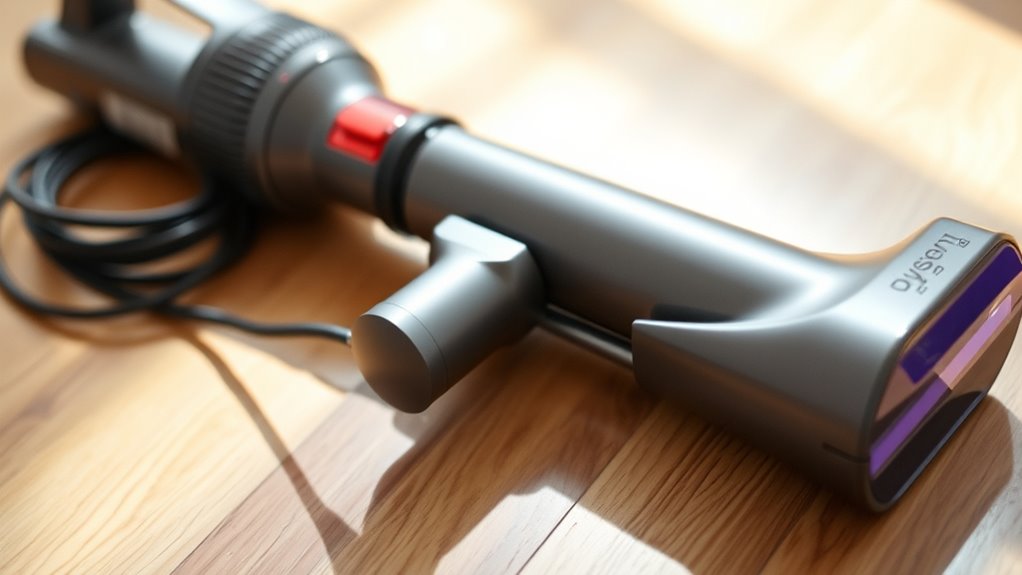
If your Dyson vacuum won’t turn on, start by making sure it’s fully charged or plugged into a working outlet with the power switched on. Sometimes, your vacuum cleaner has simply stopped working because it’s not getting power.
Next, check for blockages or debris in the airflow pathways like the hose, cyclone, or filters. These can prevent the vacuum from starting up.
Check hoses, cyclone, and filters for blockages that can stop your Dyson vacuum from turning on.
If you have a cordless model, inspect the battery connection and condition to confirm it’s properly installed and charged. Also, look for any visible damage to the power cord, plug, or internal wiring that could interrupt the power flow.
If the vacuum overheated, it might have triggered a thermal cut-out, so let it cool down before trying again. By following these steps, you’ll often find the cause behind why your Dyson vacuum cleaner stopped working.
How to Fix Power and Battery Issues in Your Dyson Vacuum
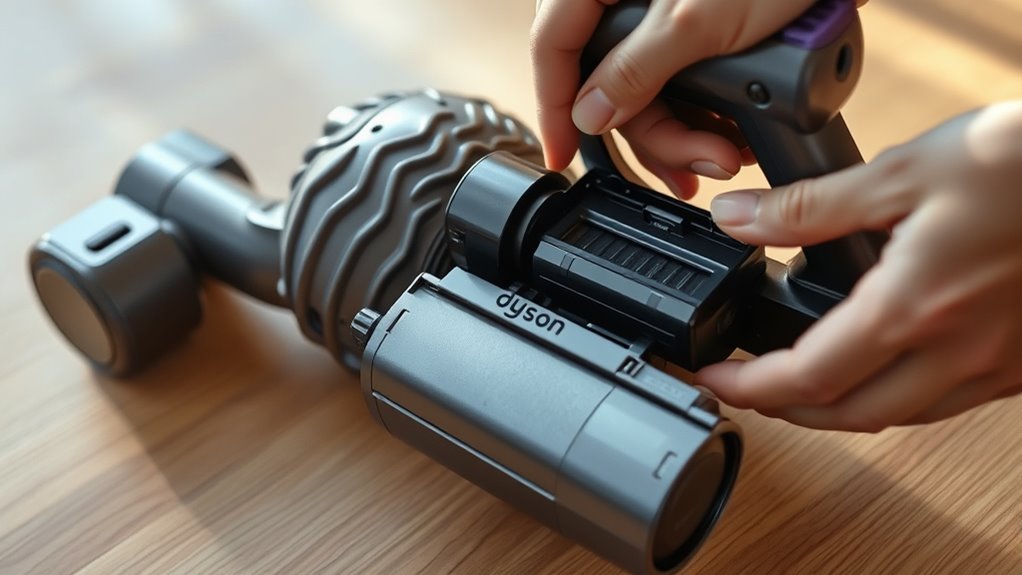
Because a depleted or loose battery can stop your Dyson vacuum from powering on, start by guaranteeing the battery is fully charged and securely connected.
Also, check for airflow blockages in the wand, hose, or cyclone, especially in cordless vacuum cleaners. Restricted airflow can trigger safety cutouts that shut down power.
If the vacuum has overheated, let it cool for at least an hour to reset the thermal cut-out. While you’re at it, inspect the power switch and fuse for damage, and replace them if needed.
If the battery is cracked, damaged, or won’t hold a charge, it’s time to replace it. Wondering if there’s anything else? This table can help you troubleshoot power and battery issues:
| Issue | Solution |
|---|---|
| Battery not charging | Guarantee secure connection & charge |
| Airflow blockage | Clear wand, hose, cyclone |
| Overheating | Let vacuum cool for 1 hour |
| Power switch/fuse damage | Repair or replace components |
Following these steps should get your Dyson vacuum back to work.
Frequently Asked Questions
Why Did My Dyson Suddenly Stop Working?
Your Dyson suddenly stopped working because it likely overheated, has a blocked airflow, or an internal fault triggered a safety shutdown.
Check for clogs, clean filters, inspect the power source, and remove any lodged objects to fix it.
Give these a quick look, and you might get it up and running again in no time!
How Do You Reset a Dyson Vacuum?
To reset your Dyson vacuum, turn it off, unplug it, and let it cool for at least an hour. Then, check for blockages or dirty filters.
After cleaning, plug it back in and turn it on. Easy, right? Just give it a little break and a quick once-over before starting up again.
What Is the Common Problem With Dyson Vacuums?
Think of your Dyson as a river; the common problem is blockages—like clogged filters or full dust bins—that stop its flow.
You’ll want to clear these to keep it running smoothly and avoid overheating or shutdowns.
It’s pretty straightforward once you get the hang of it. Just a quick cleanup can make a big difference!
Why Is My Dyson Vacuum Not Working When I Press the Trigger?
Your Dyson vacuum won’t work when you press the trigger if the battery’s dead, the trigger switch is stuck, there’s a blockage, or internal wiring is damaged.
Check these and clean or replace parts as needed. It’s usually something simple, so don’t worry just yet!
Conclusion
If your Dyson vacuum won’t turn on, it’s often a simple fix like a loose battery or a clogged filter—ironic how such small hiccups can stop a powerful machine. You might find that just resetting or cleaning it gets things running again.
So, before you call for repairs, try these quick checks. Sometimes, the solution is right under your nose, waiting for you to notice it.
Remember, common Dyson vacuum problems like power issues or blockages can often be solved without professional help. Checking the battery connection, emptying the bin, and cleaning filters are easy steps that might get your vacuum working smoothly again. Don’t overlook these simple fixes when wondering, “Why is my Dyson vacuum not working?” Taking a few minutes to troubleshoot can save you time and money while keeping your Dyson running efficiently.